
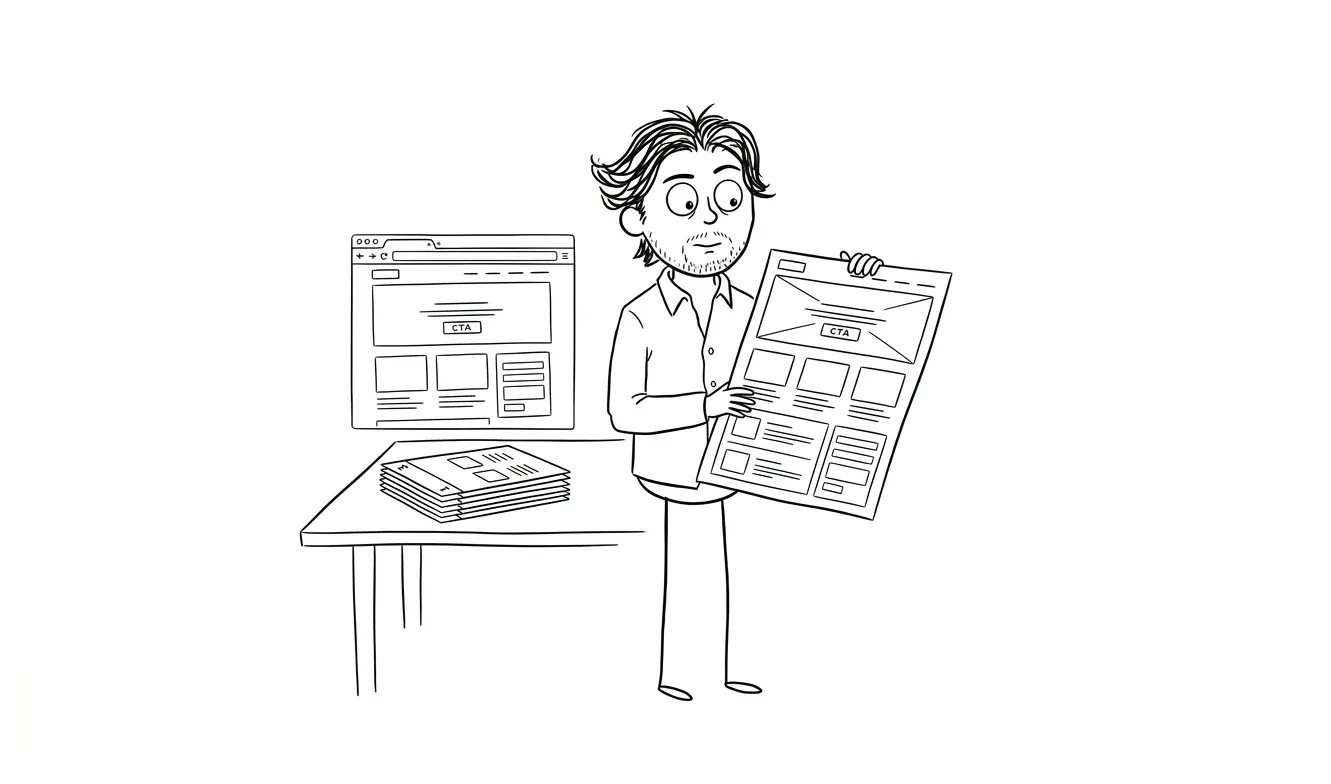
Landing Page Wireframe Checklist for Founders
A practical landing page wireframe checklist covering audience, CTAs, copy, proof, and tech decisions before design starts. Get briefing right first.
A landing page wireframe checklist keeps you from handing a designer a blank brief and hoping for the best. Before any design or build work starts, you need seven things locked in: a clear value proposition, a defined audience, a single primary CTA, the key proof points, a content hierarchy, any technical constraints, and honest answers about what the page is actually for. Get those right on paper first, and the design phase becomes execution instead of discovery.
Why wireframing before design actually matters
Most founders skip wireframing. They either jump straight to a tool like Figma or Framer, or they hand a designer a rough brief and let them figure it out. Both approaches burn time and money.
Wireframing isn’t about drawing boxes. It’s about making decisions. Every section of a landing page answers a question a visitor is silently asking. If you don’t answer those questions in the right order, you lose them. A wireframe is where you figure out that order before anyone touches a color palette.
The single most expensive mistake in landing page projects is discovering you disagree about the message after design is done.
This checklist exists to prevent that. Work through it before you brief a designer or write a single line of code. It works whether you’re building something from scratch or rethinking an existing page.
Part 1: Audience and intent
Who is this page for?
Write one sentence. Not a paragraph, not a persona document. One sentence that describes the specific person you’re trying to convert.
“This page is for early-stage SaaS founders who are spending too much on their first hire and don’t know where to start.”
That specificity changes everything: the headline, the social proof you lead with, the objections you need to address, even the vocabulary you use.
If you can’t write that sentence, stop here. No wireframe will save a page that doesn’t know who it’s for.
What does a visitor need to believe to convert?
List three to five beliefs a visitor needs to hold before they’ll take action. Things like:
- This solution actually works for someone like me
- The price is reasonable for the value
- I can trust this company enough to give them my email (or credit card)
- The process is simple enough to start today
These beliefs become your page sections. Each one needs to be addressed somewhere in the copy and layout.
What does “convert” mean on this page?
One action only. Not “sign up or book a call or download the guide.” One. The entire page structure flows from this decision.
Common options: free trial signup, waitlist email capture, demo request, direct purchase, consultation booking. Pick one and make every section of the wireframe serve that goal.
Part 2: The landing page wireframe checklist, section by section
Work through this in order. Each item is a decision you need to make before design starts.
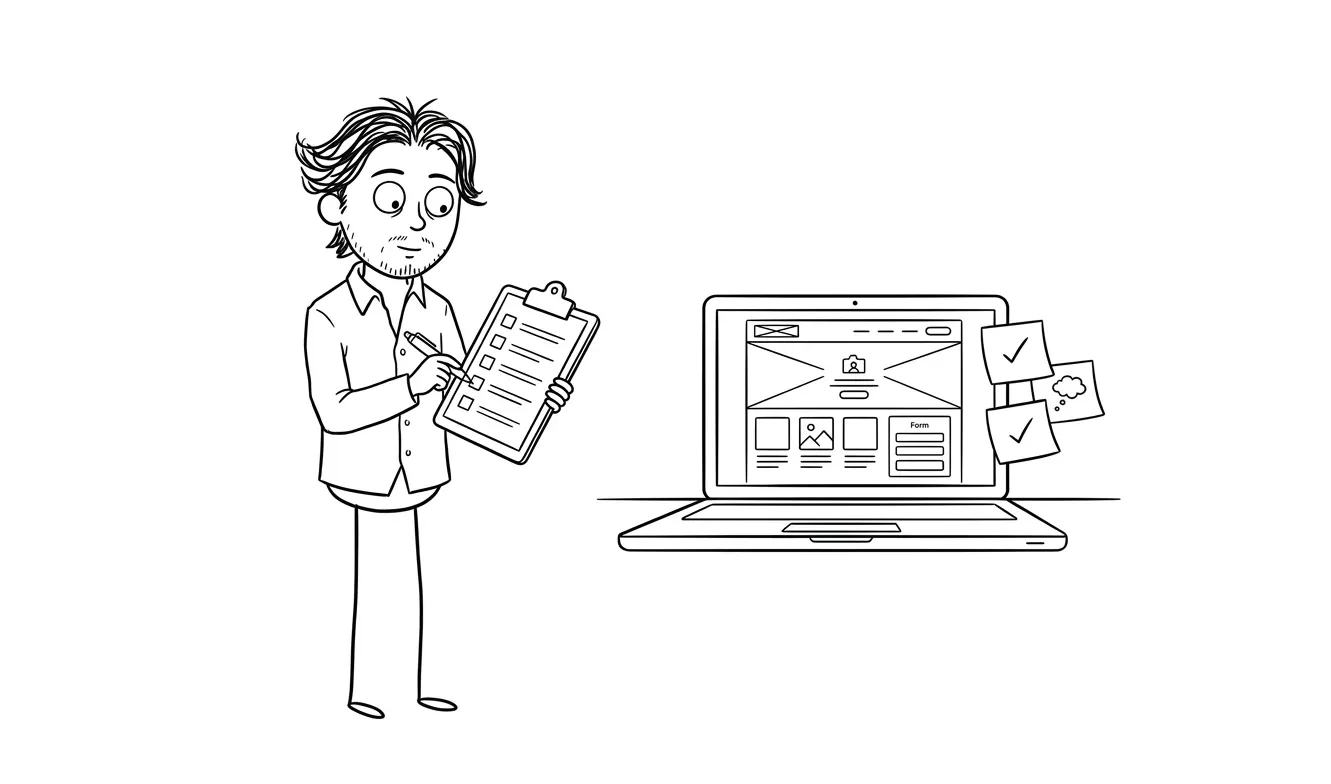
Above the fold
- Headline that states the value, not the feature. What does the visitor get, not what does your product do. Draft three versions before you pick one.
- Subheadline that handles the obvious follow-up question. If your headline says “Stop losing leads,” the sub answers “Here’s how.”
- Primary CTA, copy decided. The button text matters. “Start free trial,” “Book a call,” “Get early access,” all read differently. Know what yours says before wireframing.
- Hero visual decided (or decided to omit). Screenshot, illustration, photo, video, or nothing. Unresolved hero visuals are one of the most common reasons projects stall mid-design.
- Navigation decision. Full nav, minimal nav, or no nav? Pages optimized for conversion usually strip the nav. Know your choice.
Social proof placement
- Do you have proof ready? Logos, testimonials, review counts, case study snippets. Be honest about what exists today, not what you plan to gather.
- Placement decision. Proof just below the fold is common and effective. Some pages lead with proof (especially if the brand is unknown). Decide where it lives.
- Format decision. Logo bar, quote with photo, star rating, numbers (“10,000 teams use this”). Different proof formats work for different audiences and claims.
The problem/solution section
- Problem stated in the visitor’s language. Not your internal terminology. The exact words your target customer uses when they describe the problem.
- Transition to your solution. A single sentence that bridges the problem to what you offer.
- Solution explained at the right level. Feature-level for technical buyers, outcome-level for everyone else. Know which one this page needs.
Features and benefits
- Three to five core benefits identified. Not a feature dump. Benefits that directly map to the beliefs you listed in Part 1.
- Each benefit has a headline and one to two supporting sentences. That’s the wireframe unit. Visuals can be added in design.
- Priority order decided. Lead with the benefit that resonates most with your defined audience. Don’t bury your strongest point in position four.
Objection handling
- Top three objections identified. Price, complexity, trust, timing, or something specific to your category. These objections will kill conversions if you don’t address them.
- Where each objection is handled on the page. Not all in one section. Price objections often go near the CTA. Trust objections go near sign-up. Complexity objections go in the feature section.
- FAQ decision. Do you need an FAQ section? If your product requires explanation or has pricing complexity, almost always yes.
The primary CTA section
- Repeat the CTA before the footer. Every page should have at least two CTA moments: above the fold and before the footer. High-converting pages often have more.
- CTA context copy decided. What goes above the button in that final section? A short reassurance, a benefit restatement, or a risk-reducer (“No credit card required”) all work differently.
- Risk reducers identified. Money-back guarantee, free tier, no-contract, privacy statement. What removes the last bit of hesitation?
Footer and supporting pages
- Footer content decided. Privacy policy, terms, contact link, logo. Know what’s required for trust and compliance.
- Links out decision. Does this page link to your main site, or is it standalone? Standalone pages usually convert better, but sometimes visitors need to explore first.
Part 3: Content and copy decisions before wireframing
Do you have copy, or are you writing it during design?
This is the most common project killer. Design and copy need to happen in parallel, or copy needs to come first. If a designer is waiting for final copy, the project stalls. If copy gets written to fit the design, it usually ends up worse.
Before you start wireframing, know which of these you’re doing:
- Copy first, then wireframe and design around it
- Wireframe with placeholder copy that’s close enough to guide layout, finalize copy during design
- Hire a copywriter before briefing the designer
Option three is the most expensive but often the fastest overall. Option one is the most reliable. Option two is how most founders actually do it, and it works if you’re disciplined about keeping placeholder copy realistic.
For more on what separates a high-converting page from a generic one, what makes a landing page convert breaks this down well.
Does the page pass the five-second test?
Before anything goes to design, test your proposed headline and structure by asking: if someone landed on this page and left after five seconds, what would they take away?
If the answer is “nothing clear,” revise the hierarchy. That’s a wireframe problem, not a design problem. The Nielsen Norman Group’s research on first impressions consistently shows that users form judgments about a page within seconds, which is exactly why getting the above-the-fold section right in the wireframe matters more than any other decision you’ll make.
Content inventory
- Real testimonials collected (or dates committed for collection)
- Company/product screenshots or visuals ready
- Logos approved for use
- Headline options drafted (minimum three)
- Subheadline drafted
- CTA copy decided
- Benefit copy drafted or outlined
- Pricing decided (to include or not include, and at what level of detail)
Part 4: Technical and platform decisions
These seem like developer details, but they affect wireframe decisions directly.
- Platform decided. Webflow, Framer, custom code, WordPress, Carrd. The platform affects what’s easy to build and what’s custom work. See a breakdown of landing page tools if you haven’t decided yet.
- Form tool decided. Native platform forms, Typeform, HubSpot, or something custom. This affects how the CTA section is structured.
- Analytics and tracking requirements. GA4, Hotjar, conversion pixels, A/B testing tools. Know these before build starts so they’re wired in from day one, not retrofitted.
- Mobile priority. Is the primary audience on mobile or desktop? This changes how you prioritize content in the wireframe. On mobile, every extra section is a scroll.
- Performance requirements. If you’re running paid ads, page load speed directly affects your Quality Score. If performance matters, that constrains platform and visual choices. Google’s guidance on Core Web Vitals is worth reviewing if you’re unsure what “fast enough” means for your setup.
Using the landing page wireframe checklist to brief a designer
Work through the checklist in a document or a Notion page, not mentally. Unresolved decisions have a way of hiding until they surface as expensive changes mid-project.
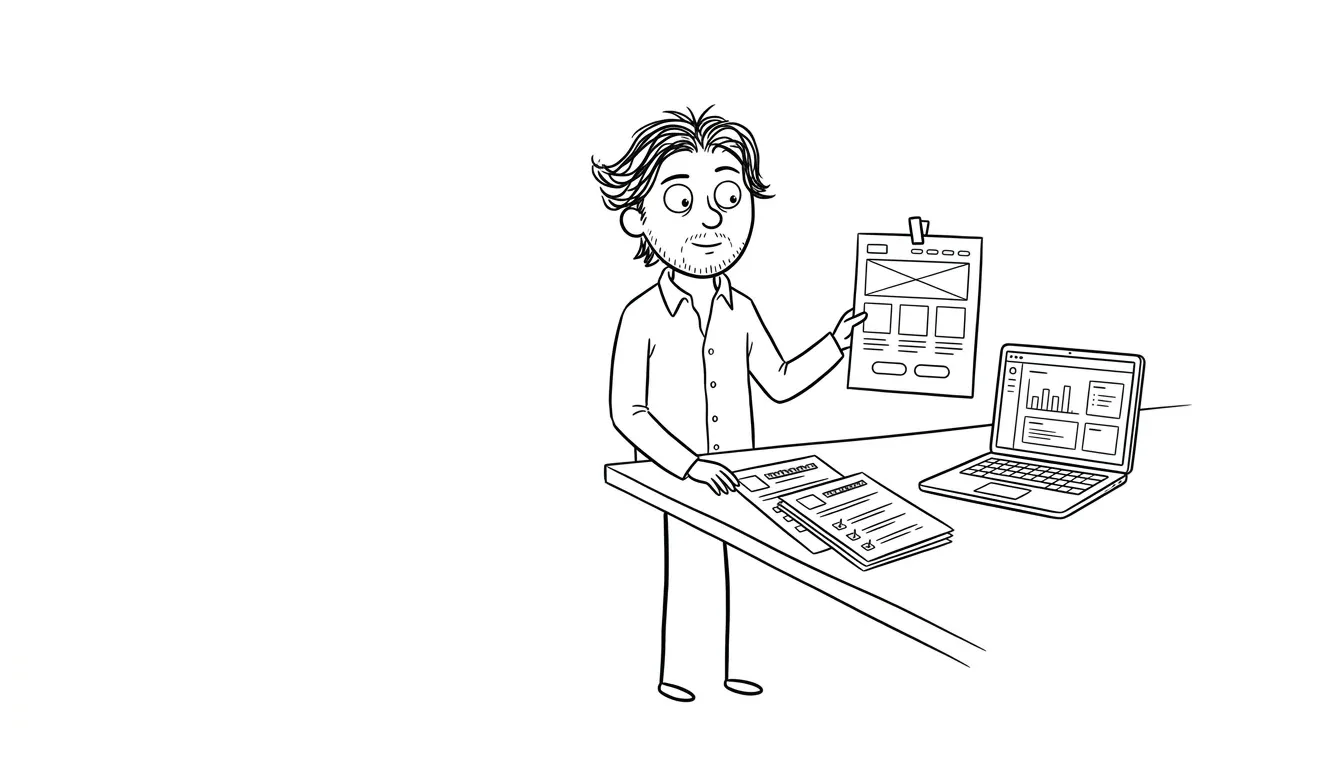
When you’re done, you should have:
- A written value proposition sentence
- A defined conversion goal
- A section list with copy outlines for each
- Visual assets identified (or acknowledged as missing)
- Platform and tech decisions made
That’s not a wireframe yet. That’s a brief that makes a wireframe possible. A designer or developer can take that document and build a proper wireframe in hours instead of days.
Doing this work upfront typically cuts revision rounds significantly. Misalignment about message is the number one driver of scope creep in landing page projects.
If you work through this and realize there are bigger questions you can’t answer yet, like whether the value proposition is right, who the audience really is, or what proof points actually matter, that’s a signal you need a focused review before build starts. Dee Agency’s Audit + Spec service is $500 and looks at exactly these decisions through one clear lens, whether that’s conversion, messaging, or structure. It’s credited in full toward follow-on work if you book a build within 30 days.
Common mistakes this checklist prevents
Two CTAs fighting each other. “Book a demo” and “Start free trial” on the same page split attention and hurt conversions. This checklist forces you to pick one.
Features listed before benefits. A wireframe built around your feature list almost always leads with what the product does instead of what the visitor gets. Reversing that order is a structural decision, not a copywriting tweak.
Social proof added as an afterthought. If you don’t plan proof placement in the wireframe, it ends up stuck at the bottom where nobody sees it.
Vague hero sections. “The future of X” headlines make wireframe design look clean but kill conversion. Catching this before design saves a round of revisions.
No mobile decision. A wireframe built for desktop often collapses into something unusable on mobile. Knowing your primary device context shapes every section length and CTA placement decision.
For a deeper look at how to decide what’s actually worth fixing on a page, do you need a focused audit before a redesign covers exactly that question.
If you want to skip the trial and error, Dee Agency’s landing page design and build service is a $3,000 engagement that starts from a proper brief and works through all of this before any design happens. The output is a page that’s structured to convert, built to your platform, and ready for traffic.
Tell me what you’re building and we can figure out where to start.
Frequently asked questions
Do I need to wireframe a landing page before hiring a designer?
You don’t need a polished wireframe, but you do need the content decisions made. A designer working without a clear value proposition, defined CTA, and section structure will either make those decisions for you or stall. A working brief, even in a Google Doc, is more valuable than a rough Figma wireframe with vague copy.
How long should a landing page wireframe checklist take to complete?
For a founder who knows their product and audience, working through the decisions in this checklist takes two to four hours. If it’s taking longer, you probably have unresolved strategy questions that need answering first, not more wireframing.
What’s the most important section to get right in a wireframe?
The above-the-fold section: headline, subheadline, and CTA. If those three elements don’t clearly communicate what you do, who it’s for, and what to do next, nothing below the fold can rescue the page. Start there.
Should copy come before or after the wireframe?
Ideally, the core copy, especially the headline, subheadline, and primary benefit statements, comes before or alongside the wireframe. Copy-first tends to produce better-structured pages because the layout follows the message instead of the other way around.
How is a wireframe different from a mockup or prototype?
A wireframe is a structural sketch focused on layout, section order, and content decisions. A mockup adds visual design: colors, fonts, imagery. A prototype adds interaction. For landing pages, a clear wireframe plus good copy is enough to brief a designer. You don’t need a prototype.
What should I check before handing a wireframe to a developer?
Make sure copy is final or close to final, visual assets are ready or sourced, the platform is decided, the form tool and tracking requirements are documented, and the single conversion goal is agreed on. Missing any of these is the most common reason builds go over timeline.
Ready to build? Dee Agency offers a flat-fee landing page design and build service that covers strategy, design, and development in one engagement. Tell me about your project.

Got a project worth shipping? Send the brief.
Quote and kickoff date back in a day, usually faster. If it's not a good fit I'll say so.