

MVP Error State Checklist Before Launch
Use this MVP error state checklist to test validation, access, failed requests, recovery paths, and monitoring before your first release with confidence.
An MVP error state checklist defines what users see, what the product preserves, and how the team responds when a core action fails. Before launch, test invalid input, expired access, interrupted requests, empty results, third-party failures, and recovery paths. The goal is not enterprise-grade resilience. It is a first release that fails clearly, protects user work, and gives the team enough evidence to fix problems.
Error handling belongs in the product scope, not in a cleanup list after the happy path is built. Add each important failure to your MVP acceptance criteria so it has an observable pass-or-fail result.
What counts as an MVP error state?
An error state is any interface or system condition where the expected action cannot finish as intended. Some failures come from user input, such as a missing required field. Others come from authentication, permissions, networks, integrations, or the product’s own logic.
A useful MVP error state answers four questions:
- What happened? Explain the problem in plain language.
- What happened to the user’s work? Say whether input was saved, rejected, or needs to be entered again.
- What can the user do next? Offer a retry, correction, safe exit, or support route.
- What can the team inspect? Record enough context to diagnose the failure without exposing sensitive details.
A generic “Something went wrong” message only answers part of the first question. A raw server error answers the wrong audience. Good handling gives users a practical next step while keeping technical details in logs.
Start with the core workflow, not every possible failure
Map the smallest route from a new user’s entry point to the product’s main outcome. That route might be:
- Create an account
- Provide required information
- Start the core action
- Receive a result
- Save, share, or pay for it
At each step, list the failures that would block the product test or damage trust. Prioritize those before rare edge cases in secondary settings screens.
Use three launch priorities:
- Must handle: failure blocks the core workflow, risks data exposure, charges incorrectly, or destroys user work
- Must detect: a manual recovery is acceptable, but the team needs an alert or log
- Can defer: low-impact failure in a nonessential workflow with a safe fallback
This keeps the checklist aligned with focused MVP scope. An MVP does not need a custom screen for every status code. It does need deliberate behavior for failures that make the main product test unreliable.
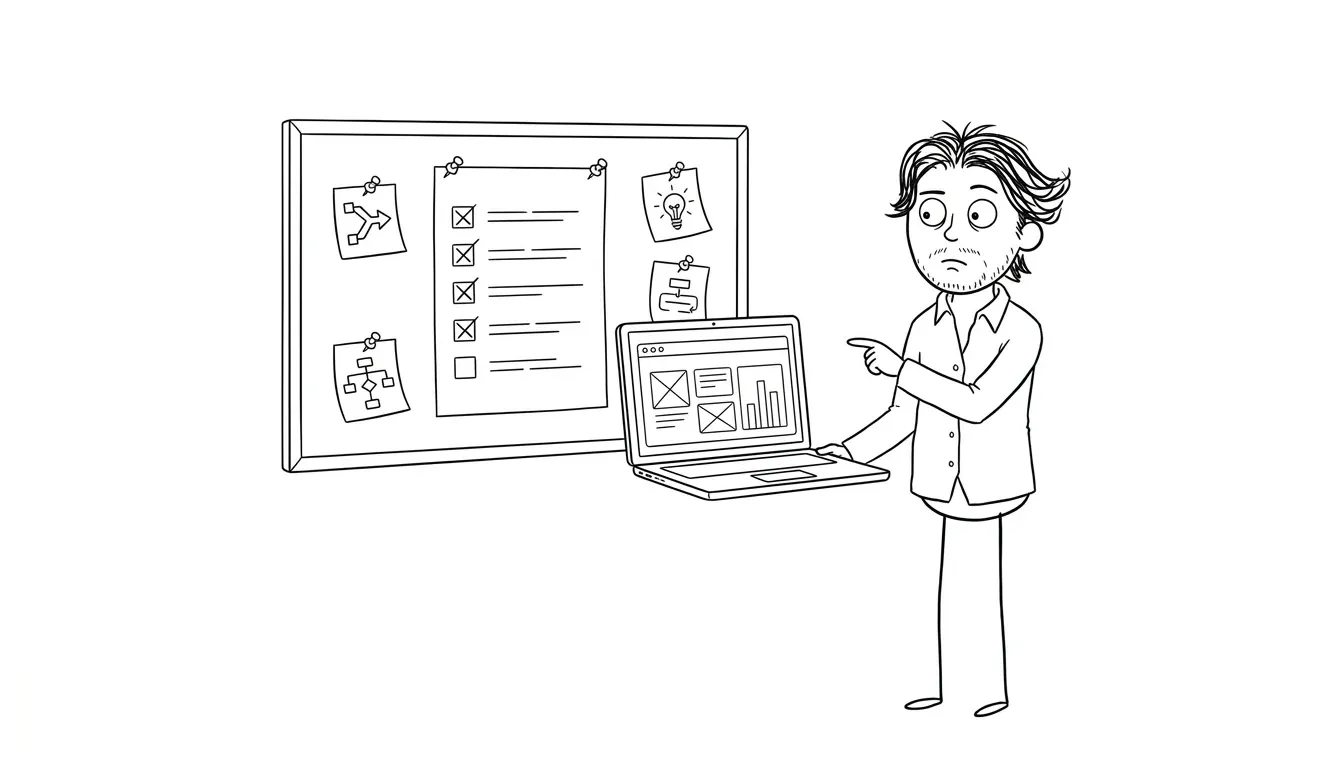
MVP error state checklist: 10 areas to test
1. Required and invalid input
Test every required field with no value, an invalid value, and a value at its documented boundary. Check forms, uploads, dates, URLs, quantities, and structured data.
For each invalid input, verify that:
- The message appears next to the relevant field
- The message explains how to correct the input
- Other valid fields retain their values
- Focus moves to or clearly identifies the first problem
- The submit action cannot create duplicate or partial records
Browser validation can help, but it does not replace server-side validation. The MDN constraint validation guide explains the distinction and the native controls available for web forms.
2. Authentication and expired sessions
Test the core workflow while logged out, after a session expires, and after credentials or account access change.
The product should redirect users to a safe sign-in path without revealing protected content. If possible, preserve non-sensitive draft work and return the user to the intended step after authentication. If preserving the work is unsafe or impractical, explain that before the user signs in again.
Also verify password reset, verification links, and invitation links in expired, reused, and invalid states. Each should end at a useful screen rather than a blank page or an unexplained server response.
3. Roles and permissions
Use at least two accounts with different roles. Try direct URLs, shared links, browser back navigation, and actions hidden by the interface.
A hidden button is not access control. The server must reject unauthorized actions. The interface should then provide a neutral explanation such as “You do not have access to this workspace” and a route back to content the user can access.
Do not disclose whether a protected record exists when that information is itself sensitive. The OWASP Error Handling Cheat Sheet recommends generic user-facing responses while keeping diagnostic detail in protected logs.
4. Interrupted and failed requests
Simulate an offline device, a slow connection, a timeout, and a server response that fails. Pay special attention to actions that create records, send messages, start jobs, or charge money.
Verify that:
- A loading state cannot continue forever
- The user can safely retry when retrying is appropriate
- Repeated clicks do not create duplicate actions
- The interface distinguishes a pending action from a confirmed one
- Draft input survives a recoverable interruption
Avoid optimistic success messages before the server confirms the action. “Request received” and “Payment complete” are different states and should not be treated as interchangeable.
5. Empty, partial, and unavailable results
A technically successful request can still return nothing useful. Test a new account with no records, a search with no matches, a dashboard before data arrives, and a result missing optional fields.
An empty state should explain what the user is looking at and offer the next useful action. It should not look like a broken page. Partial data should degrade predictably: omit an unavailable optional section, label pending information, or explain which input is needed.
Do not invent placeholder proof, fake activity, or example customer data to make the product look populated. Use clearly labeled sample content only when it genuinely helps users understand the workflow.
6. Third-party service failures
List every external dependency in the core flow: authentication, payments, email, storage, AI providers, analytics, maps, or other APIs. Then define what happens when each dependency is unavailable, slow, or returns an unexpected response.
The MVP may use a simple fallback:
- Queue the work for a later retry
- Save the user’s input and show a pending state
- Disable the action temporarily with a clear explanation
- Route the case to manual review
- Offer a different way to complete the task
Do not promise that an action completed when only the request to a vendor was accepted. Store provider references or internal request IDs where they help reconcile the result later.
7. Duplicate submissions and retries
Double-click the primary action, refresh during submission, use the browser back button, and retry after an ambiguous timeout. These tests reveal duplicate records, repeated emails, or multiple charges.
For high-impact actions, use an idempotency key or another server-side duplicate guard. The interface should disable or debounce repeated actions where appropriate, but client-side controls alone are not enough.
Define what users see when the original action succeeded but its confirmation failed. A safe status screen or lookup can be better than telling them to submit again.
8. Destructive actions and lost work
Test delete, disconnect, cancel, overwrite, and reset actions. Confirm that the product identifies what will be affected before the action runs.
Use confirmation when the consequence is difficult to reverse. Prefer undo or recovery where it is practical. If an action is permanent, say so plainly and verify the user’s authority on the server.
Also test navigation away from unfinished work. Autosave, a draft state, or a warning can be enough. Pick one behavior and make it consistent rather than surprising users differently across screens.
9. User-facing messages and support context
Review error copy as product copy. Each message should be specific enough to guide action without blaming the user or exposing implementation details.
Prefer:
The file could not be processed. Upload a CSV under the stated size limit, or try again later.
Avoid:
Error 500: parser exception.
When support may be needed, provide a short reference ID the user can share. Do not ask users to copy stack traces, tokens, or sensitive request data. Make sure the support path is monitored and tells users what information is useful.
10. Logging, alerts, and ownership
A polished error screen is not enough if nobody knows the failure is recurring. For core actions, record:
- When the failure occurred
- Which workflow step failed
- A safe user, workspace, or request identifier
- The dependency or service involved
- The error category and retry status
- The application version or deployment when useful
Exclude passwords, API keys, full payment details, and unnecessary personal data. Assign an owner for reviewing critical alerts and define which failures can wait for routine review.
The monitoring setup can stay small. What matters is that the team can connect a user report to an event and distinguish an isolated bad input from a product-wide incident.
Turn each failure into a testable criterion
Write error criteria in the same observable format as the happy path:
Given [starting condition], when [failure occurs], then [user-visible response], [data behavior], and [team-visible evidence] are produced.
For example:
Given a signed-in user with a completed draft, when the submission request times out, then the draft remains available, the interface shows that completion is unconfirmed, a safe retry is offered, and the failed request is logged with a reference ID.
This is more useful than “handle timeouts.” It gives design, development, and QA the same definition of done.
Put the criteria in the same issue or specification as the feature. A separate error backlog tends to become optional work even when the failure affects the main workflow.
What can an early MVP reasonably defer?
Defer polish before clarity. A first release can use a shared error component, manual recovery, and basic alerting when those choices are safe and documented.
It can often defer:
- Custom illustrations for every empty state
- Automatic retries for low-risk background work
- Advanced incident dashboards
- Highly specific messages for rare secondary workflows
- Self-service recovery for cases a human can safely resolve
It should not casually defer access control, data-loss prevention for the core flow, payment integrity, or a way to detect launch-blocking failures.
Use the broader MVP launch checklist to review analytics, support readiness, and the happy path alongside these broken states.
Run the checklist before launch and after major changes
Test from a fresh account without seeded data or administrator permissions. Use a phone as well as a desktop browser. Trigger failures deliberately rather than waiting for them to appear in production.
Keep a short table with four columns:
| Workflow step | Failure tested | Expected recovery | Result |
|---|---|---|---|
| Account creation | Invalid verification link | Explain expiry and offer a new link | Pass / fail |
| File upload | Unsupported file | Preserve page state and list accepted types | Pass / fail |
| Core request | Network timeout | Preserve input and offer safe retry | Pass / fail |
| Result | Empty response | Explain the state and provide next action | Pass / fail |
| Payment | Confirmation interrupted | Show pending status without charging twice | Pass / fail |
Retest the core failures after changes to authentication, data models, integrations, payment logic, or deployment infrastructure. Error behavior can regress even when the happy path still passes.
Get a focused scope before adding more features
If the checklist exposes many unresolved failures, do not automatically add them all to the build. Rank them by impact on the product’s core assumption, user trust, data safety, and recoverability.
Dee Agency’s $500 Audit + Spec reviews one focused lens at a time and produces a practical implementation scope. The fee is credited 100% toward follow-on work booked within 30 days. For a complete first product, the $9,000 Idea to MVP service covers the focused design and build path.
Review the full service menu, or share the MVP and the workflow that needs to survive failure to choose the right next step.

Got a project worth shipping? Send the brief.
Quote and kickoff date back in a day, usually faster. If it's not a good fit I'll say so.