

MVP Admin Dashboard Checklist Before Launch
Use this MVP admin dashboard checklist to define support controls, permissions, audit history, safe retries, and launch-critical operations.
An MVP admin dashboard checklist defines the internal controls a small team needs to operate its first release safely. Start with user lookup, account status, permissions, support actions, payment visibility, feature controls, audit history, and recovery tools. Build only what supports the core product test. A polished enterprise back office can wait; the team still needs a safe way to understand and resolve launch-critical problems.
The admin surface should match the product’s operational reality. If a user can get stuck, a payment can become ambiguous, or a background job can fail, someone needs enough visibility to identify the state and take an approved action. Add these controls to the broader MVP launch checklist rather than treating them as post-launch cleanup.
Does every MVP need an admin dashboard?
No. Every MVP needs an operational path, but that path does not always require a custom dashboard.
A team can sometimes begin with protected views in an existing platform, carefully scoped database tools, payment-provider dashboards, or a documented support procedure. A custom interface becomes useful when routine operations cross multiple systems, direct data edits are risky, or nontechnical operators need repeatable controls.
Choose among three levels:
- Documented manual operation: appropriate for rare, low-risk tasks with a clear owner.
- Existing platform tools: useful when a vendor already provides safe controls for payments, authentication, email, or content.
- Custom admin controls: justified when the action is frequent, business-critical, easy to perform incorrectly, or needs product-specific permissions and history.
The goal is not to make every internal task convenient. It is to make essential operations observable, controlled, and recoverable without quietly expanding the MVP into a second product.
Map operations from the core workflow
Begin with the smallest route from sign-up to the product’s main outcome. For each step, ask:
- What state does the system create or change?
- How can that state become blocked, ambiguous, or incorrect?
- Who is allowed to inspect it?
- What action can resolve it safely?
- What evidence should remain after that action?
For example, a product may need to support account activation, a submitted request, a generated result, and payment. Its admin needs might include finding the account, seeing whether the request is queued or failed, confirming the payment state, and retrying an idempotent job. It probably does not need a full analytics suite, visual workflow builder, or broad database editor before launch.
Use the same scope discipline described in how to scope an MVP without overbuilding: support the riskiest assumption and the core flow first.
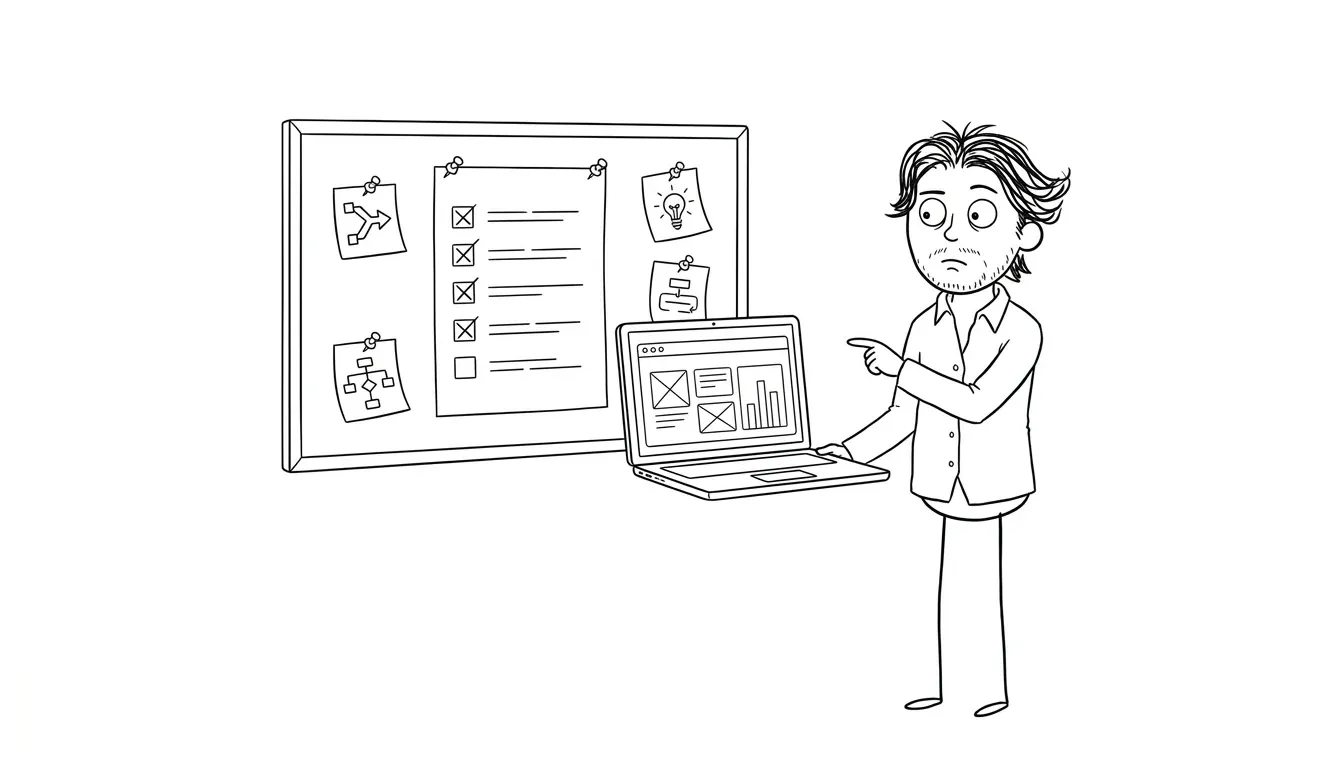
MVP admin dashboard checklist: 10 launch-critical areas
1. Secure access and separate admin authentication
Admin access should never rely only on a hidden URL. Require authenticated accounts and enforce authorization on the server for every protected view and action.
Before launch, verify:
- Only approved roles can access admin routes
- Removing a role takes effect promptly
- Sessions expire and can be revoked
- Sensitive actions require appropriate confirmation
- Production access is separate from test or staging access
- Shared accounts are avoided
For a very small team, the role model can stay simple. “Administrator” and “support operator” may be enough. The important part is that permissions reflect responsibilities rather than giving everyone unrestricted access.
The OWASP Authorization Cheat Sheet recommends least privilege, deny-by-default behavior, and permission checks on every request. Those principles apply even when the first admin team has only a few people.
2. User and account lookup
Support starts with finding the right record. Provide lookup using stable identifiers such as account ID, verified email, organization ID, or transaction reference. Avoid broad searches that reveal unnecessary personal data.
The account view should answer practical questions:
- Is the account active, invited, suspended, or deleted?
- Which workspace or organization owns it?
- What role does the user have?
- When did relevant state changes occur?
- Are there pending invitations or verification steps?
- Which support-safe actions are available?
Display enough information to disambiguate records without turning the page into a dump of every stored field. Mask sensitive values and never expose passwords, full secret tokens, or credentials.
3. Account status and support actions
List the actions operators genuinely need, then design each one as a narrow command. Common examples include resending an invitation, revoking a session, suspending access, restoring an eligible account, or correcting an approved status.
Each action should have:
- A clear label describing the result
- A confirmation for destructive or hard-to-reverse changes
- Server-side validation of the current state
- A success or failure response that reflects the real outcome
- An audit entry with actor, action, target, and time
Avoid a general-purpose “edit user” form if operators only need two approved actions. Narrow controls reduce accidental changes and make permission rules easier to test.
4. Core workflow and job status
If the MVP runs background tasks, integrations, imports, AI-assisted steps, or scheduled work, show the states that matter to support. Useful states may include queued, running, completed, failed, awaiting review, canceled, and superseded.
For each item, expose:
- A stable internal ID
- Creation and latest-update times
- Current state
- The relevant account or request
- A concise failure category
- A protected diagnostic reference
- The next safe action
Do not display raw stack traces, model prompts, private payloads, or third-party secrets to every operator. Keep detailed diagnostics in protected logs and provide a reference that authorized technical staff can use.
5. Safe retries and recovery controls
A retry button is only safe when the underlying operation can handle repetition. Before adding one, decide whether the action is idempotent, whether an earlier attempt may still complete, and whether retrying can duplicate records, messages, or charges.
A safe recovery flow should:
- Re-check the current server state
- Prevent concurrent duplicate attempts
- Reuse an idempotency key where applicable
- Record who requested the retry
- Show whether the retry was accepted, completed, or rejected
- Preserve the original failure for investigation
For uncertain payment outcomes, use the payment provider’s state as a source of evidence rather than creating a second charge. Stripe’s idempotent requests documentation explains how repeated requests can return the original result when the same key is used.
Pair recovery controls with the tests in the MVP error state checklist. The user-facing error and the internal recovery path should describe the same underlying state.
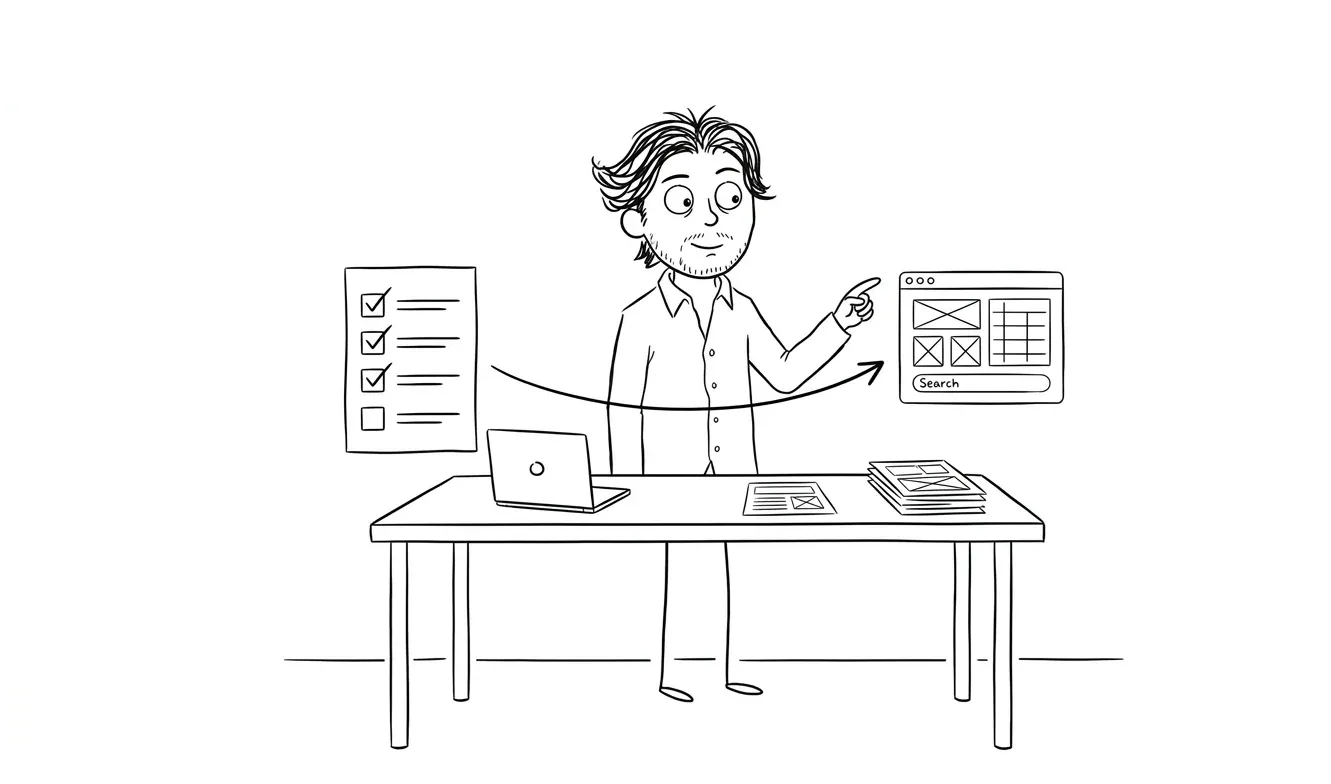
6. Payment and subscription visibility
If the MVP accepts payment, operators need to distinguish attempted, pending, successful, failed, refunded, disputed, and canceled states. The admin view should link internal records to the provider’s transaction or customer reference.
Keep this view intentionally limited:
- Show status, amount, currency, timestamps, and provider reference
- Mask payment details
- Do not store or expose full card data
- Separate viewing from refund or cancellation permissions
- Require confirmation and a reason for money-moving actions
- Record the resulting provider response
Avoid inventing a local “paid” status that can drift away from the processor. Define which system owns each payment state and how webhook delays or failures are reconciled.
7. Feature flags and configuration
A small number of controlled flags can make an MVP safer to release. They can disable an unstable integration, limit a feature to approved accounts, or switch a workflow to manual review.
Treat flags as production controls, not casual settings. Every flag should have:
- A plain-language purpose
- An owner
- A known default
- A defined scope
- A visible current value
- A change history
- A removal condition
Avoid a dashboard that lets anyone edit arbitrary environment variables or raw configuration. Prefer typed choices, validation, and narrow permissions. Critical kill switches should be tested before launch rather than assumed to work during an incident.
8. Content and reference-data controls
Some products depend on categories, templates, prompts, pricing labels, eligibility rules, or other reference data. Decide which values need operational editing and which should remain in version-controlled code.
Admin-editable content needs validation, preview where relevant, and a rollback path. Make the publishing state explicit so a draft does not become public accidentally. If a change affects product behavior rather than presentation, require stronger review and testing.
Do not build a general content management system for a few stable values. A small protected form or versioned configuration file may be the better MVP choice.
9. Audit history and operational notes
An audit history helps the team answer what changed, who changed it, and whether the action succeeded. Record important admin actions as append-only events rather than relying on the current value alone.
Useful fields include:
- Actor ID
- Target type and ID
- Action name
- Previous and resulting state where appropriate
- Timestamp
- Reason or ticket reference
- Outcome
Avoid putting secrets, full user submissions, or unnecessary personal data into audit messages. Retention and access should reflect the sensitivity of the events.
Operational notes can help with handoffs, but they should not become an uncontrolled store for sensitive information. Define what belongs in a note, who can read it, and whether the official support system is the better record.
10. Alerts, escalation, and ownership
The dashboard should make ownership obvious. A visible failure with no responsible person is only a quieter incident.
For each launch-critical state, define:
- Who monitors it
- What creates an alert
- Where the alert goes
- What the first response is
- When the issue escalates
- Which manual fallback is allowed
- How resolution is recorded
The admin interface does not need to replace monitoring and alerting tools. It should connect alerts to a state an operator can inspect and a documented response they can perform.
What should stay out of the first admin dashboard?
Defer features that do not support the initial product test or a required operational response. Common candidates include:
- Custom business-intelligence dashboards
- Complex report builders
- Bulk actions without a proven need
- Fine-grained roles for hypothetical teams
- Visual workflow editors
- Arbitrary database editing
- Full customer-support ticketing
- Convenience automations for rare tasks
A deferred feature still needs an owner and a manual path if the situation can occur at launch. “Not in the dashboard” should mean “handled safely another way,” not “ignored.”
Prioritize controls with a simple matrix:
| Need | Launch decision |
|---|---|
| Blocks the core workflow and needs operator action | Build a narrow control |
| High-risk but rare | Use a documented, restricted manual procedure |
| Already handled safely by a provider | Link to or use the provider tool |
| Informational and not tied to a decision | Defer |
| Convenience for a hypothetical future team | Defer |
How should you test MVP admin controls?
Test the admin surface with the same discipline as the customer-facing product.
- Create accounts for every supported admin role.
- Confirm each role can see only the required records and actions.
- Try direct URLs and API requests for forbidden actions.
- Test actions against valid, stale, and already-completed states.
- Simulate provider delays and failures.
- Verify destructive actions require confirmation.
- Confirm audit events reflect both successful and rejected actions.
- Check that secrets and unnecessary personal data never appear.
- Exercise the manual fallback and escalation path.
- Remove an operator’s access and verify revocation.
Write these as testable MVP acceptance criteria, not vague requirements such as “admins can manage users.” A useful criterion names the starting state, the permitted action, the expected result, and the evidence retained.
Turn the checklist into a focused build scope
Sort every proposed control into four groups:
- Required custom control for launch-critical, product-specific operations
- Existing tool when a provider already offers a safe interface
- Restricted manual procedure for rare operations
- Deferred enhancement with no launch dependency
Then assign an owner and acceptance criteria to each required item. This creates a buildable slice instead of an open-ended request for “an admin panel.”
For a product whose operational risks are still unclear, a $500 Audit + Spec can examine one focused lens and turn the findings into a scoped decision brief. The audit fee is credited 100% toward follow-on work booked within 30 days.
When the core product and its launch operations need to be designed and built together, Dee Agency’s $9,000 Idea to MVP service covers the focused path from concept to a working first release. Review the service overview, then share the product and its riskiest workflow to define the next step.

Got a project worth shipping? Send the brief.
Quote and kickoff date back in a day, usually faster. If it's not a good fit I'll say so.