

MVP Authentication Checklist Before Launch
Use this MVP authentication checklist to scope sign-in, recovery, sessions, verification, access boundaries, and launch tests before development.
An MVP authentication checklist defines how people create accounts, prove who they are, recover access, stay signed in, and leave the product safely. Start with the smallest flow that supports the core product test, then specify verification, sessions, recovery, error states, account boundaries, support procedures, and launch tests. Authentication should be proportionate to the product’s risk—not treated as a generic login screen or a guarantee of security.
These decisions shape onboarding, data ownership, support, and development scope. A clear authentication plan prevents the team from discovering during launch that users cannot recover an account, invitations create duplicates, sessions never expire, or a signed-in person can reach another workspace’s records.
What authentication does an MVP actually need?
An MVP needs the simplest authentication method that safely supports its real users, data, and workflow. A private prototype may use invited accounts. A consumer product may need email-based sign-up and recovery. A business tool may need workspace invitations and verified email addresses. Enterprise single sign-on usually belongs later unless it is required to test the product with its intended buyer.
Separate three related decisions:
- Authentication establishes which identity is making a request.
- Authorization decides what that identity may view or do.
- Account lifecycle covers creation, verification, recovery, suspension, deletion, and ownership changes.
A successful sign-in does not authorize someone to open every record. That distinction should be explicit in the product requirements and enforced on the server. Use the MVP permissions checklist to define roles, resources, and cross-account boundaries alongside the sign-in flow.
Before choosing a method, write down:
- Who may create an account?
- What identity must be verified?
- What sensitive data or actions become available after sign-in?
- Can one person belong to multiple workspaces?
- What happens when access is lost or employment changes?
- Which authentication failures must support investigate?
The answers matter more than whether the interface uses a password, passkey, magic link, or social provider.
MVP authentication checklist: 8 launch decisions
1. Define account creation and identity ownership
Choose whether registration is open, invitation-only, or created by an administrator. Document one primary identifier—often an email address—and decide whether it can change. If email is used, specify when it must be verified and what an unverified account can do.
Map the relationship between a person, login identity, profile, and workspace. They are not always the same record. A person may change an email address, connect more than one sign-in method, join several workspaces, or leave an organization while the organization’s data remains.
Answer these edge cases before implementation:
- What happens when an invited email already has an account?
- Can one email create duplicate identities through different providers?
- Is a profile created before or after verification?
- Does accepting an invitation reveal the intended workspace and role?
- Who owns records created by a user who later leaves?
- Can the only workspace owner close or abandon the account?
Keep the first model small, but do not hide ambiguity behind one users table. The MVP data model checklist helps connect identity records to organizations, memberships, and product resources.
2. Choose one primary sign-in path
Pick a primary path based on user context and product risk. Common options include:
| Method | Useful when | Scope to define |
|---|---|---|
| Email and password | Users expect reusable credentials | Password rules, storage, recovery, verification, abuse controls |
| Email magic link | Email access is an acceptable proof step | Link expiry, one-time use, delivery failures, device switching |
| Social sign-in | A trusted provider fits the audience | Provider availability, account linking, changed provider email |
| Passkey | Supported devices and recovery can be explained clearly | Enrollment, additional devices, fallback, credential removal |
| Organization SSO | The launch buyer requires managed identity | Domain rules, provisioning, support, fallback, offboarding |
Avoid launching several equivalent methods merely to appear flexible. Every extra method creates account-linking, recovery, testing, and support combinations. If one safe path can validate the product, document other methods as later decisions.
When using a managed authentication service, check its current documentation for session defaults, email delivery, provider configuration, rate limits, export options, and production setup. A vendor reduces implementation work; it does not decide the product’s account model or authorization rules.
The OWASP Authentication Cheat Sheet is a useful implementation reference for credential handling, responses, reauthentication, and recovery. Apply its guidance to the framework and risk involved rather than copying settings without context.
3. Specify verification and recovery together
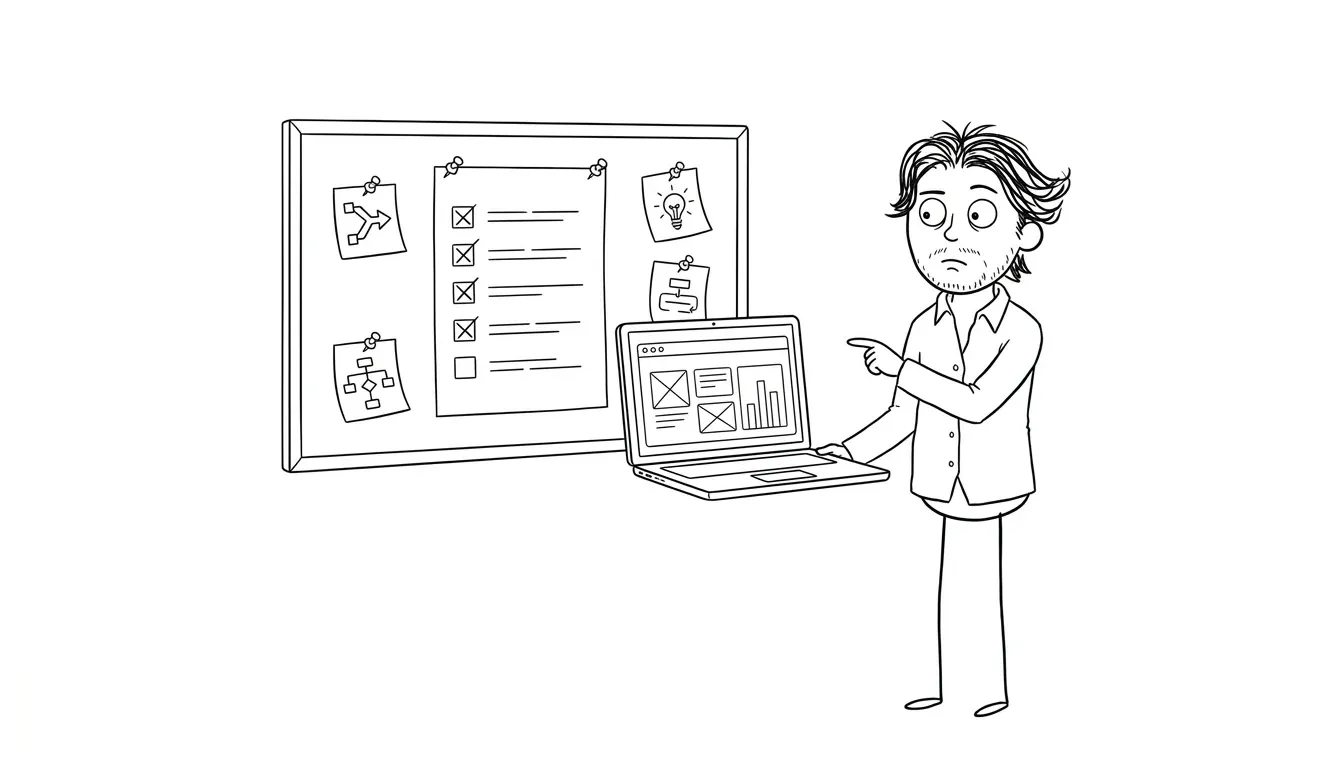
Account verification and recovery are part of the same trust model. If an email address can recover an account, changing that address may be a sensitive action. If a magic link signs someone in, its lifetime and reuse behavior affect access directly.
Define:
- Which actions require a verified identity
- How long verification and recovery links remain valid
- Whether links are single-use
- What happens after a newer link is requested
- How the product responds to expired, invalid, or already-used links
- Whether a recovery action ends existing sessions
- How an email-address change is confirmed
- What evidence support may use without asking for secrets
Error messages should help legitimate users without unnecessarily confirming whether an account exists. Recovery should not become a weaker alternative to normal sign-in.
Do not improvise manual recovery after launch. If support can override identity checks, document who may do it, what evidence is required, what gets logged, and how the user is notified. For products with sensitive or regulated data, qualified security, privacy, or legal review may be necessary; this checklist is not a certification.
4. Set session behavior deliberately
A session determines how long authentication remains useful. Define session duration, inactivity behavior, refresh rules, cookie settings, device handling, and revocation before relying on framework defaults.
At minimum, decide:
- Whether closing a browser should end the session
- How long inactive and continuously active sessions last
- Whether users can review or revoke other sessions
- What sign-out removes on the client and server
- Whether password or email changes revoke existing sessions
- How disabled or deleted accounts lose access
- What happens when a role changes during an active session
- Whether sensitive actions require recent authentication
Session cookies in production should use settings appropriate to the deployment, including secure transport and protection from unintended script or cross-site access. The correct configuration depends on the architecture, so verify it in the identity provider and framework documentation.
Never treat a token stored in the browser as permanent proof of current permission. Protected requests should validate current server-side authorization, especially after membership, role, or account status changes.
5. Connect authentication to authorization boundaries
The most important post-login test is whether one account can reach another account’s data. Build authorization from resource ownership rather than from whether the interface displays a link.
For each protected route, API endpoint, file, export, background action, and administrative command, verify:
- A signed-out request is rejected appropriately.
- The intended user can complete the action.
- A different user in the same workspace receives the correct result for their role.
- A user in another workspace cannot access the resource.
- Changing a URL, object identifier, or request body cannot cross the boundary.
- Disabled or removed users lose effective access.
- Denied responses do not expose private fields.
The OWASP Authorization Cheat Sheet recommends deny-by-default behavior and permission validation on every request. Authentication establishes identity; these resource checks enforce access.
Use separate internal support access instead of silently granting customer-owner powers to staff. Restrict it to necessary views and actions, require individual staff identities, and retain an audit trail for sensitive access.
6. Design every authentication state
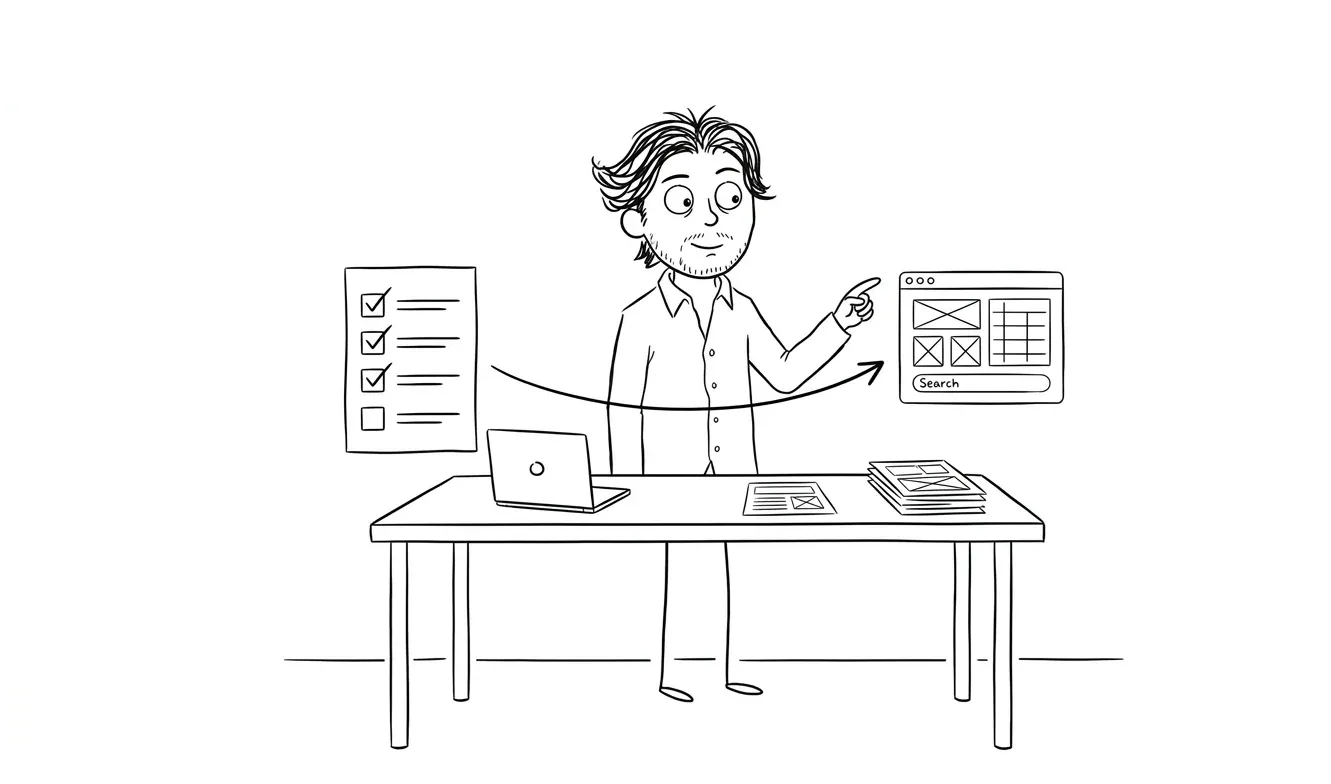
A login form is only one state. The product should explain what happened and what the user can do next when authentication does not follow the happy path.
Include visible states for:
- Account creation pending verification
- Verification delivered, delayed, expired, or already used
- Invalid credentials or unavailable provider
- Too many attempts or temporary restriction
- Recovery requested and recovery completed
- Invitation invalid, revoked, expired, or accepted
- Session expired while work is in progress
- Account disabled, deleted, or awaiting review
- Network or service failure during sign-in
- Access denied after successful authentication
Preserve non-sensitive work where practical when a session expires, but do not replay protected actions automatically without checking current identity and state. Keep return URLs constrained to trusted destinations so sign-in and recovery flows do not become open redirects.
Write the copy with the MVP error state checklist. Each state needs a clear explanation, safe next action, support route where appropriate, and testable acceptance criterion.
7. Plan abuse controls, privacy, and support
Authentication endpoints attract automated traffic because they create accounts, send messages, and test credentials. Use the authentication provider’s current protections where appropriate and define what the product will monitor.
Review controls for:
- Repeated sign-in and recovery attempts
- Automated account creation
- Repeated verification or magic-link emails
- Suspicious changes to email, password, or connected identity
- Provider callback and redirect validation
- Logging without storing passwords, full tokens, or unnecessary personal data
- Alert ownership when sign-in or delivery failures rise
Rate limits and temporary restrictions should be designed so they reduce abuse without permanently locking out legitimate users. Avoid publishing exact defensive thresholds in user-facing copy. The product also needs a support path for delivery problems, lost access, and account disputes.
Collect only the identity data needed for the workflow. State why it is used, which vendors receive it, how long it is retained, and how users request deletion or export where applicable. Review the broader MVP privacy and data decisions that apply to forms and tracking, and get qualified advice for product-specific legal obligations.
8. Test authentication before launch
Turn each decision into a repeatable test. Cover desktop and mobile behavior, supported browsers, real production email configuration, and the deployed callback URLs—not only a local environment.
A practical launch test set includes:
- New account creation and required verification
- Correct and incorrect sign-in attempts
- Expired, reused, and superseded links
- Password or account recovery
- Email-address change
- Invitation acceptance for new and existing users
- Duplicate identity and account-linking behavior
- Session expiry, sign-out, and revocation
- Access after account disablement or role removal
- Cross-workspace and direct-API authorization attempts
- Provider outage or email-delivery failure
- Safe logging and support evidence
- Keyboard navigation, labels, focus, and understandable errors
Use production-like configuration with synthetic test accounts and non-sensitive data. Verify redirects, cookies, allowed origins, sender identity, and environment-specific secrets. Never copy real credentials into fixtures, screenshots, issue trackers, or test reports.
Add these cases to the MVP acceptance criteria checklist. Record the starting state, action, expected result, retained evidence, and owner. A checked box without a reproducible test is not a launch gate.
What authentication work can wait?
Defer features that do not support the first product test, such as multiple social providers, custom enterprise identity integrations, elaborate device dashboards, configurable organization policies, or account-linking options for hypothetical audiences.
Do not defer required boundaries or recovery. A smaller MVP can support fewer account types and fewer sign-in methods, but its supported path still needs safe sessions, clear ownership, server-side authorization, and a usable way to regain access.
When higher risk makes the checklist large, reduce product breadth. Launching fewer workflows with explicit access rules is more defensible than shipping broad functionality with unclear identity and ownership behavior.
Turn the checklist into a build-ready authentication spec
Create one short document with five sections:
- Identity model: person, credential, profile, workspace, and membership relationships
- Flow map: registration, verification, sign-in, recovery, invitation, and sign-out
- Session policy: duration, refresh, revocation, and recent-authentication rules
- Access boundaries: protected resources, roles, and denied cases
- Acceptance tests: happy paths, failures, abuse controls, and support evidence
Mark each requirement as a launch blocker, later improvement, or explicitly unsupported. Link every blocker to an owner and a test. This keeps authentication proportionate without reducing it to a cosmetic screen.
If the account model or riskiest flow is still unclear, a $500 Audit + Spec can examine one focused lens and produce a scoped decision. The fee is credited 100% toward follow-on work booked within 30 days.
When the core workflow, authentication, permissions, and launch path need to be designed and built together, Dee Agency’s $9,000 Idea to MVP service covers the focused route from concept to a working first release. Review the service overview, then share the product and its account requirements to define the next step.

Got a project worth shipping? Send the brief.
Quote and kickoff date back in a day, usually faster. If it's not a good fit I'll say so.