

AI Workflow Documentation Template Before You Automate
A copyable AI workflow documentation template for small teams. Fill it in before automating to avoid broken logic and edge cases.
An AI workflow documentation template for small teams gives you a structured way to map, question, and hand off any process before you touch automation tools. The core fields are: process name, owner, trigger, step-by-step actions, decision points, tools involved, edge cases, and success criteria. Fill this in before you build anything. It takes 30-60 minutes and prevents the most common automation failures, which almost always trace back to undocumented assumptions, not bad tools.
Why documentation comes before automation
The impulse is understandable. You find a tool that looks like it’ll save hours, you connect some APIs, and you ship it over a weekend. Two weeks later it breaks on an edge case nobody thought to mention, the person who set it up is busy, and nobody else knows how it’s supposed to work.
This is the real failure mode for small team automation. Not the technology. The assumptions baked into a process that only one person fully understands.
Good documentation forces you to surface those assumptions before they become broken automations. It also makes handoffs cleaner, debugging faster, and decisions about what to automate more honest.
Small teams that document their process first build automations that actually stick. The documentation takes an hour. The cleanup from skipping it takes weeks.
What an AI workflow documentation template for small teams actually needs
Most process documentation templates are built for enterprise teams with change management committees. That’s not you. A small team needs something faster, lighter, and written in plain language.
Here are the fields that actually matter before you automate a process.
1. Process name and owner
Name it specifically. “Customer onboarding” is too broad. “Send welcome email and create account after payment confirmed” is right. The owner is the person responsible when something goes wrong, not just the person who runs it today.
2. Trigger
What starts this process? A form submission, a payment webhook, a Slack message, a calendar event, a daily schedule? Be exact. “When a new client signs” is not exact. “When a contract is marked signed in HubSpot” is.
3. Current steps (in order)
Write every step down, even the ones that feel obvious. Especially the ones that feel obvious. These are usually where the edge cases live.
4. Tools and systems involved
List every app, spreadsheet, inbox, or shared drive this process touches. You can’t automate what you haven’t fully inventoried.
5. Decision points
Where does a human make a judgment call? Where does the process branch based on input? These are your complexity flags. Some can be automated with rules. Some need to stay human.
6. Edge cases
What breaks this process? What inputs are unexpected but possible? What happens when a third-party tool is down? Edge cases that aren’t documented get automated incorrectly, or not at all.
7. Success criteria
How do you know the process worked? What’s the expected output? This becomes your test condition when you’re verifying the automation actually runs correctly.
8. Failure criteria
How do you know it failed? Who gets notified? Is there a fallback? Automation without defined failure handling is just a delayed problem.
The template (copy and use this)
Here’s a plain-language template you can drop into Notion, Google Docs, Linear, or wherever your team already works.
## Workflow documentation: [Process name]

**Owner:** [Name or role]
**Last updated:** [Date]
**Status:** [Draft / Under review / Ready to automate]


![Workflow documentation: [Process name]](../../assets/inline/ai-workflow-documentation-template-before-you-automate-1.webp)

---

### Trigger
What event or condition starts this process?
- Trigger type: [Manual / Scheduled / Event-based / Webhook]
- Trigger source: [App, system, or person]
- Example: "A new row is added to the 'New leads' sheet"

---

### Current steps (as-is)
List every step in order. Include who does it and what tool they use.

1. [Step 1, who does it, what tool]
2. [Step 2, who does it, what tool]
3. [Step 3, who does it, what tool]
(add as many rows as needed)

---

### Tools and systems involved
- [App or system name]: [What it does in this process]
- [App or system name]: [What it does in this process]

---

### Decision points (human judgment required)
List every place where a human makes a call that isn't rule-based.

- [Decision]: [Who decides, and based on what]
- [Decision]: [Who decides, and based on what]

---

### Edge cases
What are the known exceptions, failure scenarios, or unusual inputs?

- [Edge case]: [What currently happens]
- [Edge case]: [What currently happens]

---

### Success criteria
What does "done correctly" look like?

- [Output 1]
- [Output 2]

---

### Failure criteria
What does "went wrong" look like? Who gets notified?

- [Failure signal]: [Alert method and recipient]

---

### Automation notes
After documenting, answer these before building:

- Which steps are rule-based and repeatable? [List them]
- Which steps require judgment and should stay human? [List them]
- What's the highest-risk step to automate? [Name it]
- Is there a simpler version that handles 80% of cases? [Describe it]
- Who will maintain this automation going forward? [Name or role]
How to use this template without it becoming busywork
The goal is clarity, not paperwork. A completed template should fit on one or two pages. If it’s longer than that, the process is probably too complex to automate in one pass. Split it.
Here’s how to run through it efficiently with a small team.
First: do a live walkthrough. Have the person who actually runs the process walk through it step by step while someone else takes notes. Don’t rely on documentation that was written from memory. The real process and the described process are often different.
Second: flag decision points honestly. This is where small teams tend to underestimate complexity. A step that looks simple, like “approve the invoice,” contains a judgment call. Document what that call is based on, even if it’s informal.
Third: prioritize edge cases by frequency, not imagination. You don’t need to document every theoretical failure. Focus on the ones that have actually happened or that happen regularly.
Fourth: write the automation notes last. After you’ve mapped everything, the question of what to automate becomes much easier to answer. You’re not deciding based on gut feel. You’re deciding based on which steps are truly rule-based.
If you can’t clearly describe a step in one sentence, it’s not ready to automate. Vague steps produce broken automations.
What this template helps you avoid
There are a few specific failure patterns that show up when small teams skip this step.
Automating the wrong thing. A 15-minute task that happens twice a month doesn’t need automation. A 5-minute task that happens 40 times a day probably does. Without documentation, teams often automate what feels annoying rather than what’s actually high-volume.
Breaking an undocumented dependency. Plenty of processes rely on something that nobody explicitly said out loud. A field in a spreadsheet that another department reads. A notification email that a client expects to see. Documentation catches these before an automation removes them.
No fallback when it breaks. Automations break. The trigger stops firing. An API changes. A field gets renamed. If there’s no documented fallback and no defined owner, the process just silently fails until someone notices three weeks later.
Scope creep during build. “While we’re at it, can we also…” is how small automation projects become large ones. A scoped, documented process gives you a clear boundary. Anything outside it is a separate ticket.
For a deeper look at scoping before building, the AI automation scope template I wrote covers how to define what’s in and out before you write a single line of logic.
Common workflow patterns and what to watch for
Here are three common small-team workflows and the documentation flags they typically surface. These are hypothetical examples, but they reflect patterns that come up frequently.
Lead intake to CRM entry. Trigger is a form submission. Steps look simple: receive form, create contact, assign to rep, send confirmation email. The decision point is usually lead assignment, which might be based on geography, deal size, or rep capacity. That rule needs to be explicit before you automate it, or every lead goes to the same person.
Invoice approval workflow. Trigger is an invoice received by email. Steps include extracting data, checking against a PO, flagging for review, and approving payment. The edge cases are almost always the interesting part: invoices that don’t match POs, duplicate invoices, vendors with custom terms. These need explicit rules or a clear escalation path.
Recurring report generation. Trigger is a schedule, weekly or monthly. Steps pull data from multiple sources, format it, and deliver it. The failure case nobody documents is what happens when a data source is unavailable or returns unexpected values. The report should fail loudly, not silently deliver wrong numbers.
When to get outside help
Documentation is something your team can do internally. But once you’ve mapped a process and know which parts you want to automate, the implementation work has a different skill profile.
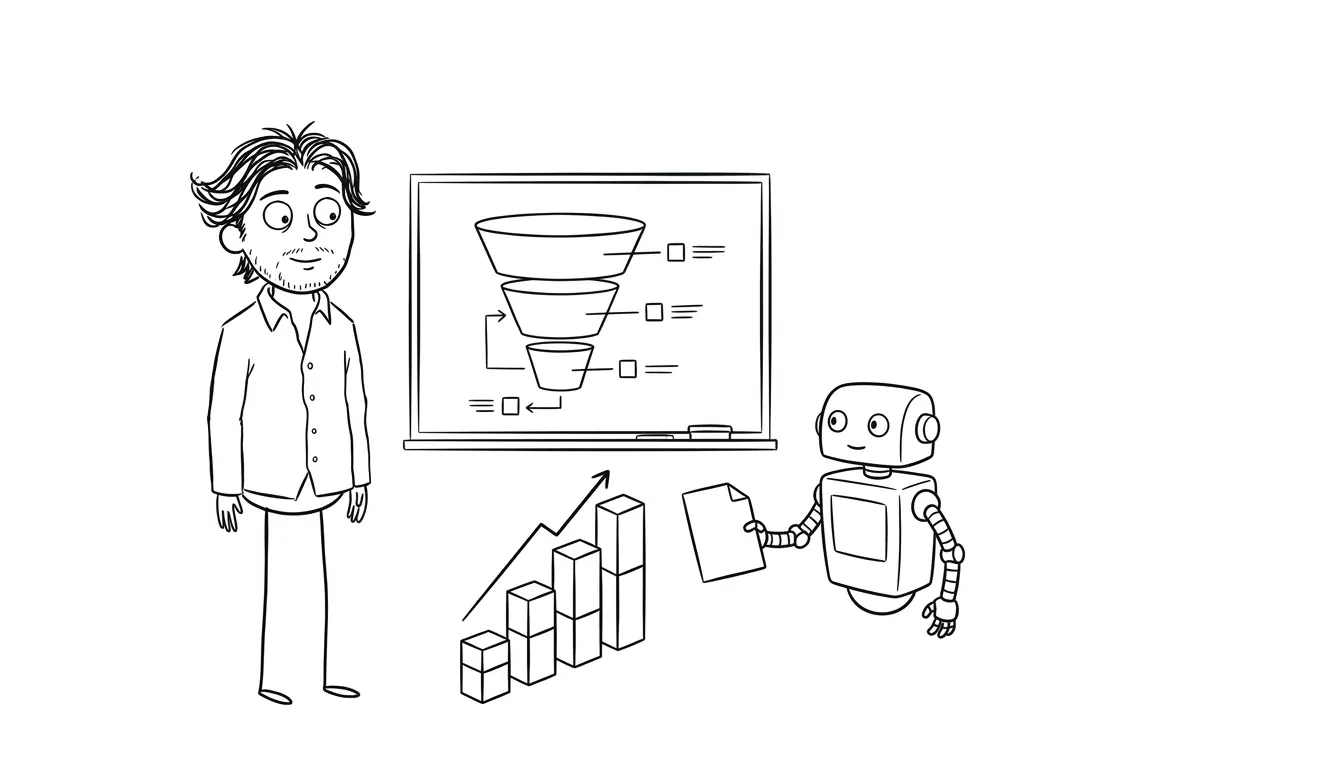
If you’re working in Make, Zapier, or n8n, straightforward rule-based workflows are often something a non-technical person can build with some patience. The documentation you’ve done makes that easier.
If the automation involves API integrations, conditional logic across multiple systems, or anything that needs to run reliably at scale, that’s where it’s worth bringing in someone who’s built these before.
My AI Integration and Automation service is designed exactly for that handoff. You’ve done the thinking, I handle the build. If you’re not sure which parts to automate or whether your documented process is ready, a focused audit is a good starting point. It’s $500 and gives you a clear picture of where to focus first.
Ready to automate a process? I offer a flat-fee AI automation service for small teams and founders. If you’re not sure where to start, a $500 focused audit will tell you. Tell me what you’re working on.
How to choose which process to document first
If you have five processes you want to automate and limited time, document the one that meets the most of these criteria:
- It runs frequently (at least weekly)
- It’s repetitive and rule-based, not judgment-heavy
- It currently costs meaningful time or causes real errors
- One person owns it and can walk through it in under an hour
- The output is clearly defined and easy to verify
If you’re still choosing between candidates, the framework for picking your first AI automation project breaks down the prioritization in more detail.
After you document: what comes next
Documentation is step zero. Once you’ve filled out the template and answered the automation notes questions, the next steps are:
- Review the decision points and write explicit rules for any that can be rule-based.
- Define your test cases based on the success and failure criteria you documented.
- Build a minimal version that handles the core case first.
- Test with real inputs before connecting to production systems.
- Assign an owner and set a review cadence, even if it’s quarterly.
Automation is only as good as the process underneath it. A well-documented, slightly messy process will produce better automation than an undocumented “optimized” one.
For more on how to think about the full pre-build process, the services overview at dee.agency covers how I approach automation work and what a full engagement looks like.
Frequently asked questions
What should an AI workflow documentation template for small teams include?
At minimum: process name, trigger, step-by-step actions in order, tools involved, decision points requiring human judgment, edge cases, success criteria, and failure handling. For AI automation specifically, add a section for automation notes that separates rule-based steps from judgment-based ones. The whole document should fit on one or two pages.
How long does it take to document a process before automating it?
For a typical small-team workflow, a live walkthrough with the person who runs the process takes 30-60 minutes. Writing it up cleanly takes another 30 minutes. Total time is usually under two hours. That upfront cost prevents weeks of debugging after a poorly scoped automation goes wrong.
Do I need to document a process before using tools like Zapier or Make?
Yes, even for simple automations. Tools like Zapier and Make look straightforward until an edge case hits and nothing is documented. Knowing the trigger, the steps, and the expected output before you build means you test the right things and catch failures faster.
How detailed does the documentation need to be?
Detailed enough that someone unfamiliar with the process could run it from the document. If the document relies on tribal knowledge that isn’t written down, it’s not detailed enough. That said, documentation doesn’t need to cover every theoretical edge case. Focus on what’s actually happened or what happens regularly.
What’s the difference between a workflow documentation template and a scope document?
A workflow documentation template describes the current process as it exists. A scope document defines what will be built and what’s out of scope. You need both. Documentation comes first and feeds directly into scoping. The AI automation scope template I put together is a good companion to this one.
When should I hire someone to help with automation instead of building it myself?
When the automation involves multiple API integrations, conditional logic across systems, or needs to run reliably without constant maintenance. Simple Zapier or Make workflows with documented processes are often DIY-friendly. Anything more complex benefits from someone who’s built and maintained these in production. My AI automation service starts at $3,000 and is designed for that tier of work.
Want help turning your documented process into a working automation? I offer a flat-fee AI integration service for founders and small teams. Or start with a $500 focused audit if you’re not sure which process to tackle first. Start the conversation.

Got a project worth shipping? Send the brief.
Quote and kickoff date back in a day, usually faster. If it's not a good fit I'll say so.