

AI Automation SOP Checklist for Small Businesses
A two-phase AI automation SOP checklist for small businesses: what to document before you build and what to monitor after launch.
An AI automation SOP checklist for small businesses covers two phases: what to document and verify before you build, and what to check and maintain after the automation goes live. Most implementations go wrong not because the AI is bad, but because the surrounding process wasn’t defined clearly enough. This post walks through both phases with concrete checklist items you can use right now, whether you’re scoping your first workflow or auditing one that’s already running.
Why SOPs matter more than the AI itself
Automation doesn’t fix a broken process. It speeds one up, whether that process is good or bad.
That’s the thing people miss. You can wire up an excellent LLM, a clean API integration, and a well-designed trigger, and still ship something that creates more work than it saves, because the underlying workflow was never written down clearly enough to automate reliably.
An SOP (standard operating procedure) gives your automation something solid to stand on. It defines inputs, expected outputs, who owns the result, and what happens when something goes wrong. Without that, you’re just guessing, and eventually the automation will guess wrong.
The checklist below is split into two sections. The first is everything you should have in place before a line of automation gets built. The second is the ongoing checks that tell you whether the thing is actually working after launch.
AI automation SOP checklist for small businesses: before you build
1. Define the workflow you’re automating
Before touching any tool, write out the current process in plain language. Step by step, from trigger to outcome.
- What starts this process? An email, a form submission, a calendar event, a file being uploaded?
- Who currently does each step?
- What decisions get made along the way, and what information drives them?
- What does the finished output look like?
If you can’t describe the workflow clearly without a tool in front of you, you’re not ready to automate it. The AI needs a blueprint. Give it one.
The Process Street guide to writing SOPs is a useful reference if you’ve never written one before. The principles apply whether you’re documenting a human process or one you’re about to automate.
2. Identify the inputs and their source of truth
Every automation depends on data. Before you build, map where each piece of data comes from.
- Is the data consistent in format? Or does it vary depending on who enters it?
- Is there a single source of truth, or are you pulling from multiple systems that sometimes disagree?
- What happens when a required field is missing or malformed?
Document the answers. If the data is messy, clean it first or build explicit handling for edge cases.
3. Define success criteria
This is one of the most skipped steps. What does “working” mean?
- What’s the expected output for a given input?
- How accurate does the result need to be before a human reviews it?
- What’s the acceptable error rate for low-stakes outputs vs. high-stakes ones?
Without clear success criteria, you’ll never know whether the automation is doing its job or slowly degrading.
4. Map the failure states
Automations fail. Plan for it.
- What happens if the trigger fires but the source data is incomplete?
- What happens if the AI returns a result outside the expected format?
- What happens if an external API is unavailable?
- Who gets notified when something breaks, and what do they do?
Write this down before you build. Retrofitting error handling is harder and more expensive than designing it in from the start.
5. Confirm data access and permissions
- Does the automation have access to the systems it needs?
- Are API keys scoped to minimum required permissions?
- Does anything require human authentication that can’t be automated?
- Are there data privacy or compliance constraints on what the automation can read or write?
This sounds obvious, but it blocks builds more often than you’d expect.
Tip: Use the AI integration requirements checklist to run through the technical dependencies before scoping starts. It’ll surface blockers early.
6. Assign an owner
Every automation needs a named owner. Not a team, not a department. One person.
That person is responsible for:
- Monitoring for failures
- Reviewing output quality periodically
- Deciding when an edge case needs a rule change
- Approving updates before they go live
If nobody owns it, nobody fixes it when it breaks.
7. Document the version you’re automating
Lock down the current version of the workflow before you build.
If the process is still changing, wait. Automating a moving target means constant rework. Document the current state, build to that, and handle process changes as intentional updates later.
AI automation SOP checklist for small businesses: after implementation
Once the automation is live, the work shifts from building to maintaining and monitoring. This is where most small businesses drop the ball.
1. Verify the first 10 runs manually
Don’t trust the automation blindly on day one. Run it, then check the output against what a human would have produced.
- Is the output format correct?
- Are the values accurate?
- Are there any edge cases that slipped through testing?
- Did anything fail silently (ran without error but produced a wrong result)?
Manual review on the first batch catches early production issues before they compound.
2. Set up logging and alerting
After launch, you need visibility.
- Is every run being logged somewhere you can check?
- Does a failure send an alert to the owner?
- Can you trace a specific output back to its inputs if something looks wrong?
- Is there a way to see how often the automation is running vs. how often it was expected to run?
Logs don’t need to be complex. A simple append-only record of run time, inputs received, outputs produced, and success/fail status is enough for most small business automations.
3. Define the review cadence
Automations drift. The world changes, your data changes, your workflow changes, and the automation keeps running against its original spec. Set a calendar reminder.
- Weekly for the first month: spot-check 10% of outputs
- Monthly after that: review a sample and check error rates
- Quarterly: evaluate whether the automation still matches the current process
Write the review cadence into the SOP. If it’s not scheduled, it doesn’t happen.
4. Test your failure handling
At some point after launch, deliberately trigger a failure state. Send a malformed input. Disconnect a data source. See what actually happens.
- Did the alert fire?
- Did the fallback behavior work as designed?
- Did the right person get notified?
Most failure handling only gets tested in production during an actual incident. Test it intentionally while the stakes are low.
5. Check for output quality drift
AI outputs can degrade over time without triggering an error. The automation keeps running, but the quality of results slowly gets worse.
Common causes:
- The prompt was tuned to a specific context that has since changed
- The source data format shifted slightly
- The underlying model was updated by the provider
The OpenAI best practices guide for production deployments covers prompt versioning and evaluation strategies worth building into your review process. Periodic manual review of a sample of outputs catches drift before it becomes a real problem.
6. Document every change
When you update the automation, write it down.
- What changed and why
- What was the old behavior
- What is the new expected behavior
- Who approved the change
- When it went live
This is your audit trail. When something breaks six months later, you’ll want to know what changed and when.
7. Reassess ownership annually
People change roles. Teams restructure. The person who owned the automation last year might not be the right owner now.
Once a year, confirm that the named owner still has the context and access needed to maintain the automation. If not, transfer ownership and update the SOP.
The checklist, summarized
Here’s both phases in a quick-scan format.
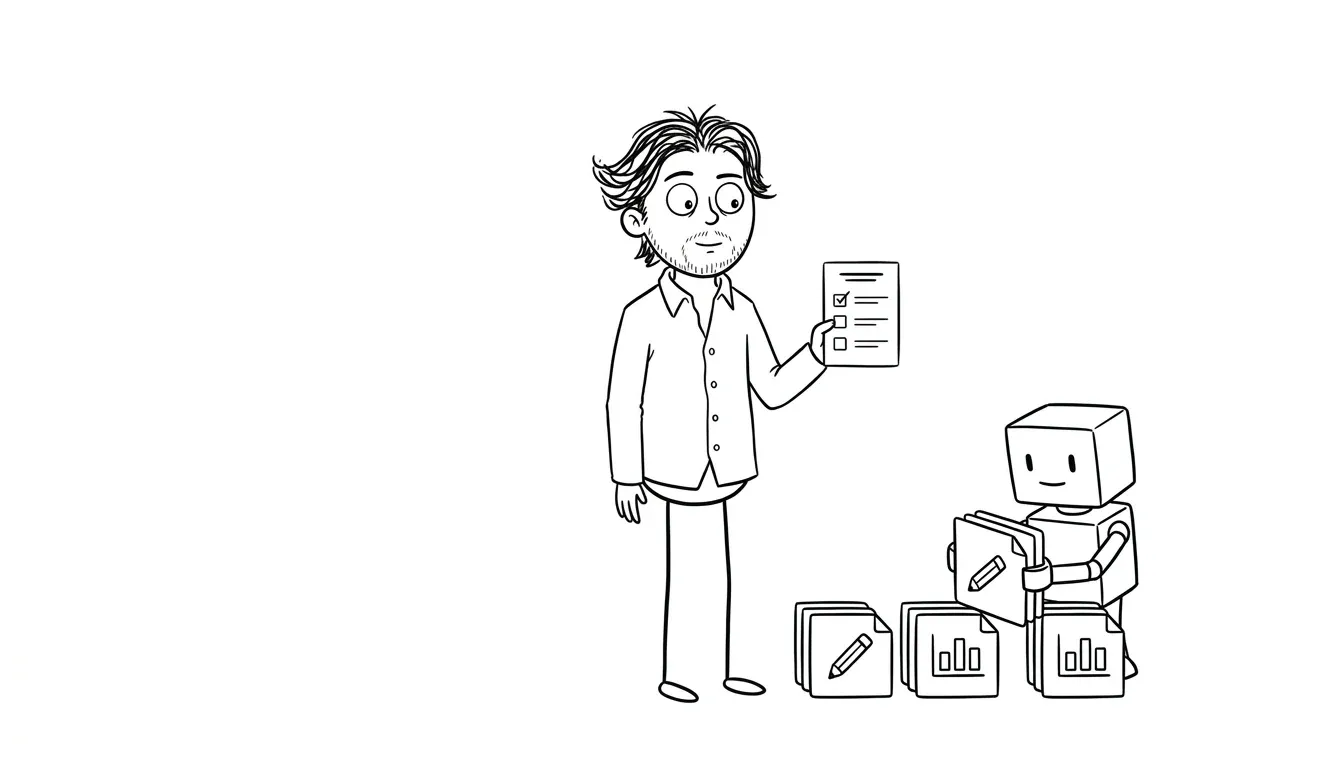
Before you build:
- Workflow documented step by step
- Inputs mapped with source of truth identified
- Success criteria defined
- Failure states mapped with response plan
- Data access and permissions confirmed
- Named owner assigned
- Current workflow version locked
After implementation:
- First 10 runs reviewed manually
- Logging and alerting in place
- Review cadence scheduled and written into SOP
- Failure handling tested intentionally
- Output quality drift monitored on a schedule
- Every change documented
- Ownership confirmed annually
What to do if you already have an automation running without an SOP
This is more common than it should be. Someone built something, it worked, and now it just runs. Nobody documented it, nobody owns it, and nobody’s sure what happens if it breaks.
Start with a retroactive SOP. Interview whoever built it (or reverse-engineer it from the code and config), and work through the before-build checklist as a documentation exercise, not a planning one.
Then set up the after-implementation checks going forward.
The AI automation maintenance checklist covers the ongoing side of this in more detail, including what to check when an automation goes quiet or starts producing unexpected results.
If the automation is more complex and you’re not sure whether it’s worth maintaining or replacing, a focused diagnostic can help. The Audit + Spec service is $500 for one focused lens: in this case, looking at what you have, what’s working, and what needs to change. That $500 is credited in full toward any follow-on build if you move forward within 30 days.
Where most small businesses actually get stuck
The checklist items above aren’t technically hard. Most of them are writing tasks. But they don’t get done because:
- The person who built the automation didn’t own the business process
- The business owner didn’t have time to document a process they’d been doing for years
- Nobody thought about failure handling until after the first incident
- “We’ll set up monitoring later” became “we never set up monitoring”
The fix is simple but requires discipline: treat the SOP as a deliverable, not an afterthought. If documentation isn’t part of the definition of done for your automation project, it won’t happen.
The n8n documentation on workflow error handling is a practical reference if you’re building in that environment and want to see what production-ready error handling actually looks like.
Want the SOP handled as part of the build? The AI Integration & Automation service includes scoping, documentation, and implementation for a flat $3,000. No guessing at what should be documented: it’s part of how the work gets done. Start the conversation.
What a well-documented automation actually gives you
When the SOP is in place, a few things get easier:

You can train someone else on it. If the person who built it leaves or changes roles, the SOP means someone new can understand what it does and how to maintain it without starting from scratch.
You can debug it faster. When something goes wrong, logs and documentation mean you’re diagnosing a known system, not a black box.
You can update it safely. Knowing the current intended behavior makes it much easier to change one part without breaking something else.
You can evaluate it honestly. Without documentation and monitoring, you can’t tell whether an automation is saving time or just creating invisible problems downstream.
Frequently asked questions
What is an SOP for AI automation?
An SOP (standard operating procedure) for AI automation defines the workflow being automated, its inputs and outputs, success criteria, failure handling, ownership, and review schedule. Without one, automations are hard to maintain, debug, or update safely.
What should I document before building an AI automation?
Before building, document the full workflow step by step, identify data sources and their formats, define what a successful output looks like, map failure states and response plans, confirm data access, and assign a named owner. The AI workflow documentation template is a good starting point.
How do I know if my AI automation is still working correctly?
Set up logging on every run and review a sample of outputs on a scheduled cadence, at minimum monthly. Also test failure handling intentionally and watch for output quality drift, which can happen without triggering any error alerts.
What’s the most common reason small business automations fail?
Poorly defined inputs and lack of failure handling are two of the most common causes. The automation is often technically sound, but the surrounding process wasn’t documented clearly enough, so edge cases produce bad outputs that nobody catches.
Do I need a developer to create an automation SOP?
The SOP itself is a business document, not a technical one. You don’t need a developer to write it. You do need someone who understands the workflow, the data, and the expected outcomes. A developer or consultant should work from the SOP, not produce it independently without business input.
How much does AI automation implementation cost?
At dee.agency, AI Integration & Automation is a flat $3,000. That covers scoping, documentation, and implementation. If you want a focused diagnostic before committing to a build, the Audit + Spec is $500 and is credited in full toward the build if you move forward within 30 days.
Ready to build something that’s actually documented?
A well-scoped automation with a proper SOP runs better and stays running longer. If you’re not sure where to start, a focused Audit + Spec can map what you have and what you need before any build work begins.
If you’re ready to move, the AI Integration & Automation service handles the full build at a flat $3,000, documentation included.
Share your workflow with dee.agency and get a clear answer on what’s worth building.

Got a project worth shipping? Send the brief.
Quote and kickoff date back in a day, usually faster. If it's not a good fit I'll say so.