

How to Choose Your First AI Automation Project
Find the right first AI automation project for your small business: a step-by-step method for scoping, validating, and shipping something that works.
The best way to choose your first AI automation project for a small business is to find one repetitive, well-defined task that your team already does manually, costs real time every week, and has a clear output you can verify. Start there, not with the most exciting AI idea you’ve read about. Keep the first project small enough to finish in a few weeks, and make sure it solves a problem you actually feel. That’s what this guide walks through.
Why your first AI automation project matters more than the rest
Getting the first one right sets the tone for everything after it. A successful first project builds confidence, proves ROI to skeptical team members, and gives you a real working pattern to follow. A failed first project, usually something too ambitious or too vague, tends to make people write off AI automation entirely.
This isn’t about finding the perfect use case. It’s about finding a good enough one that you can actually finish and measure. That distinction matters a lot when you’re a small team with limited time and no dedicated AI engineer.
The goal of the first project isn’t transformation. It’s proof. One working automation teaches you more than ten whitepapers.
So before you evaluate any tool or talk to any vendor, you need to do some honest thinking about your own business.
How to choose your first AI automation project for a small business
The process has four steps. Work through them in order.
Step 1: List what takes time every week
Sit down with a blank document and list every recurring task your business runs. Not just yours, but any work your team touches more than a couple times a week. Don’t filter yet. Just list.
Common things that show up on this list:
- Answering the same customer questions repeatedly
- Summarizing documents, reports, or meeting notes
- Moving data between tools manually
- Writing first drafts of routine emails or proposals
- Pulling reports from multiple places into one format
- Tagging, categorizing, or sorting incoming requests
- Scheduling follow-ups and reminders
Once you have 10-20 items, look for patterns. Which tasks are purely mechanical? Which involve a lot of back-and-forth with humans? Which have a clear “done” state?
Step 2: Score each task on three dimensions
For every item on your list, give it a rough score on three things.
Frequency. How often does this happen? Daily beats weekly beats monthly. Automating something that happens 50 times a week has a higher return than automating something that happens twice.
Repetitiveness. Does this task follow the same pattern every time, or does it vary a lot? The more it varies, the harder it is to automate reliably. A consistent input-output pattern is a good sign.
Cost of a mistake. If the automation gets it wrong, what happens? A miscategorized support ticket is low stakes. A wrong response to a legal question or a miscalculated invoice is not. Start with low-stakes tasks.
Multiply those three rough scores together and you’ve got a simple prioritization. The highest-scoring tasks are your best starting candidates.
Step 3: Check if AI actually adds anything
Not every repetitive task needs AI. Some just need a better spreadsheet formula or a simple Zapier rule.
AI earns its place when the task involves understanding natural language, synthesizing unstructured information, making a judgment based on context, or generating something from scratch. If the logic is simple and rule-based, plain automation often works better and breaks less.
Ask this question: “Could I write exact step-by-step rules that cover 95% of cases?” If yes, you might not need an AI model at all. If the answer is no, because the inputs are too varied or the output requires some interpretation, that’s where AI helps.
Step 4: Pick the one you can finish
The last filter is execution. Choose the task that has:
- A clear, testable output
- Input data you already have access to
- A team member who’s willing to test it
- No compliance, privacy, or security blockers that need months to resolve
If a task needs a security review before you can touch the data, that’s fine, but it shouldn’t be your first project. Move it to the list for later.
What makes a good first AI automation project for a small business
Here’s a short checklist. A good first project checks most of these boxes.
- Happens at least weekly
- Input is structured or semi-structured (text, forms, emails, data)
- Output is reviewable by a human before it ships
- Takes 30+ minutes per week to do manually
- Doesn’t require sensitive data handling to get started
- Has one clear owner on the team
- Can be measured: before time vs.after time, or error rate before vs.after
If you’re looking at a candidate that fails more than two or three of these, it’s probably not the right starting point.
Common mistakes when picking the first AI automation project
Picking something too interesting instead of something too useful
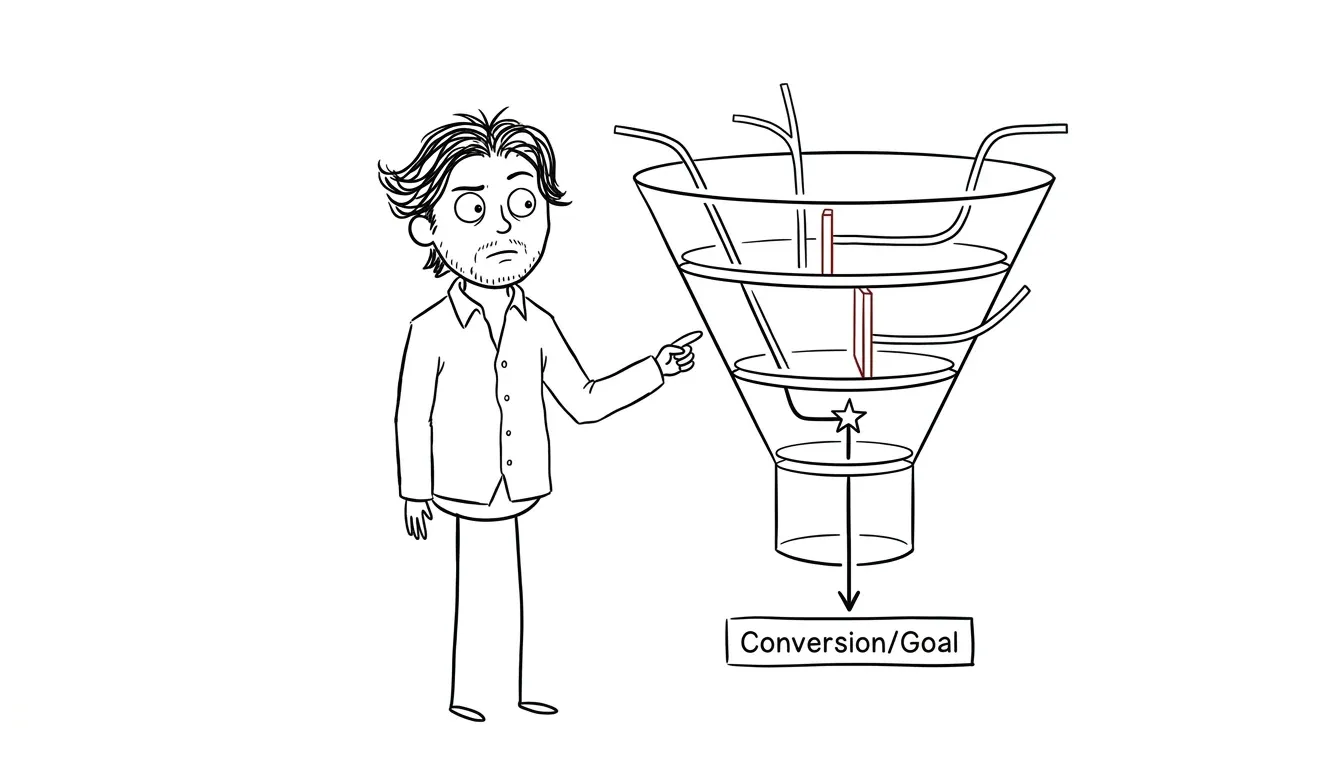
This is the most common mistake. Someone reads about AI agents or multi-modal workflows and wants to start there. But “interesting” and “impactful” aren’t the same thing. The most useful first automation is usually boring. Summarizing inbound emails. Drafting routine client updates. Categorizing support tickets. Boring stuff saves real time.
Trying to automate a broken process
If a process is chaotic or undefined, automating it just makes the chaos faster. Before you automate anything, make sure you could describe the process clearly to a new hire. If you can’t explain it, an AI model can’t follow it either.
Underestimating the “last mile” problem
A lot of first automations work great in testing but stall before they’re actually used. This happens when there’s no clear handoff: who reviews the output, how does it get into the workflow, what happens when it’s wrong? Solve the last mile before you build, not after.
Starting with something that requires a lot of custom integration
If your first project requires pulling data from three systems that don’t have APIs, custom-building a pipeline, and training a model, that’s a second or third project, not a first. Start with something that works with tools you already use.
Picking a task no one wants to hand off
This one’s underrated. Some tasks feel repetitive on paper but are actually how someone on your team keeps a pulse on the business. If the person doing the task doesn’t want to automate it, they won’t use the output. Get buy-in before you build.
Need help figuring out where AI actually saves your team time? My AI Integration & Automation service is built for exactly this, scoping and building practical automations for small teams. Tell me about your project.
What types of tasks work well for AI automation at small businesses
These are the categories that consistently produce working first projects. If your list from Step 1 includes anything like these, look at them first.
Customer support triage. Sorting inbound requests by urgency or topic, drafting initial responses for human review, answering repeat questions from a knowledge base. This is one of the best entry points because the impact is immediate and the inputs are consistent text.
Internal summarization. Meeting transcripts, weekly reports, long email threads, documents. AI is genuinely good at pulling the key points from unstructured text. If your team spends time reading through long documents to extract what matters, this is a fast win.
Lead and intake processing. Classifying inbound leads by fit, pulling key details from form submissions, routing inquiries to the right person. The inputs are usually structured, the output is a classification or summary, and mistakes are low stakes.
First-draft content and communication. Routine client emails, proposal sections, status updates. These are good AI tasks because they follow patterns, and having a draft is always faster than starting from zero, even if it needs editing.
Data entry and extraction. Pulling data from PDFs, invoices, or emails into a spreadsheet or CRM. This is often pure drudge work that AI handles well and humans hate doing.
Research and competitive monitoring. Summarizing news, pulling pricing updates, tracking what competitors are publishing. If someone on your team regularly visits the same sites and copies information into a document, that’s a candidate. The inputs are public web content, the output is a structured summary, and the cost of an occasional miss is low.
If you want a fuller breakdown of what actually works versus what’s overhyped, my article on AI automation for small business goes into that in more detail.
How to validate before you build
Before you commit development time to anything, do a quick manual test. Take a sample of the real inputs from the task you’ve chosen, run them through a general-purpose AI tool like ChatGPT or Claude, and see if the output is close to what you need.
This takes a few hours, not a few weeks. If the output is mostly good with some editing, you have a viable automation. If it’s consistently wrong or inconsistent, figure out why before you build a pipeline around it.
Things to check in your manual test:
- Does the AI understand the context correctly?
- Is the output format consistent?
- What percentage of outputs would you actually use with minor edits?
- What kinds of errors show up, and are they consistent or random?
Random errors are harder to manage than consistent ones. Consistent errors often mean you just need a better prompt or a clearer input format.
What a good prompt test looks like
Write a short system prompt that describes the task, then run 10-15 real examples through it. Don’t use hand-picked best cases. Use a representative sample, including messy ones.
For each output, mark it as “usable as-is,” “usable with minor edits,” or “wrong.” If you get 70%+ in the first two categories, you have something worth building. Below that, either the task isn’t a good AI fit or the prompt needs more work before you invest in infrastructure.
This is also a good way to catch edge cases early, before they’re embedded in a live workflow.
How to think about tooling once you’ve picked your task
The most common question after “what should I automate?” is “what tool should I use?” The honest answer is: it depends on how much custom logic you need.
For workflows that are mostly connecting existing apps and triggering actions based on events, tools like n8n or Zapier are often enough. You can add an AI step to summarize or classify, and the rest is routing.
For tasks that involve more complex generation, multi-step reasoning, or custom output formatting, you’ll want to call an AI API directly, usually OpenAI or Anthropic, and wrap it in a lightweight script or workflow tool.
Here’s a rough decision guide:
| Scenario | Tool to start with |
|---|---|
| Connecting apps, simple triggers and actions | Zapier or Make |
| More complex workflows, need control over logic | n8n |
| Custom AI logic, need to call models directly | OpenAI or Anthropic API |
| Want to chain multiple AI steps or agents | LangChain or similar |
Don’t pick a tool because it’s the most powerful. Pick the one that’s fast enough to test your idea this week. You can always migrate later once you know it’s worth building.
When to bring someone in
If you’ve done the thinking above and still aren’t sure where to start, or if your top candidates all feel too big, that’s a good time to bring in outside help.

A focused audit and spec can cut straight through the uncertainty. The goal isn’t to hand you a big strategy document. It’s to look at your actual workflows, identify the one automation worth building first, and hand you a clear spec so you know exactly what you’re building and why.
That’s a lot faster than spending three months evaluating options and never shipping anything.
The tools in this space, from LangChain to n8n to simple OpenAI API integrations, are genuinely accessible now. The hard part isn’t the technology. It’s knowing which problem to point it at.
A quick decision checklist
Use this to evaluate any candidate automation before committing to it.
| Check | Question |
|---|---|
| Frequency | Does this happen at least weekly? |
| Pattern | Does it follow the same basic process each time? |
| AI fit | Does it involve understanding language or unstructured input? |
| Output | Can a human review the output before it goes anywhere? |
| Data access | Do you already have access to the inputs you need? |
| Stakes | Is a mistake in this task low to medium stakes? |
| Owner | Is there someone who will actually use and maintain it? |
| Measurability | Can you tell if it’s working? |
If you answer yes to at least six of these, you have a solid first project. If you answer no to the first two, pick something else.
Frequently asked questions
How do I know if a task is a good fit for AI automation?
Look for tasks that involve reading or writing natural language, making a judgment from variable inputs, or synthesizing information from multiple sources. If the task is purely rule-based with no judgment required, simpler automation tools often work better. A task is a good AI candidate when you can’t write simple if/then rules that cover most cases.
How much time should my first AI automation project take to build?
For a small business, a well-scoped first automation should take two to four weeks from start to working in production. If it’s taking longer than that, the scope is probably too large. Break it down and ship a smaller version first. You’ll learn more from a live automation than from a perfect plan.
Do I need a technical co-founder or developer to automate business processes?
For simple automations, you often don’t. Tools like n8n, Zapier, and Make can handle straightforward workflows without writing code. For anything involving custom logic, fine-tuned outputs, or API integrations, you’ll need someone technical. That’s where working with a specialist like my AI automation service makes sense.
What’s the most common reason first AI automation projects fail?
The most common reason is scope. Teams pick something too complex for a first project, hit unexpected friction, and abandon it before getting results. The second most common reason is poor handoff: the automation exists but nobody uses it because it doesn’t fit the actual workflow. Solve both by starting small and involving the people who’ll use it from the beginning.
Should I buy an AI tool or build a custom integration?
Start with what you can test fastest. If an off-the-shelf tool covers your use case, use it. Custom integrations are worth building when no existing tool fits your workflow or when the volume makes a custom build cheaper over time. For most small businesses, off-the-shelf or lightly customized tools are the right first move.
How do I measure whether my AI automation is actually working?
Define your baseline before you build. Track time spent on the task manually, error rate, or volume handled per hour. After the automation runs for two to three weeks in production, compare those numbers. If you can’t measure it, you can’t manage it. Even a rough time log before and after tells you something real.
Ready to build your first automation?
If you’ve worked through this and have a candidate task in mind, the next step is a focused automation audit to validate it and spec out exactly what to build. Or if you’re ready to move, my AI Integration & Automation service covers the full thing: scoping, building, and getting it live.
Tell me about your project and we’ll figure out where to start.

Got a project worth shipping? Send the brief.
Quote and kickoff date back in a day, usually faster. If it's not a good fit I'll say so.