
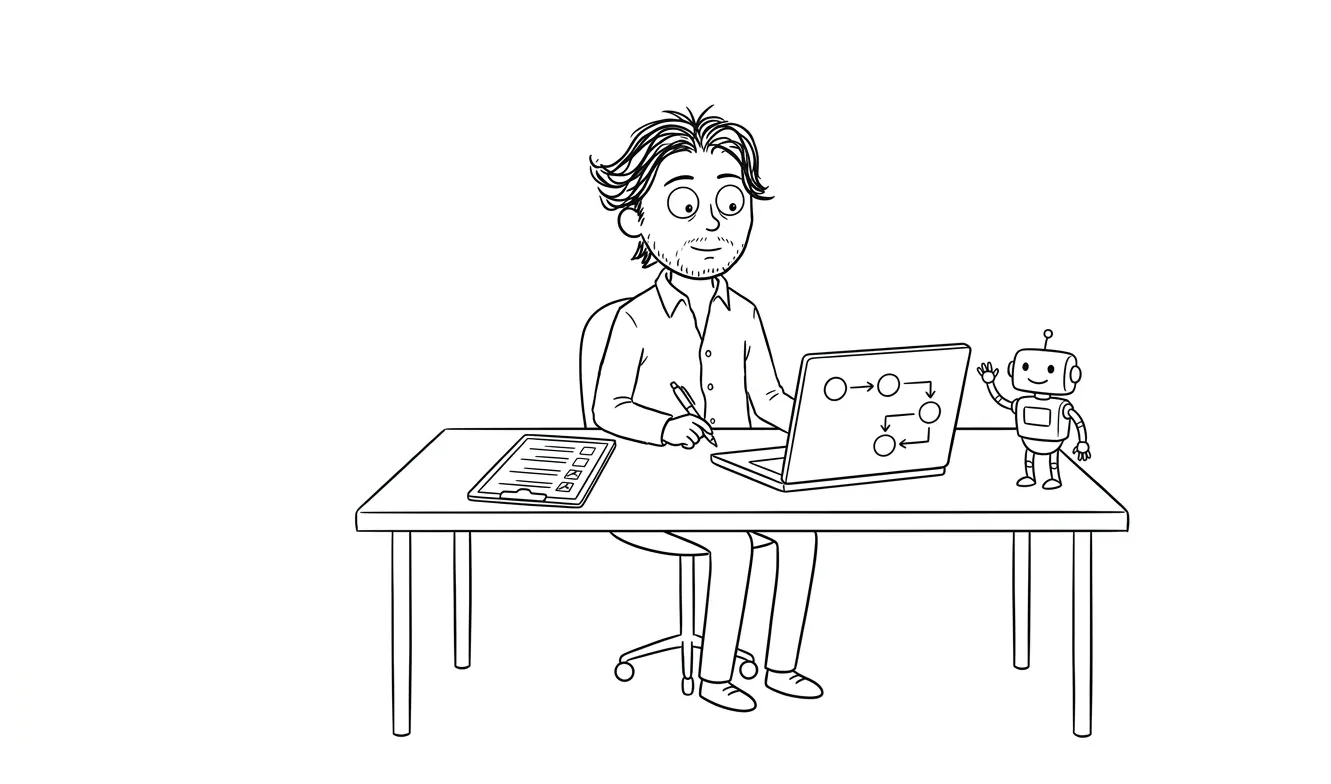
AI Automation Rollback Checklist for Small Businesses
A pre-launch AI automation rollback checklist for small businesses: manual baseline, failure conditions, kill switch, data backup, and ownership.
An AI automation rollback checklist for small businesses gives you a predefined path back to manual operations if your workflow breaks, produces wrong outputs, or behaves unexpectedly after launch. Before you go live, you need to document your current process, define clear failure conditions, assign ownership, and test the off switch. Dee Agency’s AI Integration & Automation service includes rollback planning as part of scoping. Without it, you’re launching with avoidable operational risk.
Why rollback planning belongs before launch, not after
Many small teams think about rollback after something goes wrong. That’s too late.
Once an AI-assisted workflow is live and handling real data, real emails, or real customer interactions, the window to “just turn it off cleanly” gets complicated fast. You’ve got records in a new format. You’ve got automations that fired halfway. You’ve got team members who stopped doing the manual version of the task because they assumed the AI had it covered.
Rollback planning isn’t about pessimism. It’s about giving yourself options. A workflow with a clear off switch is fundamentally safer to deploy than one without.
A workflow you can’t safely stop is a workflow you shouldn’t launch.
The checklist below is organized into six areas: process documentation, failure conditions, kill switch mechanics, data integrity, team readiness, and post-rollback review. Work through each one before you go live.
Part 1: Document the manual baseline first
This is an easy step to skip. Before you automate anything, write down exactly how the task is done manually today.
That sounds obvious. But “we already know how we do it” is not the same as having a written, step-by-step process that someone could follow if the automation disappeared overnight.
Your manual baseline documentation should include:
- Every step in the current process, in order
- Who owns each step
- What tools or accounts they need access to
- What a correct output looks like
- How long the process normally takes by hand
- Where the relevant data lives (spreadsheet, inbox, CRM, etc.)
This document becomes your fallback procedure. If you never write it down, rolling back means trying to reconstruct the manual process from memory under pressure. That’s a bad situation.
Keep it somewhere the whole team can find it, not just in the head of the person who built the automation.
Part 2: Define your failure conditions before you launch
Rollback needs a trigger. Without defined failure conditions, you’ll spend time debating whether something is “bad enough” to act on while the problem compounds.
Before launch, answer these questions in writing:
Output accuracy: What error rate is acceptable? If the automation produces wrong outputs, at what point do you stop it? Ten percent wrong? One percent? Zero tolerance?
Volume anomalies: If the workflow sends 10x the normal number of messages or creates 10x the expected records, does it stop automatically or does someone have to catch it manually?
Downstream effects: Which other systems does this automation touch? If it pushes bad data to your CRM, your invoicing tool, or your customer-facing content, what’s the acceptable damage threshold before you pull the plug?
Time sensitivity: Are there hours of the day when running broken is worse? A broken automation firing at 3am on a Sunday before a Monday sales call is a different risk than one that runs during business hours with a human nearby.
Write specific numbers and scenarios. Vague conditions like “if something seems off” don’t hold up under pressure.
For more on defining these boundaries before you build, the AI automation exception handling checklist covers error conditions and failure modes in detail.
Part 3: The AI automation rollback checklist for small businesses
This is the core checklist. Run through each item before you flip the workflow to live.
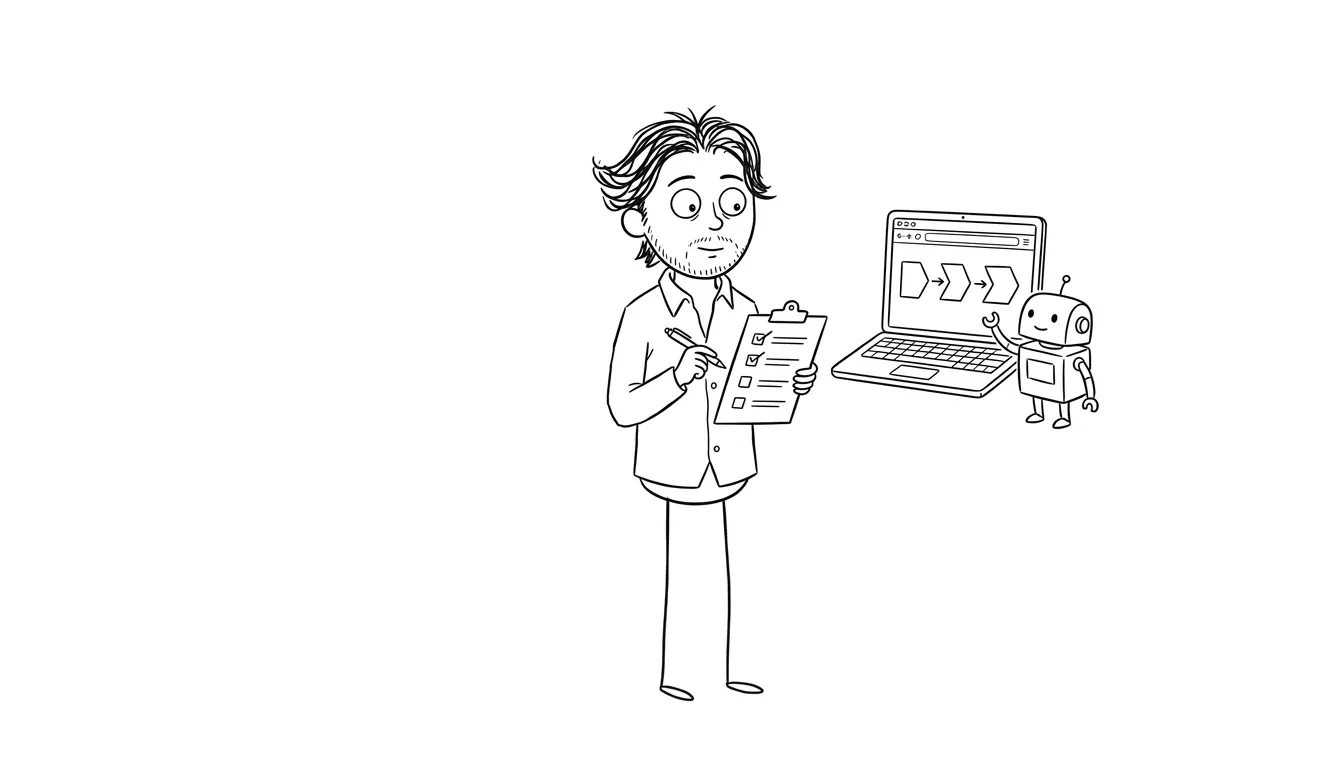
Process and documentation
- Manual process is documented step by step
- Documentation is accessible to all team members who might need it
- The person who built the automation is not the only one who understands the fallback
- You’ve confirmed the manual process still works (accounts active, no access gaps)
Failure conditions
- Acceptable output accuracy threshold is defined in writing
- Volume anomaly thresholds are defined (what’s “too much” activity)
- Downstream system impact is mapped (which tools does a failure affect)
- A specific person is assigned to monitor for each failure condition
- Failure condition document is dated and stored alongside the automation docs
Kill switch mechanics
- There is a single, documented way to disable the automation immediately
- The kill switch doesn’t require the person who built the workflow to execute it
- Kill switch access is confirmed for at least two people on the team
- You’ve tested the kill switch in a staging or test environment
- Disabling the automation doesn’t delete data or break downstream records
- You know what happens to in-flight tasks when you kill the workflow mid-run
Data integrity
- A snapshot of the relevant data exists before the automation goes live
- You know where the automation writes data and in what format
- You’ve confirmed you can export or revert automated changes if needed
- If the automation modifies records, you know whether those changes are reversible
- Audit logs or activity history are turned on in the tools the automation touches
Team readiness
- Everyone affected by the workflow knows the automation is launching
- Everyone knows what to watch for and how to flag a problem
- There’s a clear escalation path: who to tell, how fast, what to include
- The team knows how to execute the manual fallback if needed
- You’ve run at least one tabletop exercise: “the automation just failed, what do we do?”
First-week monitoring plan
- You have a monitoring window defined (first 48 hours, first week, first 100 runs)
- Someone is responsible for checking outputs during that window
- You have a way to compare automated outputs against expected results
- Any anomalies during the monitoring window have a clear owner
- You’ve set a calendar reminder to formally review after the monitoring window closes
What a kill switch actually needs to do
“Kill switch” sounds dramatic, but it’s just a reliable way to stop the workflow cleanly.
In most small business automation tools, this means being able to turn off a Zap in Zapier, deactivate a workflow in Make, pause an agent in a platform like n8n, or revoke an API key if the automation is calling an external service. The specifics depend on your stack.
What matters is that stopping the workflow:
- Doesn’t require developer access if no developer is available
- Doesn’t corrupt in-flight data
- Is tested before launch, not assumed to work
The second point trips people up. Some automations create partial records when you stop them mid-run. If your workflow is updating 500 CRM contacts and you kill it at step 200, you need to know whether contacts 1-200 are in a different state than 201-500, and what that means for your data.
Test the kill switch in a staging environment or on a small batch of test data. If your tool doesn’t have a staging environment, run the workflow on a test account or dummy dataset first.
Data rollback is different from process rollback
Stopping the automation is one thing. Getting your data back to the state it was in before the automation ran is another thing entirely.
For some workflows, this is easy. If the automation only reads data and sends an email, there’s nothing to revert. But if it writes to a database, updates records, sends external communications, or creates invoices, you need to understand what “undo” looks like.
Before launch, answer these specific questions:
Are the changes reversible? Some CRM updates can be undone with an import from backup. Some can’t, especially if the original values weren’t exported first.
Do you have a pre-launch snapshot? Export the relevant data the day before the automation goes live. Store it somewhere obvious with a clear filename and date.
What about external communications? If the automation sends emails or messages, those can’t be unsent. Your failure condition thresholds need to account for this. An automation that sends a wrong email to one person is different from one that sends it to your entire list.
What about financial records? If the automation touches invoices, payments, or accounting software, your rollback plan needs input from whoever owns those systems. Reversing financial records has compliance implications.
Who owns the rollback decision
This sounds like an organizational question, but it’s actually a practical one. When an automation is behaving strangely at 8pm, someone needs to be able to make the call to turn it off without waiting for a chain of approvals.
Assign rollback ownership before launch. This person doesn’t need to understand the technical details of the automation. They just need to:
- Know the failure conditions
- Have access to the kill switch
- Know who to notify when they use it
- Have the manual fallback procedure in front of them
Ideally, this is the person who owns the business process the automation supports, not just the person who built the automation. The builder might not always be available. The process owner usually is.
Document the rollback owner’s name, contact info, and access details alongside the rest of your launch documentation.
For a broader look at keeping humans in the loop during AI-assisted workflows, the AI automation human review checklist covers oversight structure and escalation paths in more detail.
Using this AI automation rollback checklist for small businesses that are re-launching after a failure
If you do roll back, that’s not the end of the automation project. It’s a signal.
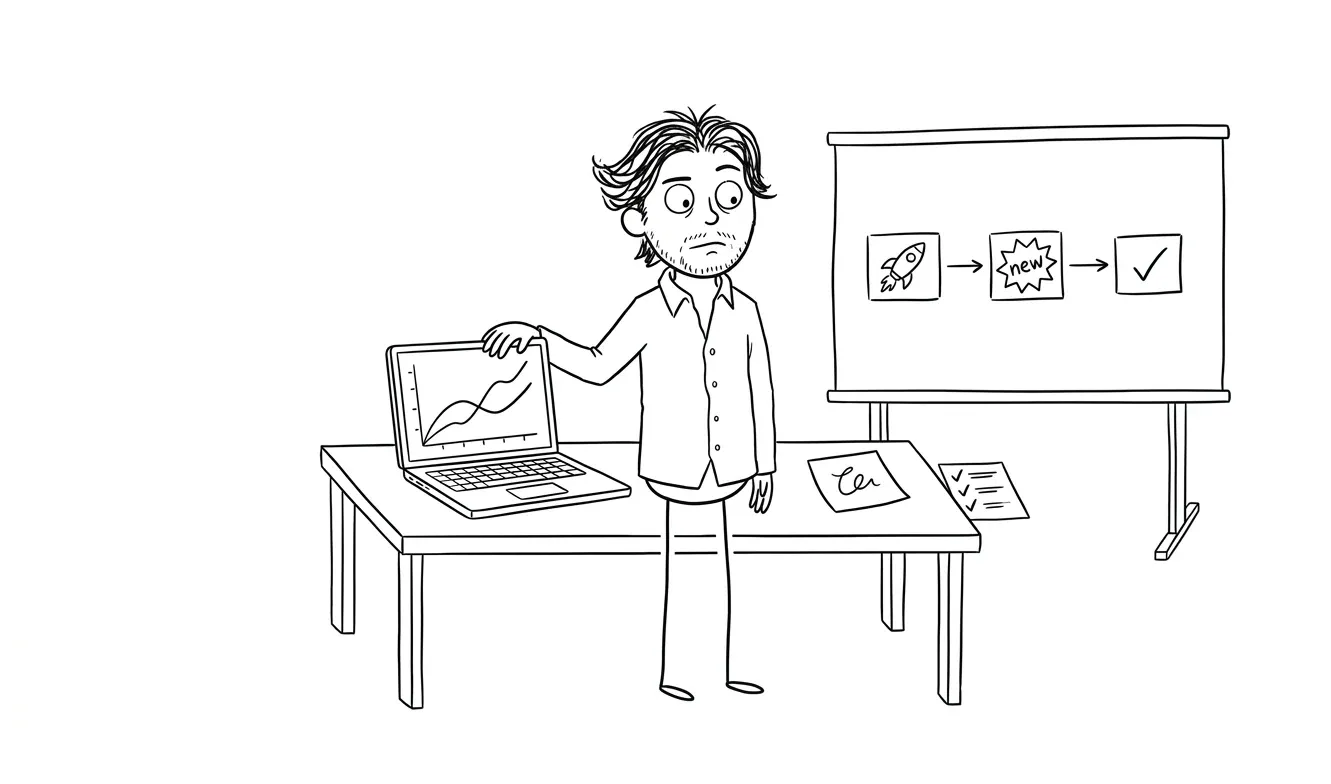
Give yourself a short review window before trying to re-launch. Use that time to:
- Document exactly what happened: what the automation did, what was wrong, when you noticed, and what the impact was
- Compare actual outputs against the expected results you defined pre-launch
- Identify whether the failure was in the automation logic, the data, the underlying tool, or the failure conditions themselves (maybe the threshold was set wrong)
- Fix the root cause, not just the symptom
- Update your monitoring plan before re-launching
A rollback that leads to a better-scoped automation is a good outcome. A rollback that leads to “we gave up on automation” is usually a scoping problem that a better pre-launch process would have caught.
Getting help before you build
The best time to think through rollback planning is during the scoping phase, before any code or workflow gets built.
If you’re not sure how to scope an AI automation safely, a focused Audit + Spec can help. It’s $500, covers one workflow or problem area at a time, and the fee applies fully toward the AI Integration & Automation service if you move forward within 30 days. That service is a flat $3,000 and includes scoping, build, and implementation support.
Ready to scope an AI workflow with rollback built in? The AI Integration & Automation service at dee.agency is $3,000 flat. Get in touch to talk through your workflow before you build it.
Frequently asked questions
What is an AI automation rollback plan for a small business?
An AI automation rollback plan is a documented procedure for stopping an automated workflow and returning to manual operations if something goes wrong. It includes failure conditions, kill switch access, data backup steps, and a named owner. Every AI-assisted workflow should have one before it goes live.
How do I stop an AI automation quickly if it’s causing problems?
Most automation platforms (Zapier, Make, n8n) have a simple toggle to deactivate a workflow. The key is making sure two or more people have access to that toggle and know how to use it, not just the person who built the automation. Test the kill switch before launch to confirm it doesn’t corrupt in-flight data.
Do I need to back up my data before launching an AI automation?
Yes. Export a snapshot of any data the automation will read from or write to before launch day. Store it with a clear date in the filename. If the automation produces wrong outputs and you need to revert records, this snapshot is your only clean starting point.
What should trigger a rollback of an AI automation?
Pre-defined thresholds you set before launch: an output error rate above a set percentage, unexpected volume spikes, downstream data corruption, or any external communication sent to the wrong recipients. Vague criteria like “if something seems wrong” aren’t reliable under pressure.
Who should own the rollback decision for a small business AI workflow?
The process owner, meaning the person who is accountable for the business task the automation supports. They don’t need to understand the technical details. They need kill switch access, the failure conditions document, and the manual fallback procedure. Document this before launch, not after.
How much does it cost to get help scoping an AI automation safely?
Dee Agency’s Audit + Spec service is $500 for a focused diagnostic on one workflow or problem area. That fee credits fully toward the AI Integration & Automation service, which is $3,000 flat, if you move forward within 30 days.
Ready to launch with a rollback plan in place?
Scoping an automation correctly from the start is safer than trying to repair a brittle workflow after something goes wrong. Dee Agency’s AI Integration & Automation service is $3,000 flat and covers scoping, build, and implementation. Not sure where to start? A $500 focused audit can diagnose the right workflow and hand you a clear spec before you commit to a build.
Start the conversation before your next automation launch.

Got a project worth shipping? Send the brief.
Quote and kickoff date back in a day, usually faster. If it's not a good fit I'll say so.