
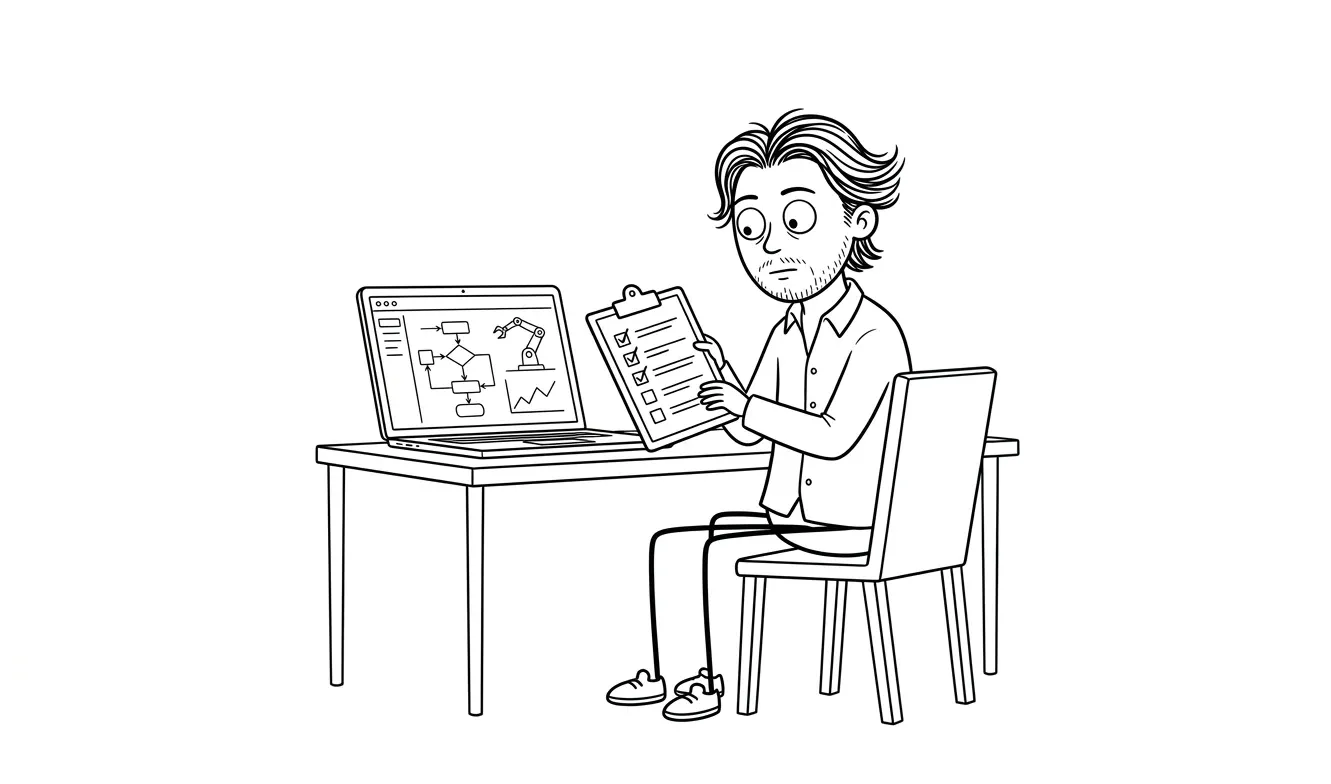
AI Automation Monitoring Checklist After Launch
A 6-area AI automation monitoring checklist for small businesses after launch: triggers, output quality, error logs, APIs, human review, and ROI.
An AI automation monitoring checklist for small businesses after launch covers six core areas: trigger health, output quality, error handling, API and credential status, human review touchpoints, and performance against the goal you built the automation to achieve. If you check these regularly, you’ll catch problems before they become expensive. AI automations can fail quietly instead of crashing, so active monitoring isn’t optional. It’s the work.
Why post-launch monitoring matters for AI automations
Shipping an automation isn’t the finish line. It’s closer to the starting line for the operational part.
AI automations break in ways that traditional software doesn’t. A conditional logic error throws an exception and stops. An AI automation might keep running, producing outputs that look plausible but are subtly wrong. Nobody notices until a customer complains, a report is off, or a downstream process has been fed bad data for weeks.
Small businesses feel this more acutely than large ones. There’s no dedicated ops team watching dashboards. The automation runs in the background while the owner focuses on everything else. That’s the whole point of building it. But it also means problems accumulate before anyone spots them.
A structured monitoring checklist gives you a way to check the things that matter, on a schedule that makes sense, without it taking over your week.
Automations don’t announce when they start drifting. You need a checklist that forces you to look.
The AI automation monitoring checklist for small businesses after launch
There are six areas worth checking after any AI automation launches. Each one addresses a different failure mode.
1. Trigger health
The trigger is how your automation starts. It might be a form submission, an inbound email, a scheduled time, a webhook from another tool, or a new row in a spreadsheet. If the trigger stops working, nothing downstream runs at all.
Check these things:
- Is the trigger still firing at the expected frequency? Compare volume this week to a baseline from the first week after launch.
- Are there missed triggers? Many tools log trigger attempts separately from successful runs. Check both.
- If it’s a webhook, is the endpoint still receiving payloads? Test it manually once a month.
- If it’s a schedule, did it run during periods when it should have? Missed runs sometimes happen silently after tool updates or credential refreshes.
A trigger that fires less often than expected is usually the first sign something upstream changed.
2. Output quality
This is the one most people skip, and it’s the most important one for AI-specific automations.
AI outputs drift. The prompt that worked perfectly in December can start producing off-format results in March because the underlying model was updated, the input data changed shape, or the context window is being filled differently. None of these changes trigger an error. The automation completes successfully. The output is just wrong.
Check these things:
- Spot-check five to ten recent outputs manually every week or two. Don’t just check that they ran. Check what they produced.
- Compare outputs to your acceptance criteria. If you defined what “good” looks like before launch (and you should have, see the AI automation scope template), use that as your benchmark.
- Look for format drift. If the automation is supposed to produce a structured JSON response or a formatted email, are the fields still correct? Is the tone still on-brand?
- Flag anything that required a human to fix. Track those over time. An uptick in manual corrections is an early warning sign.
Output quality checks are the hardest to automate themselves, which is why they need to be part of a regular human review habit. The OpenAI documentation on evals is a useful reference if you want to build more systematic output validation into your process.
3. Error handling and failure logs
Every automation should have error logging. If yours doesn’t, that’s the first thing to fix before everything else on this list.
Check these things:
- Open the error log and look at failure count over the past period. Is it higher than your baseline?
- Are failures clustered around a specific step? A single step failing repeatedly usually means an API changed, a credential expired, or an input format shifted.
- Are failures silent or loud? Silent failures (where the automation marks itself as complete but skipped a step) are more dangerous than loud ones (where it throws an error and stops). Make sure your error handling catches both.
- Is there a notification in place for failure spikes? You shouldn’t have to check the logs to find out something broke. Set a threshold alert if your tool supports it.
The AI automation exception handling checklist goes deeper on how to structure this layer if you’re not satisfied with what you have.
4. API and credential status
AI automations usually depend on external APIs: an LLM provider, a CRM, an email platform, a database. Each of those connections has its own credentials, rate limits, and deprecation schedule.
Check these things monthly at minimum:
- Are all API keys active? Keys expire, get rotated, or get revoked without notice.
- Have any of the connected tools updated their APIs? Check their changelogs or developer announcements. A field name change can silently break a downstream step.
- Are you approaching rate limits? Review usage dashboards for your LLM provider and any other APIs. Unexpected spikes sometimes signal a loop or runaway trigger.
- Are credentials stored securely? They should be in environment variables or a secrets manager, not hardcoded in your automation logic.
- Are there any upcoming deprecations? Most API providers give notice, but it’s easy to miss if you’re not watching.
Credential problems are a practical post-launch failure point, and many are preventable with a monthly check. The OWASP API Security Top 10 is a solid reference for understanding credential and API security risks in plain language.
5. Human review touchpoints
Most production automations for small businesses should have at least one point where a human can review output before it goes live or affects something important. After launch, those review points need to stay active.
Check these things:
- Are the designated reviewers still doing the reviews? Process drift happens. People get busy and start rubber-stamping.
- Is the review queue moving? If outputs are piling up in a review step, either the volume has increased, the reviewer has changed, or the outputs are getting harder to approve.
- Is the review criteria still current? Business requirements change. What counted as acceptable output six months ago might not be right anymore.
- Are review decisions being logged? If a reviewer rejects an output or edits it, that’s signal. Capture it.
The AI automation human review checklist covers how to structure this layer in detail.
6. Performance against the original goal
This is the one that answers whether the automation is still worth running.
Every automation was built to do something: save time, reduce errors, handle more volume, respond faster, cut a cost. Check periodically whether it’s still doing that thing.
Check these things quarterly:
- What was the original goal? Write it down somewhere and revisit it. Time savings, error reduction, volume handled, response speed, cost per unit.
- Is actual performance matching the projection? If you estimated the automation would handle 200 tasks per month and it’s handling 40, something is off, either in adoption, in the trigger, or in the original estimate.
- Has the business context changed? Sometimes an automation becomes redundant because the process it was built for changed. That’s not a failure. That’s information.
- Is the cost still justified? Add up your API costs, tool costs, and time spent monitoring. Compare that to the value it’s delivering. Re-evaluate if the math has shifted.
An automation that once saved four hours a week but now costs more to maintain than it saves isn’t a win. Check the numbers, not just the uptime.
How often should small businesses run the AI automation monitoring checklist after launch?
Not everything needs the same cadence.
| Check area | Recommended cadence |
|---|---|
| Trigger health | Weekly |
| Output quality | Weekly (spot check) |
| Error logs | Weekly |
| API and credential status | Monthly |
| Human review touchpoints | Monthly |
| Performance vs. goal | Quarterly |
If your automation is high-stakes (customer-facing, financial, or feeding other systems), move everything up one level. Weekly becomes daily, monthly becomes weekly.
If your automation is low-stakes and internal, you can be more relaxed, but don’t skip the output quality check entirely. That one catches the quiet failures.
The NIST AI Risk Management Framework is worth a read if you want a more formal structure for how to think about ongoing AI system monitoring and risk categorization.
Common monitoring gaps that cause real problems
A few patterns come up repeatedly in automations that go wrong after launch.
Nobody owns the monitoring. The person who built the automation moves on to other things and assumes it’s running fine. Assign explicit ownership. One person is responsible for running this checklist. Put it in their calendar.
Monitoring stops after the first month. Launch energy fades. The checklist gets skipped. Then three months later, something has been broken for weeks. Schedule a recurring calendar block. Don’t rely on motivation.
The baseline was never established. You can’t know if trigger volume is low if you don’t know what normal looks like. In the first two weeks after launch, document your baseline numbers: triggers per day, run time, output volume, error rate. Write them down somewhere. Those become your reference point.
Error handling is too coarse. If your error handling only catches complete failures, you’re missing the partial failures and output drift that can create the messiest cleanup. Review your AI automation QA checklist to make sure you’re testing edge cases, not just the happy path.
API changes aren’t tracked. If you’re relying on a third-party API, subscribe to their developer changelog or status page. Changes that break your automation aren’t usually announced in a way that reaches you automatically.
What to do when something fails the checklist
Don’t panic, but don’t wait either.
First, check whether the automation should be paused while you investigate. If it’s producing bad outputs or failing silently, running it more is usually worse than stopping it and investigating.
Second, identify which layer failed. Trigger? API? Prompt? Output format? Each layer has different fixes.
Third, document what happened. What was the first symptom? What changed? When did it start? This documentation becomes useful if the same failure pattern appears again.
Fourth, test the fix before re-enabling. Don’t just patch and restart. Run the fixed version against a sample of real inputs and verify the outputs look right.
If the failure points to a deeper architecture problem, a focused diagnostic before reworking the whole thing can save a lot of time. The Audit + Spec service at dee.agency is built for exactly that: one focused lens, a concrete output, $500 credited toward follow-on work if you move forward within 30 days.
Need help getting an existing automation back on track? The AI Integration & Automation service at dee.agency covers build, QA, and documentation for $3,000 flat. Get in touch about your project.
Frequently asked questions
How often should I monitor an AI automation after launch?
Check trigger health, output quality, and error logs weekly. Review API credentials and human review touchpoints monthly. Evaluate performance against the original goal quarterly. For customer-facing or financial automations, move each cadence up one level.
What’s the most common way AI automations fail after launch?
Output drift is a common issue that can go undetected. The automation completes successfully but the AI-generated content has shifted in format, tone, or accuracy. Because no error is thrown, it can run this way for a while before anyone notices. Weekly spot checks of actual outputs are the fix.
Do I need a developer to monitor an AI automation?
Not for the regular checklist. Reviewing outputs, checking logs, and verifying trigger volume can usually be done by whoever owns the process. You do need someone with technical access when something breaks and needs to be fixed, particularly for API credential issues or prompt changes.
What should I do if my automation is producing wrong outputs?
Pause it first, then diagnose. Check whether the input data changed, whether the underlying model was updated, and whether the prompt still matches your current requirements. Test a fix against a sample of real inputs before re-enabling. If the root cause isn’t clear, a focused automation audit is a faster path than trial and error.
How do I know if my AI automation is still worth running?
Compare current performance to the goal you built it for: time saved, volume handled, error rate, cost per task. Add up API and tool costs plus monitoring time. If the value delivered is less than the cost to run and maintain it, it’s worth either refactoring or retiring.
What’s the difference between error monitoring and output quality monitoring?
Error monitoring catches failures where the automation stops or throws an exception. Output quality monitoring catches runs that completed but produced wrong, off-format, or off-brand results. You need both. Error monitoring alone misses the most dangerous failure mode in AI automations.
Ready to build something that’s worth monitoring?
If you’re still scoping your automation or dealing with one that needs a full rebuild, the AI Integration & Automation service at dee.agency covers everything from architecture to handoff for $3,000 flat. Not sure where the problem is? A focused Audit + Spec starts at $500 and gives you a concrete answer. Start a conversation about your project.

Got a project worth shipping? Send the brief.
Quote and kickoff date back in a day, usually faster. If it's not a good fit I'll say so.