

AI Automation Exception Handling Checklist
Eight-area exception handling checklist for AI automations: inputs, API failures, partial completions, alerting, and human fallback before launch.
An AI automation exception handling checklist for small businesses before launch covers the failure scenarios your automation can’t ignore: bad inputs, API timeouts, partial completions, and silent errors. If you haven’t mapped these before go-live, your automation will fail in ways you won’t notice until a customer complains or data goes missing. This checklist walks through the eight areas to verify before you flip the switch.
Why exception handling is the part most small businesses skip
Building the happy path is satisfying. You define the trigger, connect the steps, test it with clean data, and it works. So you ship it.
Then someone submits a form with an emoji in the phone field. Or your CRM API times out at 2am. Or a step halfway through the chain succeeds, but the next one fails, leaving a record in a half-updated state nobody knows about.
That’s what exception handling is for: defining what the automation does when things don’t go as planned. Not if things go wrong. When.
For small businesses especially, this matters. You don’t have a dedicated ops team watching dashboards. If an automation fails silently, it could be days before anyone notices. And by then, you’ve got duplicate records, missed follow-ups, or charges that didn’t process correctly.
Every automation has two paths: the happy path and the exception path. Most small businesses only build the first one before launch.
The AI automation exception handling checklist below is organized by failure category. Work through each section before you mark any automation as production-ready.
AI automation exception handling checklist: inputs and triggers
Garbage in, garbage out. Most automations fail at the input layer, and AI-powered automations are more sensitive to bad inputs than simple rule-based ones. The OWASP guidelines on input validation are a useful reference for defining what “valid” looks like across different data types.
Input validation
- Does the automation check that required fields are present before processing?
- Are data types validated? (email format, phone number format, numeric fields)
- Is there a maximum length check on text inputs that get passed to an LLM?
- Does the automation handle empty or null values without crashing?
- Are special characters, Unicode, and emoji tested in text fields?
Trigger reliability
- What happens if the trigger fires twice for the same event? (duplicate webhook, double form submit)
- Is there idempotency logic to prevent double-processing?
- What happens if the trigger fires with a partial payload?
- Is there a dead letter queue or error log for triggers that arrive malformed?
If your automation is triggered by a webhook, test it with a duplicate payload before launch. Most tools have built-in deduplication settings. Check that yours is turned on.
AI automation exception handling checklist: API and third-party failures
Every external API call is a potential failure point. AI APIs in particular can time out, return unexpected formats, or hit rate limits mid-run.
Timeout and retry logic
- Is there a timeout set on each external API call?
- Are retries configured with exponential backoff (not instant retry loops)?
- What’s the maximum retry count before the automation stops trying and alerts someone?
- Does a failed API call stop the whole automation or just that branch?
Rate limits and quota
- Have you checked the rate limits for each API you’re calling?
- Is there logic to queue or throttle requests if you’re near the limit?
- What happens if you hit the limit mid-batch?
Response validation
- Does the automation check that the API response has the expected structure before using it?
- If an AI API returns an unexpected format or a refusal, is that handled without crashing?
- Are null or empty response bodies handled explicitly?
This is especially important for LLM API calls. A model might return a well-formed JSON response that still doesn’t contain the field your next step expects. Validate the response schema, not just the HTTP status code. OpenAI’s error handling documentation outlines the specific error types and recommended retry strategies for their API, and the pattern applies broadly to other AI APIs too.
The AI integration requirements checklist covers the broader technical requirements to define before you wire any of this up, which is a useful companion read if you’re still in the scoping phase.
AI automation exception handling checklist: partial completions
A partial completion is one of the harder failure modes. The automation ran, some steps succeeded, and then it stopped. Now your data is in an inconsistent state.
Transaction and rollback logic
- Can the automation be safely re-run from the beginning, or would that create duplicates?
- If it can’t be re-run safely, is there a rollback or compensation step?
- Are records flagged as “in progress” before they’re processed, and cleared on success?
- What happens to an “in progress” flag if the automation crashes mid-run?
Multi-step chain failures
- If step 3 of 6 fails, what happens to the work done in steps 1 and 2?
- Are downstream steps aware when an upstream step has incomplete data?
- Is there a checkpoint or resume capability for long-running automations?
For multi-step AI pipelines, map the chain on paper first. Mark each step: is it reversible, idempotent, or destructive? That tells you where you need rollback logic and where a simple retry is safe.
AI automation exception handling checklist: error alerting and visibility
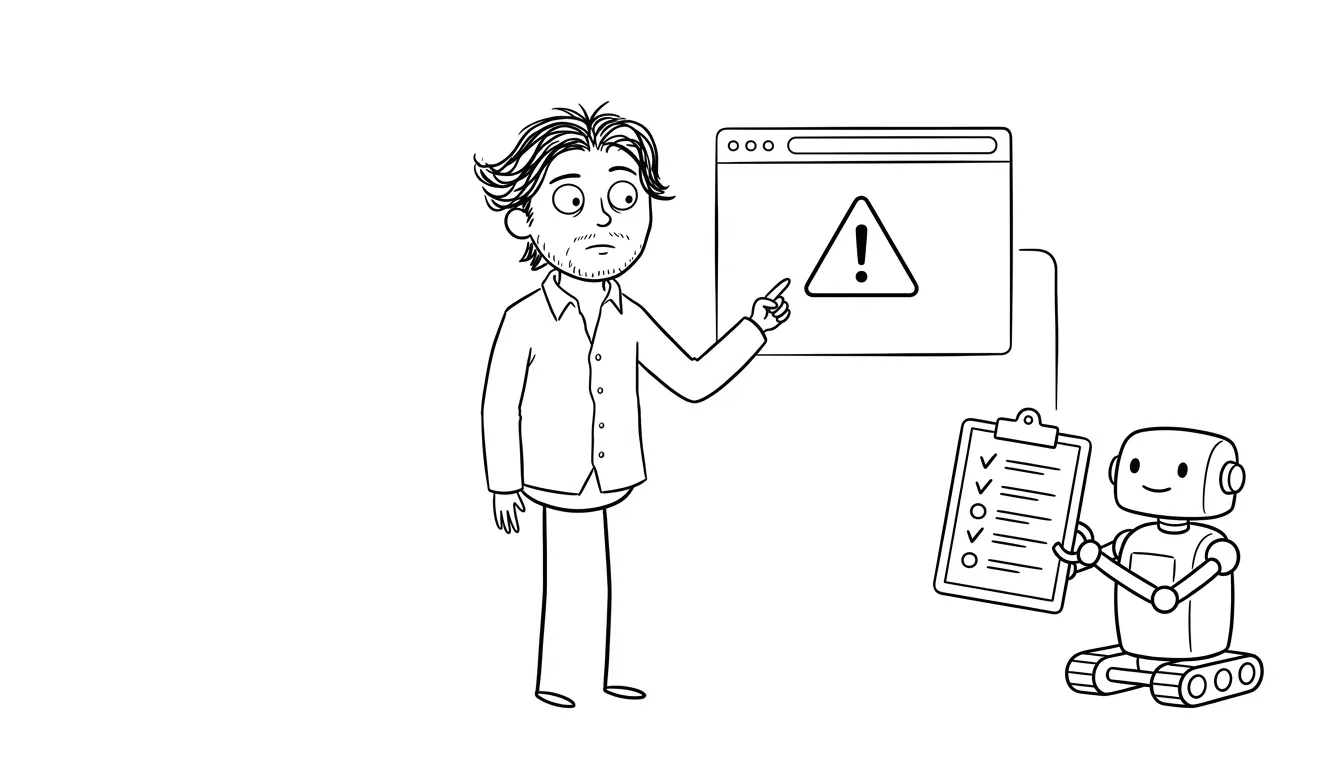
A failure nobody knows about is the worst kind. Before launch, define how you’ll find out when something goes wrong.
Error logging
- Are all automation errors logged with a timestamp, step name, and error message?
- Are logs stored somewhere you can actually access them? (not just inside the automation tool’s default view)
- Is there a retention policy for error logs?
Alerting
- Is there an alert (email, Slack, SMS) for critical automation failures?
- Do you know which failures should alert immediately versus which can queue for daily review?
- Is the alert routed to someone who can actually act on it?
- Does the alert include enough context to diagnose the problem? (record ID, step, error type)
Dashboard or status page
- Is there a way to see at a glance whether automations are running as expected?
- Can you distinguish between “no triggers fired” and “triggers fired but failed”?
Silence is not success. If an automation stops working and nobody gets an alert, you won’t know until a customer tells you.
Many automation tools have built-in error notification settings that are turned off by default. Check this specifically for every workflow before launch.
AI automation exception handling checklist: data integrity
AI automations often read from and write to databases, CRMs, and spreadsheets. Data integrity failures can be subtle and costly.
Write operations
- Are write operations wrapped in error handling so a failed write doesn’t leave a half-updated record?
- Are there unique constraints to prevent duplicate records?
- Is there an audit trail for records modified by the automation?
Read operations
- What happens if the automation reads a record that’s been deleted or archived?
- Is stale data handled? (for example, a customer who changed their email between when the automation queued and when it ran)
- Are there race conditions where two automation instances might update the same record simultaneously?
External data sources
- What happens if an external data source (spreadsheet, database, file storage) is unavailable?
- Are file parsing errors (malformed CSV, unexpected column headers) handled explicitly?
- Is there a schema version check for any structured data the automation depends on?
AI automation exception handling checklist: human fallback and escalation
Not every exception can be handled automatically. Some need a human in the loop. Define that path before you launch.
Escalation routing
- Is there a defined escalation path when the automation can’t complete a task?
- Does the escalation path route to the right person or queue, not just a generic inbox?
- Does the escalated item include enough context for a human to complete the task manually?
Manual override
- Can a human pause or stop the automation without breaking data state?
- Is there a way to manually re-trigger a specific record through the automation after fixing the root cause?
- Are there circuit breakers that pause the automation if error rate crosses a threshold?
For AI-specific tasks (classification, summarization, content generation), define a human fallback for low-confidence outputs. If the model returns a confidence score below your threshold, route it for human review instead of processing it automatically.
AI automation exception handling checklist: security and sensitive data
Exception paths often expose data in ways the happy path doesn’t. Error messages, logs, and alert payloads can leak sensitive information if you’re not careful.
Error message hygiene
- Do error messages sent to end users avoid exposing internal system details?
- Are stack traces and raw error objects stripped from user-facing responses?
- Are API keys, tokens, and PII excluded from error logs and alert payloads?
Failure mode access control
- Does a failed automation step ever grant more access than it should? (for example, falling back to an unauthenticated state)
- Are failed authentication attempts logged and rate-limited?
- Is sensitive data encrypted at rest and in transit, including in the error log store?
This is an area worth a dedicated review before launch. The AI automation QA checklist covers this alongside other pre-launch quality checks, and the two checklists work well together.
AI automation exception handling checklist: post-launch monitoring
Exception handling doesn’t end at launch. The first weeks after go-live are when you’ll discover the edge cases you didn’t anticipate.

Monitoring cadence
- Is there a defined schedule for reviewing automation error logs in the first 30 days?
- Is someone responsible for triaging new error types as they appear?
- Is there a process for promoting a frequently-occurring error into a permanent fix?
Versioning and rollback
- Is the automation version-controlled so you can roll back if a change introduces new failures?
- Are changes to the automation tested in a staging environment before being pushed to production?
- Is there a change log so you can correlate a spike in errors with a recent update?
The first two weeks after launch will surface error types your pre-launch testing never found. Plan for that time before you ship.
The AI automation maintenance checklist covers ongoing maintenance across the full lifecycle, which is the natural next document to work through once you’re past launch.
When to get a second set of eyes before you launch
If you’re building an automation that touches customer data, payments, or any irreversible action (sending emails, creating records in external systems, triggering third-party workflows), it’s worth a scoped review before go-live.
A focused Audit + Spec from Dee Agency covers one focused lens, including exception handling readiness, at a flat fee of $500. The audit fee is credited 100% toward follow-on work if you book within 30 days. It’s a fast way to catch the gaps before your customers find them.
For teams who want help implementing the automation from scratch, the AI Integration & Automation service at $3,000 covers scoping, build, and QA, with exception handling built in from the start.
Frequently asked questions
What is AI automation exception handling?
Exception handling is the set of rules that define what your automation does when something goes wrong: a failed API call, bad input data, a partial completion, or an unexpected response. Without it, automations fail silently or leave data in a broken state.
Why do most small business automations fail after launch?
Most automations are tested only with clean, expected inputs. Real-world data includes edge cases, API outages, and user errors that the happy path never covers. Exception handling defines what happens in those cases.
How long does it take to add exception handling to an existing automation?
It depends on the complexity of the automation and how many external services it calls. A simple single-step automation might need an hour of review. A multi-step AI pipeline with several API integrations could take several days to instrument properly.
What’s the difference between error handling and exception handling?
Error handling typically refers to catching and responding to known error types (API timeout, 404 response). Exception handling is broader: it includes unexpected or undefined states, partial completions, data integrity issues, and human escalation paths. In practice the terms are often used interchangeably.
Should I use a staging environment to test exception handling?
Yes. A staging environment lets you simulate failure conditions (disabled APIs, malformed payloads, rate limit responses) without affecting production data. Testing exception paths in production is risky, especially for automations that write to external systems.
When does an automation need a human fallback?
Any automation that makes irreversible decisions (sending communications, processing payments, deleting records, generating content published externally) should have a human review path for low-confidence outputs or unexpected inputs. Define the threshold and the routing before launch.
Ready to build automation that handles the unexpected?
A well-built automation handles both the happy path and everything else. If you’re not sure your current setup is ready for production, a focused Audit + Spec at $500 will surface the gaps. Or if you’re starting from scratch, the AI Integration & Automation service at $3,000 covers the full build, including exception handling, monitoring, and QA.

Got a project worth shipping? Send the brief.
Quote and kickoff date back in a day, usually faster. If it's not a good fit I'll say so.