
AI Automation Human Review Checklist
A 7-section human review checklist for AI automations: ownership, kill switch, data handling, edge cases, output quality, and post-launch monitoring.
An AI automation human review checklist for small businesses helps you catch the mistakes that automated testing misses before you flip a workflow live. The core questions cover seven areas: does a human understand what the automation does, can someone override or stop it, is sensitive data handled correctly, are edge cases documented, has output quality been reviewed, have affected people been informed, and is post-launch monitoring assigned. If any answer is “no” or “I’m not sure,” the workflow isn’t ready to launch.
Why human review matters before launching an AI-assisted workflow
AI automations can move fast. That’s the whole point. But fast without oversight means mistakes scale just as quickly as successes.
Most launch problems aren’t technical. The API connected fine. The trigger fires correctly. The logic looks clean in testing. Then it goes live and the automation sends customer messages with the wrong details, routes high-value leads to a dead Slack channel, or generates summaries that skip a required disclosure.
None of that shows up in a unit test. It shows up when someone complains, or when nothing happens and you notice a week later.
A structured human review before launch is the check between “it works technically” and “it works in practice.” This checklist walks through that review step by step.
Human review isn’t about distrust. It’s about closing the gap between what you configured and what actually happens at scale.
What to check before running the AI automation human review checklist
Before you go through the review questions, get three things in front of you:
- A plain-English description of what the workflow does, written by whoever built it
- The original scope document or requirements brief
- At least five real examples of the data or events that will trigger the automation
If you don’t have a plain-English description, that’s your first problem. Anyone responsible for approving a workflow launch should be able to explain it in two sentences. If they can’t, the workflow isn’t ready for review, let alone launch.
The AI automation scope template at dee.agency covers exactly what that pre-build documentation should include. Work through that first if you’re missing it.
It’s also worth being realistic about what your test data actually represents. A lot of teams test automations with clean, manually curated records that look nothing like what production data actually looks like. Messy inputs, blank fields, duplicate entries, and unusual formats are normal in real business data. If your pre-launch sample doesn’t include any of those, you’re testing a scenario that doesn’t exist.
The AI automation human review checklist for small businesses
Section 1: Clarity and ownership
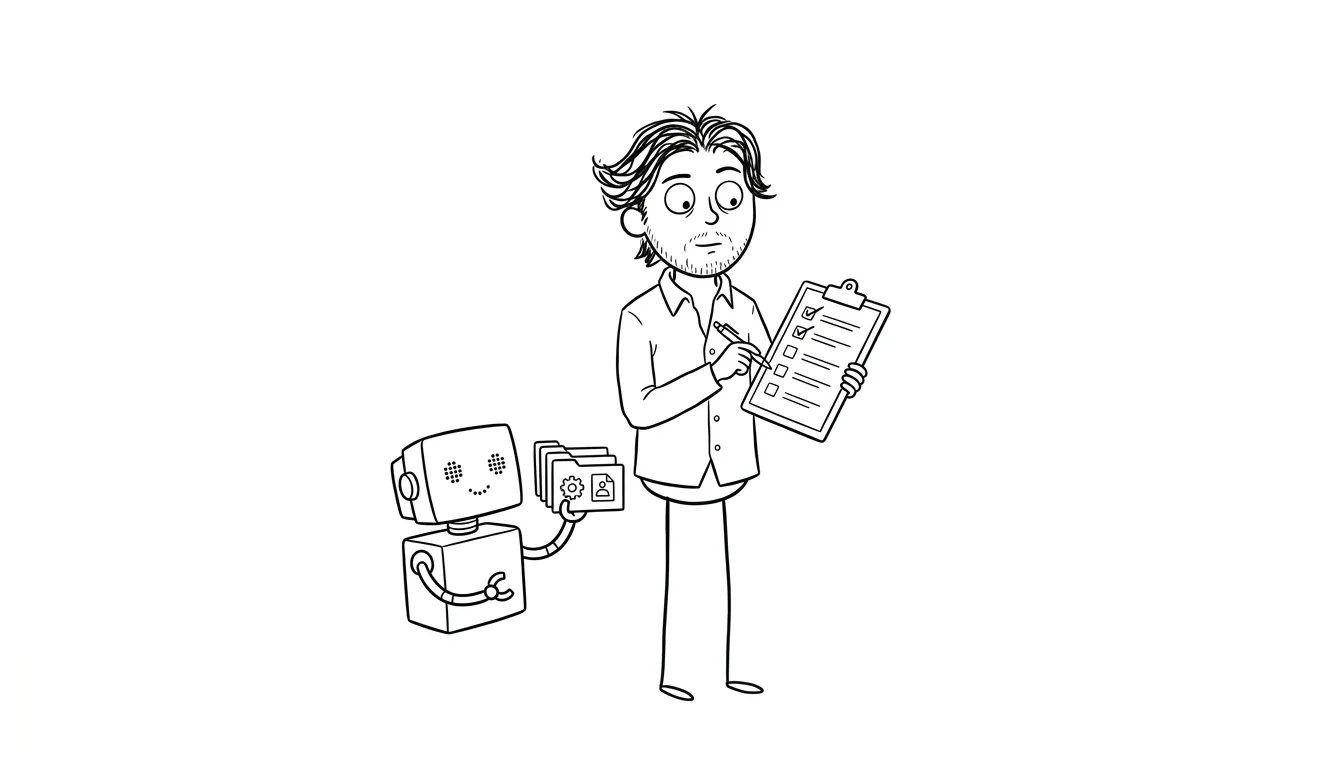
Before anything else, confirm that a human being owns this workflow and understands what it does.
- One named person is responsible for this automation (not “the ops team”)
- That person can explain what triggers the workflow, what it does, and what the expected output is
- The workflow’s purpose matches what was originally scoped or approved
- There’s a written description of the workflow accessible to anyone who might need to troubleshoot it
If ownership is fuzzy, problems go unnoticed and unresolved. Assign a name before launch, not after something breaks.
A useful test: ask the owner to walk you through the workflow without opening the tool. If they can’t do it from memory, they don’t own it, they just built it. That’s a meaningful distinction when something goes wrong at an inconvenient time.
Section 2: Override and kill switch
An automation that can’t be stopped quickly is a liability.
- There’s a documented way to pause or disable the workflow immediately
- The person responsible knows exactly how to do it and has tested it
- There’s a fallback process for what happens manually while the automation is paused
- Any time-sensitive actions (sending messages, creating records, charging anything) have a delay or confirmation step built in for the first 48 hours after launch
This is especially important for automations that touch customers or finances. If something goes wrong at 11pm on a Friday, someone needs to be able to stop it without filing a support ticket.
Most tools like Make and Zapier have straightforward toggle controls to pause a workflow instantly. Know exactly where that button is before you launch, and confirm the person on call knows too.
Section 3: Data handling and privacy
This is where a lot of small businesses skip steps they shouldn’t.
- You’ve confirmed which data fields are passing through the workflow
- Any personally identifiable information (PII) is handled according to your privacy policy
- API keys and credentials are stored securely, not hardcoded into workflow logic
- You’ve checked whether any third-party tools in the workflow store data you didn’t intend to share
- If the workflow produces outputs that include customer data, access to those outputs is appropriately restricted
Run through this section slowly. It’s easy to configure a workflow that passes a customer’s email into a third-party AI tool without realizing that tool logs inputs by default. Check the documentation for every service in the chain.
If you’re in the US and handling health-related data, HIPAA considerations apply to the entire data chain, not just your primary system. If you’re operating in Europe or handling EU customers, GDPR data minimization requirements mean you should only be passing fields the automation actually needs. When in doubt, pull up the data processing documentation for each tool in your workflow and read it before launch, not after.
The AI automation permissions checklist goes deeper on connected app access and OAuth scopes if you want a full breakdown.
Section 4: Edge cases and error handling
Most automations are built around the happy path. This section is about everything else.
- You’ve identified at least three edge cases (unusual inputs, missing fields, duplicate triggers)
- The workflow has documented behavior for each edge case, even if that behavior is “do nothing and alert a human”
- There’s an alert or notification when the workflow fails or produces an unexpected output
- Alerts go to a real person at a monitored channel (not a generic inbox no one checks)
- You’ve tested the workflow with bad or incomplete data, not just clean test records
A workflow that silently fails is often worse than one that errors loudly. Build in noise when something goes wrong.
Common edge cases that get missed: a trigger fires twice for the same record, a required field is blank because an upstream form was updated, a user submits data in an unexpected format (a phone number with dashes instead of digits, a date entered as text). None of these are exotic. They happen regularly in real business data and they should have a defined, documented response.
Section 5: Output quality review
Technical success and output quality are different things. This section covers the latter.
- A human has reviewed at least 10-20 real examples of the workflow’s output before launch
- The output matches what the business actually needs, not just what was technically specified
- If the workflow generates text or summaries using an AI model, a human has checked those outputs for accuracy, tone, and completeness
- If the workflow makes decisions (routing, scoring, categorizing), those decisions have been audited against what a human would decide
- There’s a plan for ongoing spot-checks after launch, not just a one-time review
This is the step most teams rush. “We tested it” often means “we ran it on three clean records and it looked fine.” That’s not enough. Pull real data, run a meaningful sample, and have someone who understands the business context look at the results, not just the person who built it.
Output review should involve someone who wasn’t involved in building the workflow. Fresh eyes catch assumptions the builder stopped seeing.
For AI-generated text specifically, watch for confident-sounding inaccuracies. LLMs don’t hedge when they’re wrong. They produce fluent, plausible output that can be completely off. A human reviewer who knows the subject matter has to catch that, because the automation won’t.
Section 6: Communication and handoffs
If the workflow touches other people, those people need to know what’s happening.
- Anyone whose work is affected by this automation has been told it’s launching
- If the workflow replaces a manual step, the person who did that step manually knows what the new process is
- If the workflow sends anything externally (emails, messages, notifications), a stakeholder has approved the template and tone
- There’s a feedback channel for people to report unexpected outputs after launch
- A launch date is confirmed and communicated to anyone who needs to know
Automations fail in part because the people affected by them were never in the loop. A sales rep who doesn’t know their CRM is now auto-updating will fight the data instead of trusting it. A support team that doesn’t know a new email automation is live will create duplicate manual responses on top of the automated ones.
The communication step feels administrative. It’s actually one of the highest-leverage items on this checklist.
Section 7: Post-launch monitoring plan
The review doesn’t end at launch. It just shifts from pre-launch to ongoing.
- There’s a monitoring window defined (example: daily review for the first two weeks)
- Someone is checking the outputs, not just the error logs
- There’s a threshold defined for when intervention is required (example: more than 5% of records flagged, or any external-facing output that generates a complaint)
- The workflow is on a review schedule, not running indefinitely without check-ins
- Version changes to connected tools or APIs are tracked, so a vendor update doesn’t silently break behavior
Set a calendar reminder for a 30-day review after launch. Workflows drift. Vendor APIs update. Data shapes change. What worked on launch day can quietly degrade over two months.
The AI automation maintenance checklist covers what ongoing monitoring should look like once you’re past the initial launch window.
How to use this AI automation human review checklist with your team
Print it or paste it into a shared doc. Go through it with the person who built the workflow and one person who didn’t. The outsider’s questions are usually the most useful ones.
Don’t mark items complete until you’ve actually verified them, not just assumed them. “I think the kill switch works” is not the same as testing the kill switch.
If you find a section where you can’t answer confidently, stop. Fix the gap before moving forward. A delayed launch is much cheaper than a live workflow producing bad outputs for a week.
One practical approach: treat the checklist as a pre-launch gate. Nothing goes live until every section has been signed off by two people: the builder and a reviewer who wasn’t involved in the build. It adds a little friction before launch, but it can prevent much more cleanup later.
The AI automation exception handling checklist covers the error handling and failure path questions in more depth if Section 4 surfaces gaps you need to fill.
According to NIST’s AI Risk Management Framework, human oversight during deployment is a core component of responsible AI use, especially for systems that produce outputs affecting real people. A pre-launch review checklist is the lightweight implementation of that principle for a small business context.
When a checklist isn’t enough
Checklists work well for workflows you can describe clearly. If you’re struggling to answer the ownership, edge case, or output quality questions, that’s usually a sign the workflow wasn’t scoped tightly enough to begin with.
A focused diagnostic before or during build catches those gaps earlier, when they’re cheaper to fix. The Audit + Spec service at dee.agency is $500 and covers one focused lens: whether that’s reviewing an existing automation for launch readiness, scoping a new workflow properly, or figuring out where your current process is breaking. The fee is credited in full toward follow-on work if you book within 30 days.
For teams ready to build, the AI Integration & Automation service at dee.agency is a flat $3,000 and covers scoping, build, and handoff with documentation included.
Frequently asked questions
What is an AI automation human review checklist?
An AI automation human review checklist is a structured list of questions a human reviewer should answer before launching an AI-assisted workflow. It covers ownership, override controls, data handling, edge cases, output quality, and post-launch monitoring. The goal is to catch gaps that automated testing doesn’t reveal.
How many examples should I review before launching an AI workflow?
Review at least 10 to 20 real output examples before launch, covering both clean data and edge cases like missing fields or unusual inputs. One person who wasn’t involved in building the workflow should also review the outputs independently.
Who should own an AI automation at a small business?
One named person should own each automation and be able to explain what triggers it, what it does, and how to stop it. Shared or team-level ownership makes accountability unclear and slows down incident response when something goes wrong.
What’s the most common reason AI automations fail after launch?
Most post-launch failures come from silent errors: the workflow runs but produces incorrect or incomplete outputs that no one notices immediately. Setting up alerts for failures and scheduling output spot-checks in the first two weeks catches these before they compound.
Do I need to redo this review if I update the workflow?
Yes. Any change to triggers, data sources, connected tools, or logic should trigger a partial review, at minimum covering the affected sections. API updates from third-party vendors also warrant a fresh check even if you didn’t change the workflow yourself.
What if I can’t answer several questions on the checklist?
Stop the launch. If ownership is unclear, output quality is unverified, or there’s no kill switch documented, the workflow isn’t ready. A $500 focused audit can help identify which gaps are blocking launch and what needs to be fixed before you go live.
Get your automation launch-ready
If you’re building an AI-assisted workflow and want a structured review before it goes live, dee.agency’s Audit + Spec service covers exactly that for $500. Or if you’re earlier in the process and need someone to scope and build the workflow properly from the start, the AI Integration & Automation service is a flat $3,000 with documentation included.
Start a conversation about your project and describe what you’re building. The review usually starts with a short async brief, no discovery call required.

Got a project worth shipping? Send the brief.
Quote and kickoff date back in a day, usually faster. If it's not a good fit I'll say so.