
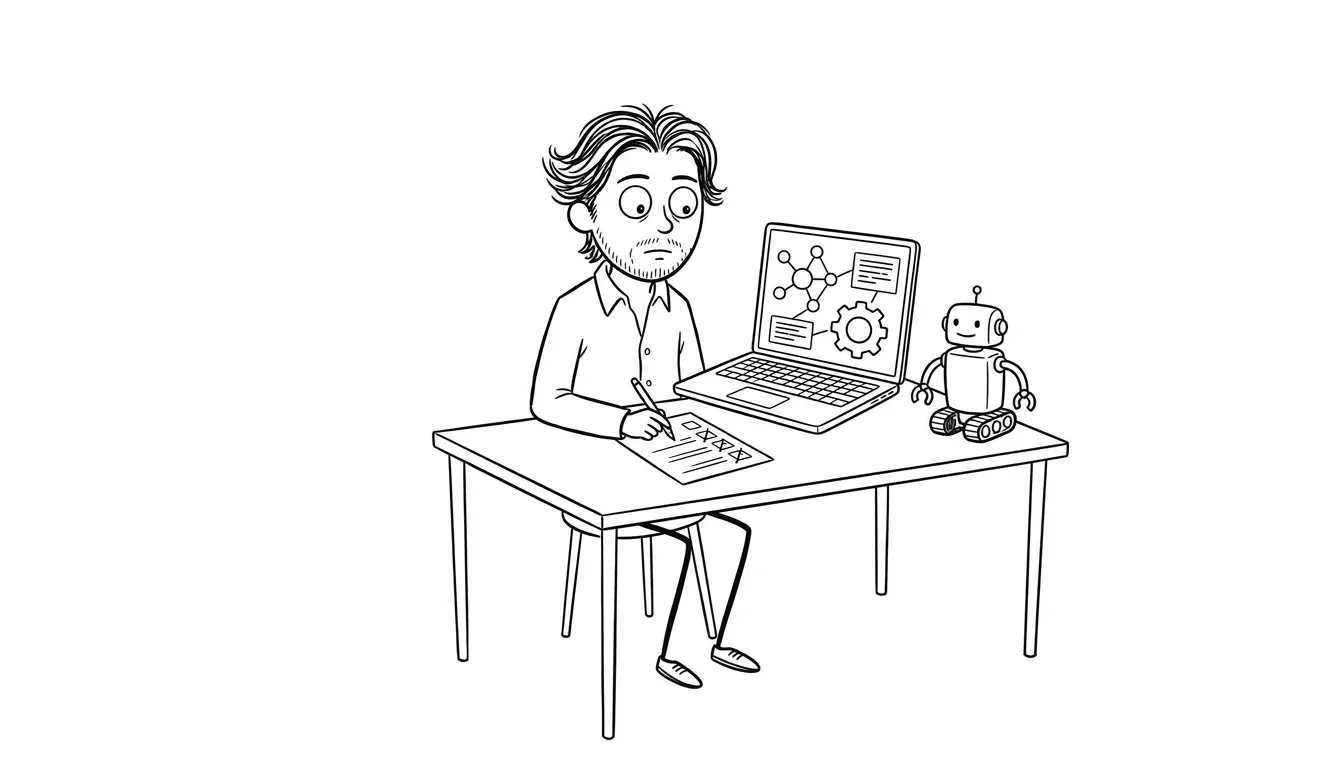
AI Automation Privacy Checklist Before Launch
Use this AI automation privacy checklist to minimize sensitive data, control access, set retention rules, test safely, and document ownership.
An AI automation privacy checklist helps a small business control what data enters a workflow, where that data travels, who can access it, and when it should be deleted. Before launch, map the data flow, remove unnecessary fields, separate testing from production, verify vendor settings, limit logs, and assign an owner for review and deletion requests. This is practical workflow risk reduction, not a substitute for legal or compliance advice.
Why privacy needs to be designed into the workflow
AI automations often connect systems that were previously separate. A support form may feed a language model, a CRM, an email tool, and an internal notification channel in a single run. Each connection creates another place where customer, employee, or operational data can be exposed, retained, or copied.
The safest workflow is not necessarily the one with the most controls. It is the one that uses the least sensitive data required to complete a clearly defined task. If a model only needs a product category and issue summary, sending the customer’s full profile, billing history, and private notes creates risk without improving the result.
Privacy also affects reliability. Teams cannot confidently inspect errors, replay jobs, or share logs when every record contains unredacted personal information. Deliberate data boundaries make an automation easier to test, maintain, and hand off.
Start with the minimum data needed for the decision. Add fields only when a tested requirement justifies them.
The AI automation privacy checklist
Use the following sections before a new automation handles live data. Record each answer in the workflow documentation rather than relying on tool settings that only one person knows.
1. Map every data input and destination
- List each trigger, form, inbox, database, API, and file the workflow reads
- List every model provider, automation platform, database, notification channel, and destination it writes to
- Note which steps create a copy rather than moving or transforming the original record
- Mark where data crosses from one vendor or account boundary to another
- Include failure paths, retries, dead-letter queues, exports, and manual review tools
A box-and-arrow diagram is enough. The goal is to make hidden copies visible. A workflow can appear to move data from a form to a CRM while also placing the same payload in execution history, an error alert, and a model-provider request log.
Pair this map with the AI automation permissions checklist so each destination has a documented account owner and access scope.
2. Classify the data the workflow touches
Create a short inventory of fields and group them by sensitivity. Useful categories include public business information, ordinary operational data, personal contact details, confidential business information, authentication secrets, financial data, and regulated or especially sensitive information.
Do not assume a field is harmless because it looks like free text. Support messages, uploaded documents, call transcripts, and internal notes can contain names, account details, health information, passwords, or other sensitive material that the form never explicitly requested.
For each category, answer:
- Is this data required for the workflow’s output?
- Is the workflow allowed to send it to every connected vendor?
- Does it need additional approval or a different processing path?
- Can it be replaced with an identifier, category, or redacted summary?
If the legal basis or contractual rules are unclear, pause that data path and get appropriate legal or privacy guidance before launch.
3. Minimize prompts and payloads
Data minimization is the highest-leverage privacy control because data that never enters a system cannot leak from that system.
- Send only the fields needed for the current step
- Remove hidden form metadata and full database objects from model prompts
- Prefer internal record IDs over names, emails, or full customer profiles
- Replace raw documents with approved excerpts when the full file is unnecessary
- Avoid placing API keys, session tokens, passwords, or private URLs in prompts
- Check template variables for accidental wildcard payloads such as an entire webhook body
Build an allowlist of approved fields rather than a blocklist of fields to remove. A blocklist can miss a newly added field; an allowlist requires an intentional decision before new data is sent.
4. Redact sensitive content before model calls
Redaction should happen before sensitive text reaches the model provider, not after the response returns. Depending on the workflow, this can include removing email addresses, phone numbers, account numbers, authentication secrets, or document sections unrelated to the task.
Test redaction against realistic edge cases:
- Personal data embedded in free-text notes
- Multiple formats for phone numbers and account identifiers
- Secrets copied into support messages
- Attachments and OCR output
- Names or identifiers split across fields
- Data that appears in quoted email threads
Automated redaction can miss context, so high-risk workflows may need a rule-based gate or human review before the model step. Store any lookup table used to restore placeholders separately and restrict its access.
5. Review vendor data controls
Document the current settings and official terms for every provider that receives data. Do not rely on assumptions such as “API data is never retained” or “enterprise plans are private by default.” Product settings and contract terms vary and can change.
Check official vendor documentation for:
- Whether submitted data is used for model training or product improvement
- Default and configurable retention periods
- Available regional processing or storage options
- Subprocessors and connected services
- Administrative access controls and audit logs
- Contractual data-processing terms
- Deletion procedures and account-level controls
The NIST AI Risk Management Framework offers a general structure for identifying and managing AI risks. The OWASP Top 10 for Large Language Model Applications also outlines risks such as sensitive information disclosure and insecure output handling. Neither resource replaces advice for a specific legal obligation.
6. Separate testing from production data
Development and testing should use synthetic or deliberately de-identified records whenever possible. Copying a live customer database into a test workspace creates another sensitive system with weaker controls and less visibility.
Before launch:
- Create test accounts and representative synthetic records
- Keep production credentials out of development environments
- Block test workflows from sending real emails, messages, invoices, or updates
- Label test outputs clearly so they cannot be mistaken for live records
- Restrict who can import or export production data
- Delete temporary test datasets after validation
A useful test set should still cover long inputs, unusual characters, missing values, hostile instructions, ambiguous requests, and sensitive-looking content. The AI automation evaluation dataset checklist explains how to make those cases repeatable without using real customer records.
7. Set retention and deletion rules
Every copy needs a reason to exist and a rule for when it is removed. This includes execution logs, prompt traces, model responses, cached files, database rows, backups, exports, screenshots, and messages sent to collaboration tools.
Create a small retention table:
| Data location | Purpose | Owner | Retention rule | Deletion method |
|---|---|---|---|---|
| Workflow run history | Debug failures | Automation owner | Shortest useful period | Platform setting |
| Model request log | Quality review | Reviewer | Approved review window | Provider control |
| Temporary upload | Document processing | System owner | Delete after processing | Automated job |
| Error notification | Alert owner | Operations | Remove sensitive payloads | Message policy |
Avoid copying full payloads into alerts just to make debugging convenient. A run ID, error category, timestamp, and restricted link to the original record are often enough.
Confirm whether deletion removes data from active systems only or also affects backups and subprocessors. Record what the platform actually supports rather than promising deletion behavior it cannot provide.
8. Limit human and service-account access
Privacy controls fail when every user and integration can see everything.
- Use dedicated service accounts instead of personal credentials
- Grant the minimum read, write, and delete permissions required
- Limit access to prompt logs and review queues
- Require stronger approval for exports and bulk actions
- Document who can change retention or privacy settings
- Revoke access during staff or vendor offboarding
- Review shared links, webhook URLs, and notification channels
The workflow owner, privacy decision owner, technical administrator, and human reviewer may be the same person on a small team. The important part is that the responsibilities are explicit and transferable.
9. Keep logs useful without copying sensitive data
Logs should explain what happened without becoming a second customer database. Record event IDs, step names, status codes, model versions, validation results, timing, and safe diagnostic metadata. Redact or omit raw prompts, attachments, tokens, and full responses unless they are essential and access-controlled.
Check each failure path. A carefully redacted successful run can still dump the full request into an exception trace. Verify:
- Authentication errors do not expose credentials
- Validation failures do not echo the full sensitive input
- Retry queues do not retain payloads indefinitely
- Notifications do not post personal data into broad channels
- Support exports follow the same retention rules as primary logs
Use the AI automation logging checklist to define observability fields, access, and retention without collecting unnecessary content.
10. Define human review and unsafe-output handling
Privacy risk is not limited to inputs. A model can place sensitive information in a summary, email draft, CRM update, or public response. Validate outputs before downstream systems act.
Set rules for:
- Outputs that may be sent externally
- Sensitive fields that must never appear in generated text
- Review requirements for high-impact actions
- Recipients and channels permitted for each output type
- Quarantine behavior when validation fails
- Manual correction without exposing extra source data
Human reviewers should see only the context needed to make the decision. A review screen that exposes the full customer record defeats data minimization elsewhere in the workflow. The human review checklist for AI automation provides a practical approval structure.
11. Prepare deletion, incident, and rollback ownership
A privacy issue needs a clear stop path. Document who can disable the trigger, revoke credentials, pause downstream actions, preserve restricted evidence, contact vendors, and decide whether records must be deleted or corrected.
The response plan should include:
- Stop new processing without destroying useful diagnostic evidence.
- Identify the affected workflow steps and data locations.
- Restrict access to relevant logs and records.
- Follow applicable contractual, legal, and internal response procedures.
- Correct the workflow and test it with non-production data.
- Obtain approval before resuming live processing.
Keep a manual fallback for essential operations. The AI automation rollback checklist covers triggers, safe shutdown, queued work, credentials, and re-launch gates.
How to turn the checklist into a launch gate
A checklist is useful only when someone must approve it. Add a privacy section to the workflow’s launch record with these required fields:
- Workflow owner and approver
- Approved purpose
- Data map and field allowlist
- Sensitive-data categories
- Vendor settings reviewed and date checked
- Retention rules
- Test evidence
- Human-review rules
- Stop and rollback owner
- Next review date
Mark unresolved items as launch blockers or explicitly accepted risks. Avoid vague answers such as “vendor is secure” or “data is anonymized.” Record the actual setting, redaction rule, access boundary, or test result.
Re-run the review when the workflow adds a data source, changes providers, introduces a new model, sends output to a new channel, or expands from drafting to autonomous action.
Common privacy mistakes in AI automation
Sending entire records for a narrow task
A classification step rarely needs every CRM field. Build a minimal object for each model call and verify it in execution logs with synthetic data.
Treating a privacy policy as a technical control
A policy explains practices; it does not redact prompts, restrict accounts, shorten retention, or prevent sensitive data from entering logs. Match written commitments with actual workflow settings.
Assuming anonymization is automatic
Removing a name may not de-identify a record when free text, location, company details, or unique events can identify the person. Use cautious language and obtain specialist guidance when formal anonymization matters.
Logging everything “for debugging”
Full payload logging makes development convenient but creates a broad, long-lived copy of sensitive information. Log structured diagnostics and provide tightly controlled access to source records only when needed.
Adding privacy review after the workflow is built
Late review often forces expensive changes to prompts, integrations, databases, and review screens. Define data boundaries during scoping, then test them alongside workflow behavior.
When a focused review is useful
A simple internal workflow with public data may only need a lightweight review. Outside help becomes more useful when an automation combines several systems, handles customer or employee records, processes free-text documents, or takes actions that are difficult to reverse.
Dee Agency’s $500 Audit + Spec examines one focused lens at a time. For an AI workflow, that lens can be the data path, privacy boundaries, human-review design, or launch controls. The audit fee is credited 100% toward follow-on work booked within 30 days.
For implementation, AI Integration & Automation is a flat $3,000 service covering one scoped workflow, including practical setup, testing, and handoff. Review the broader service options if the right starting point is not yet clear.
Frequently asked questions
What is an AI automation privacy checklist?
It is a structured pre-launch review of the data an AI workflow collects, sends, stores, exposes, and deletes. It covers data minimization, redaction, vendor controls, retention, testing, access, logs, human review, and ownership.
Should an AI automation use real customer data during testing?
Use synthetic or deliberately de-identified test records whenever possible. If production data is genuinely required for a controlled test, define the purpose, access, retention, environment, and approval before copying it. Appropriate legal or privacy guidance may also be necessary.
Is removing names enough to anonymize AI inputs?
Not necessarily. Free text and combinations of details can still identify a person. Treat name removal as redaction, not a guarantee of anonymization, unless a qualified review supports that conclusion.
How long should AI prompt and response logs be kept?
Keep them for the shortest period that supports a defined operational need and applicable obligations. The right period depends on the data, contracts, platform controls, and business requirements. Document the decision and configure automatic deletion where available.
Does this checklist guarantee privacy compliance?
No. It is a practical engineering and operations checklist, not legal advice or a compliance certification. Requirements depend on the business, data, location, contracts, and applicable laws. Use qualified legal or privacy counsel where needed.
Build the privacy boundary before launch
A good automation should have a clear purpose, a minimal data path, controlled access, useful but restrained logs, tested review rules, and an owner who can stop it. Fixing those boundaries before launch is easier than reconstructing them after live data has spread across several systems.
Use the AI Integration & Automation service for a scoped $3,000 implementation, or start with a one-lens $500 Audit + Spec that is fully credited toward follow-on work booked within 30 days. Share the workflow details to choose the right starting point.

Got a project worth shipping? Send the brief.
Quote and kickoff date back in a day, usually faster. If it's not a good fit I'll say so.