

AI Automation Vendor Handoff Checklist
A six-area AI automation vendor handoff checklist for small businesses: ownership, credentials, documentation, error handling, and go-live verification.
An AI automation vendor handoff checklist for small businesses gives you a structured way to transfer ownership, document credentials, and verify that every moving part still works before someone new takes over. The short version: document ownership, workflow logic, credentials, error handling, human oversight, and transition testing. Test everything in a staging environment before going live. If any of those six areas are unclear, pause the handoff until they’re not.
Why vendor handoffs break automations
Automations can look stable until someone new touches them without enough context.
A handoff is one of the riskiest moments in any automation’s life. The original builder knows which API keys expire quarterly, which webhook is pinned to a specific environment, and which step has a fragile dependency on a third-party service that occasionally goes down. None of that knowledge is visible in the workflow itself.
When a vendor contract ends, a developer leaves, or an automation moves to an in-house team, that context disappears. What’s left is a set of connected steps with no explanation of why they’re connected that way.
This checklist exists to prevent that gap from turning into a real problem.
What the AI automation vendor handoff checklist covers
The checklist has six areas. You don’t need to work through them in order, but all six need to be complete before the handoff is considered done.
- Ownership and access
- Workflow documentation
- Credentials and integrations
- Error handling and edge cases
- Human review and override controls
- Go-live or transition verification
Each area has specific items to check off. What follows is a detailed breakdown of each one.
Ownership and access
This is the most urgent area to resolve. If something breaks after the handoff, the new owner needs to be able to get in immediately.
Check these before anything else:
- The new owner has full admin access to the automation platform (not shared login, not read-only).
- The original vendor’s personal accounts have been removed or revoked from every connected service.
- All platform credentials are stored in the business’s own account, not the vendor’s.
- A named human at your organization is listed as the automation owner in writing.
- That person knows they’re responsible for it.
The original vendor’s personal accounts should be removed from every connected service before the handoff is complete. Shared credentials are not a transfer of ownership.
If the automation runs on a platform like Make, Zapier, or n8n, confirm that the workspace itself belongs to the business, not to the vendor’s agency account. Both Make and Zapier have specific account transfer processes documented in their help centers. This kind of setup issue is easy to miss until the vendor relationship ends.
Workflow documentation
The new owner needs to understand what the automation does, why it’s structured the way it is, and where the fragile parts are. That understanding shouldn’t require a conversation with the original builder.
Documentation should include:
- A plain-language description of what the automation does, written for someone who didn’t build it.
- A list of every trigger and what causes it to fire.
- A step-by-step map of the logic, including any conditional branches.
- Notes on any non-obvious design decisions (why a specific step is there, why a certain delay was added, etc.).
- A list of all third-party services the automation touches, with links to their documentation.
- Known limitations or edge cases that the automation doesn’t handle.
This documentation doesn’t need to be elaborate. A shared Google Doc or a README file in a version-controlled repo is fine. What matters is that it exists and that someone who’s never seen the automation can follow it.
For more on what to document before and after an automation goes live, the AI automation SOP checklist covers the full documentation structure in detail.
Credentials and integrations
Every automation has credentials attached to it: API keys, OAuth tokens, service account logins, webhook URLs. This area is where handoffs most often go silently wrong.

A credential that was set up under a vendor’s email address will stop working when that email is deactivated or the vendor rotates their keys. An API key scoped to the wrong environment will cause failures that look random because they are.
Work through this list:
- Every API key used in the automation is documented by name, service, and expiration date (if applicable).
- All API keys belong to accounts the business controls directly.
- OAuth connections are authenticated via a business account, not a personal one.
- Webhook URLs are documented, and the receiving service is confirmed to still be pointing to the correct endpoint.
- Environment variables (if the automation runs on custom code or a self-hosted tool) are stored in a location the new owner controls.
- Any paid service the automation relies on has an active subscription under the business’s billing.
Check each integration individually. Don’t assume that because the automation ran yesterday, all credentials are valid today. Some tokens expire silently. The OWASP API Security Top 10 is a useful reference for understanding the risks of improperly managed API credentials during transitions like this.
Using this AI automation vendor handoff checklist before the build starts
The best time to use this checklist isn’t when a vendor contract is ending. It’s before the automation is built in the first place.
If ownership, documentation, credentials, error handling, and human oversight are requirements from day one, the handoff becomes a formality rather than a scramble. Every item on the list should already be in place when the work is delivered.
Build requirements that include:
- Business-owned credentials from the start
- Documentation as part of the deliverable, not an afterthought
- Error notifications wired to a monitored channel from day one
- A named internal owner assigned before the automation goes live
If you’re evaluating an automation build now, the AI automation intake form checklist is a good place to capture these requirements before scoping work with any vendor.
Error handling and edge cases
A well-built automation handles failures gracefully. It retries on timeout, it catches bad data before it propagates, and it alerts someone when something genuinely breaks.
Before handoff, confirm that these are actually in place, not just assumed:
- There’s a defined retry policy for each step that can fail (network call, API request, database write).
- If the automation fails partway through, it doesn’t leave data in a partially updated state without alerting anyone.
- Invalid or unexpected inputs are caught at the entry point, not silently dropped.
- Error notifications go to a monitored inbox or channel that the new owner has access to.
- The error notification includes enough detail to diagnose the problem without having to re-examine the whole workflow.
- There’s a documented process for what to do when each type of error occurs.
If your automation doesn’t have explicit error handling, this is the point where you add it, not after the handoff. The AI automation exception handling checklist covers the full range of failure scenarios worth accounting for.
If the automation fails partway through, the new owner needs to know immediately, and the error message needs to tell them enough to act on it without calling the original vendor.
Human review and override controls
Fully automated doesn’t mean unmonitored. Any automation that affects customers, financial data, or operational workflows needs a human check layer and a way to stop it fast if something goes wrong.
This area of the handoff checklist covers:
- There’s a named person responsible for reviewing automation outputs at a defined frequency.
- That person has been briefed on what normal output looks like and what counts as an anomaly.
- There’s a kill switch: a way to pause or disable the automation immediately, and the new owner knows how to use it.
- If the automation sends anything externally (emails, messages, API calls to third-party systems), there’s a way to halt that output without breaking the rest of the workflow.
- Audit logs are enabled, and the new owner knows where to find them.
- Any approval gates in the workflow are mapped to people who are still active at the organization.
Human oversight isn’t about distrust of the automation. It’s about having a response plan ready before something unexpected happens. Related: the AI automation human review checklist covers how to structure this layer properly.
Go-live or transition verification
This is the final gate before the handoff is considered complete. Don’t skip it even if everything above looks good.
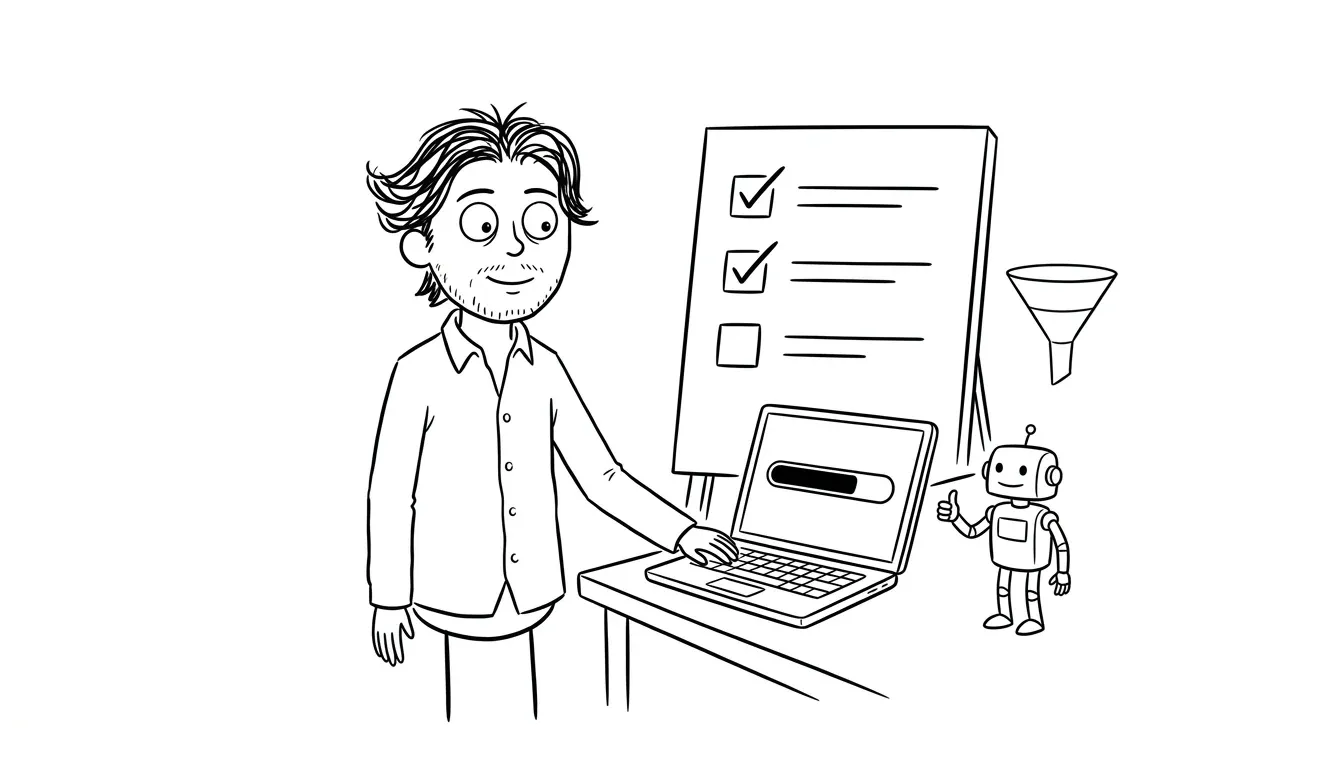
Run a controlled test:
- Trigger the automation manually using a test input that mirrors real data.
- Walk through each step and confirm it executes as expected.
- Confirm that outputs (data written, messages sent, records updated) are correct.
- Trigger a known error condition and verify the error handling fires correctly.
- Confirm that monitoring and alerting still work under the new owner’s account.
- Have the new owner (not the original vendor) run the test themselves.
That last point matters. The original vendor running a successful test proves the automation works in their hands. The new owner running it successfully proves the transfer is real.
If anything fails during this verification, resolve it before signing off. A handoff that “should be fine” is not a completed handoff.
When to do a full handoff vs. a partial update
Not every vendor change requires a full handoff. Sometimes a single integration is being swapped out, or one step in the workflow is being modified. In those cases, you still need to work through the credentials and error handling sections, but the full documentation exercise may be scoped down.
Use the full checklist when:
- The entire automation is being transferred to a new owner or team.
- A vendor contract is ending and a new one is starting.
- The automation is being migrated to a different platform.
- More than two steps are changing at once.
Use a partial review when:
- A single API key is being rotated.
- One integration is being swapped for an equivalent service.
- A minor logic change is being made by the same team that built it.
When in doubt, run the full checklist. It takes less time than diagnosing a failure that traces back to a skipped step.
The NIST guidelines on technology transfer and system transitions offer a useful framework for thinking about risk during ownership changes, even if your automation is simpler than enterprise software.
Thinking about an AI automation build or handoff? Dee Agency’s AI Integration & Automation service is a flat $3,000 and covers scoping, build, and documentation structured for a clean handoff from day one. Start the conversation.
Frequently asked questions
What should an AI automation vendor handoff checklist cover for a small business?
It should cover six areas: ownership and platform access, workflow documentation, credentials and integrations, error handling and edge cases, human review and override controls, and go-live verification. All six need to be complete before the handoff is considered done. A partial checklist leaves avoidable gaps that can make vendor changes harder to manage.
Who should own an automation after a vendor handoff?
A named person at your organization should be listed as the automation owner before the handoff occurs. That person should have admin access to the platform, access to error notifications, and know how to trigger the kill switch if something goes wrong. Shared or unnamed ownership usually means no one acts when something breaks.
Do API keys and credentials transfer automatically during a vendor handoff?
No. Credentials need to be explicitly transferred, and each one should be confirmed individually. API keys scoped to a vendor’s account, OAuth tokens authenticated via a personal email, and environment variables stored outside the business’s own systems will all fail silently when the vendor’s access is removed or their account changes.
Should you test an automation before finalizing a vendor handoff?
Yes, and the new owner should be the one to run the final test, not the original vendor. Testing should include a successful run with real-format data and a deliberate error condition to confirm that error handling and alerting still work under the new owner’s account.
What’s the difference between a vendor handoff and a change of credentials?
A credential rotation is a narrow task: swap one key, confirm it works, document the new expiration. A vendor handoff is a full transfer of ownership, documentation, and operational responsibility. It includes credentials, but it also covers who owns the platform account, who receives error alerts, who has the kill switch, and whether documentation is complete enough for someone new to run the automation independently.
When does a small business need help from a consultant on an automation handoff?
When the automation is undocumented, when credentials are entangled with a departing vendor’s personal accounts, or when the workflow logic isn’t clear to anyone still at the organization, a consultant can reconstruct the documentation, audit the integrations, and reestablish clean ownership. Dee Agency’s focused automation audit is a $500 diagnostic that identifies exactly what’s missing before a handoff or repair begins.
Ready to build something that hands off cleanly?
Dee Agency’s AI Integration & Automation service is a flat $3,000. It covers scoping, build, documentation, and handoff structure so that when ownership changes, everything needed to run it is already in place.
If an existing automation is undocumented or tangled, a $500 focused audit is the right starting point. The audit fee is credited 100% toward follow-on work if booked within 30 days.

Got a project worth shipping? Send the brief.
Quote and kickoff date back in a day, usually faster. If it's not a good fit I'll say so.