
Does Your Startup Need a Design System?
Most early-stage startups don't need a design system yet. Here's the honest answer on when it makes sense and what to do instead.
Your startup does not need a design system yet. That’s the honest answer for most early-stage teams. Design systems take months to build properly, require ongoing maintenance, and solve problems you probably don’t have yet. If you’re pre-product-market fit, a design system will slow you down without meaningfully improving your product. Build the thing first. Standardize later, when you have something worth standardizing.
Why founders keep asking about design systems
The question comes up constantly. A founder reads about how Airbnb or Shopify runs their design org, sees terms like “component libraries” and “design tokens,” and thinks: we need that. It sounds professional. It sounds like the kind of thing a real product company does.
And it is. For them. At their scale.
Airbnb has hundreds of engineers and dozens of designers working on the same product simultaneously. Without a shared system, their UI would fragment into chaos within weeks. A design system for them isn’t overhead, it’s infrastructure. It’s how they keep thousands of decisions consistent across teams.
Your three-person startup is not Airbnb.
The desire to build a design system early usually comes from a good place. Founders want to do things right. They want to avoid technical debt. They’ve read that “doing it right from the start” saves time later. That logic makes sense in a lot of contexts. For design systems at the early stage, it mostly doesn’t.
What a design system actually is (and what it costs you)
A design system is a shared set of design decisions: colors, typography, spacing, components, interaction patterns, documentation. When it’s built well, it lets multiple designers and developers build UI consistently without reinventing the wheel every time.
The keyword there is “multiple.” Design systems solve a coordination problem. If you don’t have a coordination problem yet, you don’t need the solution.
Here’s what building one actually costs:
Time. A real design system, built to be useful rather than decorative, takes weeks at minimum. Months if you want documentation, variants, states, edge cases, and actual adoption. That’s weeks you’re not spending on the product itself.
Maintenance. A design system isn’t a deliverable, it’s a product. It needs to be updated when your UI evolves. If nobody is responsible for it, it goes stale and developers stop trusting it. Then you have the worst of both worlds: time spent building something nobody uses.
Premature decisions. Early product UI changes constantly. You’re still figuring out what screens you need, what flows make sense, what your users actually respond to. Locking those decisions into a component library before you have real feedback means you’ll spend time updating the system instead of updating the product.
Opportunity cost. This one gets underestimated. Every week spent building tokens and documenting component variants is a week not spent talking to users, shipping features, or fixing the onboarding flow that’s losing you signups. At the early stage, that tradeoff almost never makes sense.
Building a design system before you have consistent UI is like writing a style guide before you know what you want to say.
When does a startup actually need a design system?
There are a few clear signals. If you have multiple designers working on the same product, you have a coordination problem worth solving. If your engineering team is spending meaningful time on UI inconsistency, that’s a signal. If you’re onboarding new engineers regularly and they’re reinventing components, that’s a signal.
A rough heuristic: if you can’t name a specific, recurring problem that a design system would solve, you don’t need one yet.
For most early-stage products, that threshold looks something like:
- More than two or three designers working in parallel
- More than five to ten engineers regularly touching the frontend
- A product that’s past early validation and has a stable enough structure that components won’t change dramatically month to month
- A dedicated person (or team) who can own and maintain the system
If those don’t describe your company yet, you’re in the “not yet” camp. That’s not a criticism. It’s just the right stage to be in.
One more signal worth naming: if your team is spending more time in design review meetings arguing about button styles than actually shipping, that’s a process problem. A design system might eventually help. But often the real fix is clearer decision-making, not more infrastructure.
What you should do instead
None of this means “ship inconsistent garbage and sort it out later.” There’s a practical middle ground that most early-stage products live in, and it works fine.
Use a component library someone else built
Radix UI, shadcn/ui, Tailwind UI, Chakra UI. These are battle-tested, well-documented, and free to use. They give you consistent base components without the cost of building and maintaining your own.
shadcn/ui in particular has become a default choice for many React/Next.js projects because it’s not a dependency you install, it’s code you own. You copy components into your project and customize them. Low abstraction overhead, high flexibility.
Radix UI handles the accessibility and interaction primitives you’d otherwise have to build yourself. Dropdowns, dialogs, tooltips, all with correct keyboard navigation and ARIA roles out of the box. That’s not trivial work, and you shouldn’t be doing it from scratch at the early stage.
This isn’t a design system. It’s borrowed infrastructure. But for an early-stage product, that’s exactly what you need.
Keep a simple style reference, not a system
One Figma file with your colors, your type scale, and your most-used components is enough. No tokens architecture, no documentation site, no contribution guidelines. Just a reference that keeps your designer and your developer on the same page.
Call it a style guide if you want. Don’t call it a design system or you’ll feel obligated to maintain it like one.
The practical version of this looks like: a page with your color palette (primary, secondary, neutrals, error states), your type scale (H1 through body and caption), your default spacing unit, and a handful of the components you actually use every day. That’s it. The whole thing might take half a day to put together and it does 80% of what a full system would do for a team your size.
Establish a few hard rules and let the rest be flexible
Pick your spacing unit (8px grid is fine), your type scale, your three main colors. Write them down somewhere. Then let designers and developers make reasonable decisions within those constraints.
This is how most good early-stage products are built. It’s not chaos. It’s appropriate constraint for the stage.
The distinction matters: constraints guide decisions. Systems govern them. You need the former. The latter comes later.
The design system trap in practice
Here’s what the trap looks like. A startup at seed stage decides they need a design system before shipping their second major feature. They spend six weeks in Figma building components, defining tokens, setting up Storybook. It looks great in documentation.
Then the product changes. The dashboard gets reorganized. The main user flow shifts. Half the components never get used. The other half need to be updated, and nobody has time to update them, so the system and the product start to diverge. Six months later, the design system is a maintenance liability nobody wants to touch.
This pattern is common. The irony is that the founders who fall into it usually did it out of genuine care for quality. They wanted to build things right. The problem is that “right” depends on context, and a design system is the wrong tool for the early-stage context.
There’s also a subtler version of this trap. Some teams build a design system not because they need one, but because it looks impressive to investors or new hires. “We have a design system” sounds mature. It signals process and professionalism. But if it’s not actively reducing coordination friction for your team, it’s theater. And theater takes time to build and maintain.
The difference between looking consistent and being consistent
These aren’t the same thing, and it’s worth being clear about the distinction.
Looking consistent means your buttons are the same size, your type has a clear hierarchy, your colors aren’t fighting each other. A designer spending a day reviewing your product can catch most of this. It doesn’t require a system. It requires attention.
Being consistent at scale means your tenth engineer building their fifth feature is making the same decisions as your first engineer building your first feature, without asking anyone. That’s what a design system actually enables. It’s a communication tool for teams too large to communicate directly.
Most early-stage products need the first thing. They don’t need the second thing yet.
If your product looks inconsistent right now, the fix is usually a design pass. Not infrastructure. A focused review that catches the rough edges, aligns the visual language, and gives your developer clear direction. That’s the kind of thing I do in an Audit + Spec. It’s faster and cheaper than building a system you’re not ready to maintain.
Want to know what’s actually slowing your product down? My Audit + Spec is a flat $500 and gives you a clear diagnosis in days, not weeks. Tell me what you’re working on.
Your startup does not need a design system, but it does need design
This is the nuance worth holding onto. Arguing against a design system is not arguing against design work. Design is still critical early on, probably more critical than most founders realize.
A landing page that converts, an onboarding flow that doesn’t confuse new users, a UI that clearly communicates what your product does. These things matter from day one. They directly affect whether people sign up, stay, and pay.
What you don’t need is the infrastructure layer that makes design scalable across large teams. You need the design output, not the design operations.
If you’re not sure where your product has friction, a product design review is often the right first step. That’s exactly what my Audit + Spec service is built for: one focused lens on your product, delivered fast, without the overhead of a full engagement. It tells you where to fix things, not how to build a system around them.
The article on common UX mistakes in SaaS products covers the friction patterns that matter most before you’ve reached design-system scale. Worth reading if you’re trying to figure out where to focus.
What to do when you actually are ready
When you hit the signals mentioned above, several engineers touching the frontend, multiple designers, a stable enough product that components won’t shift dramatically, here’s how to start without over-engineering it.
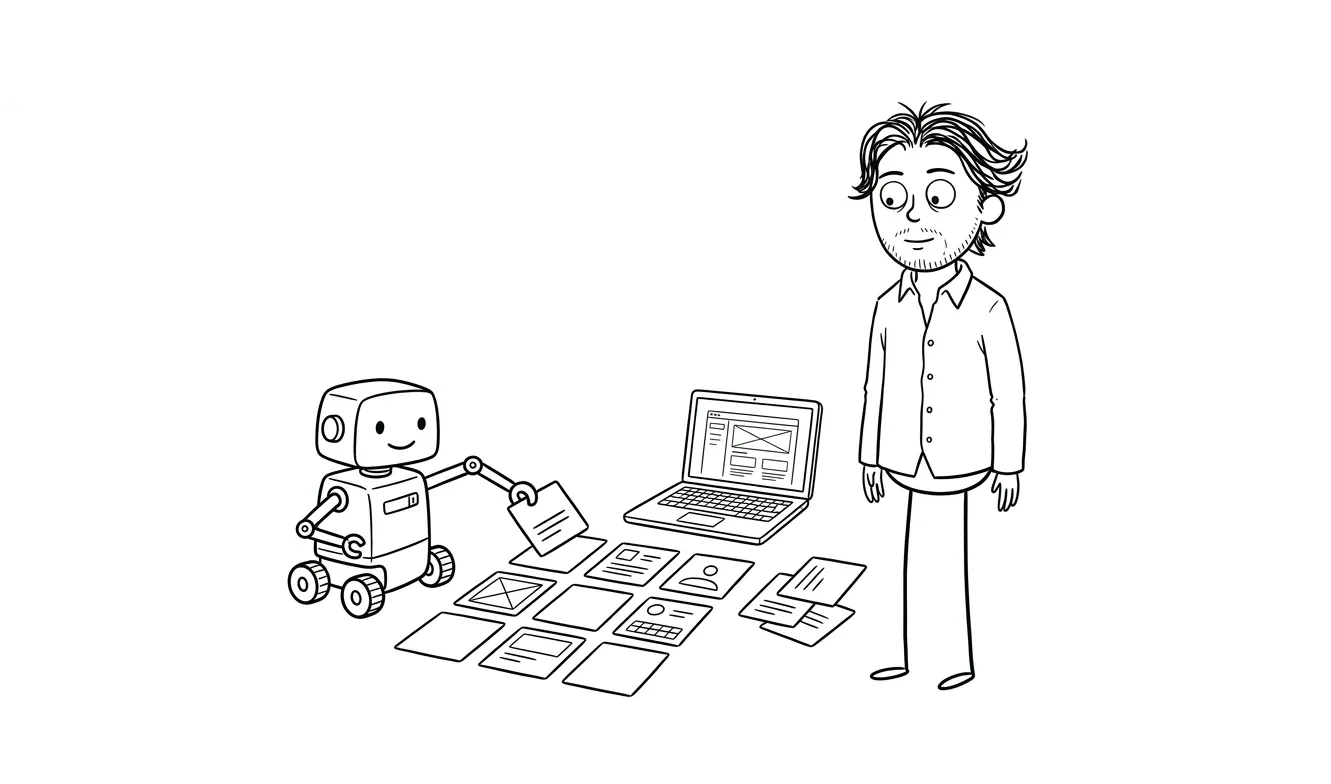
Start with what you already have. Look at your current UI and identify the patterns that already repeat: button styles, card layouts, form fields, navigation. Document those first. Your design system should describe what exists, not prescribe what might.
Pick your tooling based on your actual team, not what large companies use. Storybook is excellent but it’s also overhead. A shared Figma library and a clear README might be all you need to start. The goal is adoption, not comprehensiveness.
Assign ownership. A design system nobody owns is a design system that decays. If there’s no clear person responsible for keeping it current, don’t build it yet.
Grow it incrementally. A component gets added to the system when it’s been used in at least two places and is likely to be used again. Not before. This keeps the system lean and prevents you from speccing components you’ll never build.
Here’s a simple rule for when to add something to the system: if a developer has had to ask “how should this look?” twice for the same type of element, that element belongs in the system. If they’ve never had to ask, it probably doesn’t.
The real question behind the design system question
When a founder asks “should we build a design system?”, they’re often really asking something else. They want to know if their product looks professional enough. They want to know if their engineering process is mature enough. They’re wondering if inconsistent UI is why users aren’t converting.
Those are good questions. A design system isn’t the answer to any of them, at least not yet.
If your product looks inconsistent, the fix is a design pass, not a system. If users aren’t converting, the fix is probably in your onboarding flow or your messaging, not your component architecture. If you’re not sure what the fix is, a structured review of your product is faster and cheaper than building infrastructure.
If you’re at the “idea to product” stage and need help scoping what to build, my MVP service is built around exactly this: figuring out what your product actually needs to do first, and building that well, not building the scaffolding around a product that doesn’t exist yet. And if you want to understand when design investment makes sense versus when you should just ship, the article on when to invest in design vs when to ship ugly lays that out clearly.
Frequently asked questions
When does a startup need a design system?
Most startups don’t need one until they have multiple designers working in parallel or a large engineering team regularly building new UI. A practical signal: if you can’t name a specific coordination problem a design system would solve, you’re not ready. For most teams, that’s after series A or later.
What should I use instead of a design system for my early-stage product?
Use an open-source component library like shadcn/ui or Radix UI for base components, and keep a simple Figma style reference for colors, type, and key patterns. That combination covers most early-stage needs without the maintenance burden of a full system.
Does inconsistent UI hurt my product’s conversion?
It can, but inconsistency is rarely the root cause of conversion problems at the early stage. More commonly, conversion drops because of unclear messaging, a confusing onboarding flow, or weak trust signals. A focused UX audit is usually the faster way to find what’s actually hurting you.
How long does it take to build a proper design system?
A minimal, useful design system takes several weeks of focused work at minimum, and months if you include documentation, component variants, and adoption. An enterprise-scale system takes longer. The ongoing maintenance commitment is often underestimated by teams building one for the first time.
Can a one-person team maintain a design system?
Technically yes, but it’s rarely a good use of time at the early stage. A single designer or developer maintaining a system is a single designer or developer not working on the product itself. The tradeoff only makes sense when the consistency benefits outweigh the opportunity cost, which usually requires a larger team.
What’s the difference between a design system and a component library?
A component library is a set of reusable UI components (buttons, inputs, cards). A design system includes that plus the design principles, patterns, documentation, and governance processes that tell a team how and why to use them. Most early-stage products don’t need the latter, and can borrow the former from open-source tools rather than building it from scratch.
Ready to build something that ships?
If you’re at the early stage and want a cleaner product without the overhead of building design infrastructure, I can help. My Audit + Spec finds the real friction in your current product for a flat $500. If you’re starting from scratch, the Idea to MVP service gets you to a real product without overbuilding it.
Tell me about your project and we’ll figure out what’s worth building first.

Got a project worth shipping? Send the brief.
Quote and kickoff date back in a day, usually faster. If it's not a good fit I'll say so.