
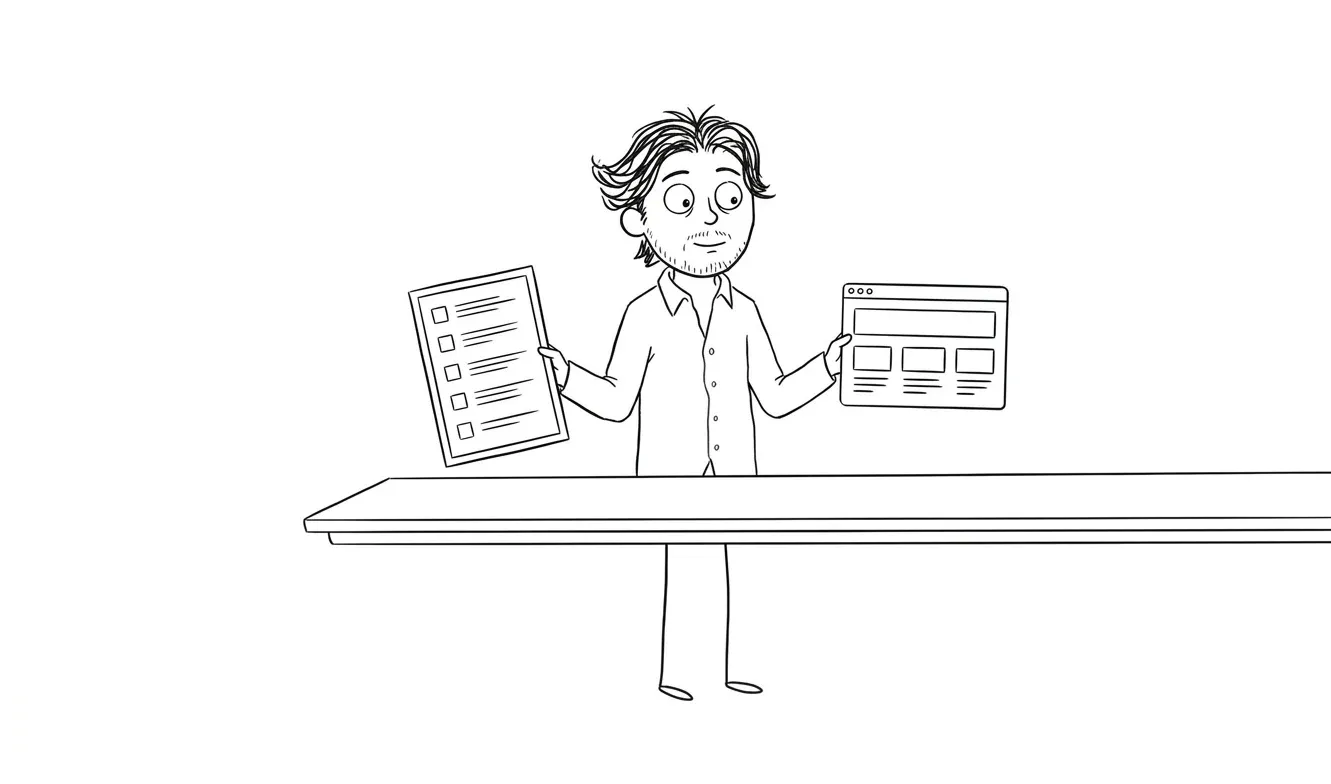
UX Audit vs Full Redesign: How to Choose
Not sure whether you need a UX audit or a full redesign? Here's how to tell the difference and avoid the costly mistake of doing too much too soon.
A UX audit vs full redesign is one of the most common decisions founders get wrong, and it’s almost always in the same direction: too much, too fast. If your product has real users but something’s quietly broken, a UX audit is almost always the right first step. It’s faster, cheaper, and it tells you exactly what to fix. A full redesign makes sense when the structure itself is wrong, the brand no longer fits who you’re selling to, or the codebase is so outdated that patching it costs more than starting fresh. When you’re not sure which one you need, start with the audit.
UX audit vs full redesign: how to tell them apart
These two things get confused constantly. Founders hear “redesign” and think it means fixing UX problems. Designers hear “UX audit” and wonder if it’s just a polite way to delay a project. Neither framing is quite right.
A UX audit is a diagnostic. You go through an existing product with a specific lens, find what’s causing friction, and prioritize fixes by impact. The product keeps running. Users don’t notice anything changed during the process. At the end, you have a clear picture of what’s broken and what to do about it.
A full redesign is a rebuild, at least visually, and often structurally. You’re rethinking flows, updating the visual system, sometimes changing the underlying architecture. It’s a bigger investment in time, money, and organizational attention.
The most expensive thing you can do is run a full redesign when you actually needed a targeted fix.
Both have their place. The mistake is reaching for the bigger one by default.
When a UX audit is the right call
Most products need an audit before anything else. Here’s what that looks like in practice.
Your product is live and has users
If people are using your product, you have signal. Conversion rates, drop-off points, support tickets, session recordings, where users get stuck. An audit uses that signal. A redesign often ignores it in favor of starting clean, which means throwing away real data about how your actual users behave.
According to the Nielsen Norman Group, expert UX reviews consistently surface usability issues that quantitative data alone won’t reveal. The combination of behavioral data and a structured evaluation is what makes audits so effective on live products.
If you have a working product with real traffic, an audit will almost always surface actionable fixes faster than a redesign will.
Conversion is underperforming but you don’t know why
If your landing page gets visitors but doesn’t convert, or your onboarding starts but people don’t complete it, that’s a UX problem. Probably a specific one. Maybe the CTA is buried. Maybe the value proposition isn’t landing. Maybe there’s a form field that confuses people.
A redesign won’t necessarily fix those things. You might redesign the whole page and still have the same problem because you didn’t diagnose it first.
An audit finds the specific friction. Then you fix that, not everything.
You’re trying to justify a bigger investment
This is a genuinely practical reason. If you’re thinking about a full redesign but you need to know if it’s worth the budget, an audit tells you. You might find out the problems are fixable with targeted changes. You might find out the structure is fundamentally broken and a redesign is justified. Either answer is useful.
I offer an Audit + Spec for $500 that works exactly this way. One focused lens, a clear diagnosis, and a spec you can act on. If you end up hiring me for follow-on work within 30 days, the $500 gets credited.
The team disagrees on what’s broken
This is more common than people admit. The founder thinks it’s the onboarding. The product manager thinks it’s the pricing page. The developer thinks it’s a bug in the checkout flow. Everyone has a theory, and the team is spinning on opinions.
An audit stops that. You bring in someone with fresh eyes, they look at the whole thing without internal politics, and they tell you what they actually found. It’s a lot harder to argue with a prioritized list of specific issues than with someone’s gut feeling.
You want a benchmark before making changes
This is an underused reason to audit. If you’re planning to run A/B tests, hire a new designer, or bring in a development team, you want a baseline first. What does the product actually look like before any changes? Where are the biggest gaps relative to established usability standards?
Running an audit before a change program gives you something to measure against. You’ll know whether your fixes actually moved anything, rather than guessing at the end of a quarter.
When a full redesign actually makes sense
Sometimes the audit surfaces things that can’t be patched. That’s when a redesign earns its cost.
The information architecture is wrong
If users can’t find what they’re looking for because the navigation structure doesn’t match how they think about the product, you can’t fix that with copy tweaks. You have to rethink the structure. That’s a redesign.
Same goes for apps where the core flows were designed around an old version of the product. If you’ve added five new features and the original three-screen flow now makes no sense, the problem isn’t a broken button. It’s that the architecture wasn’t built for what the product became.
The brand no longer matches who you’re selling to
Visual identity matters more than some founders want to admit. If your product looks like it was built in 2015 and you’re now selling to enterprise buyers, the aesthetic mismatch is doing real damage. It signals that the product might be outdated even if the functionality is solid.
A UX audit won’t fix that. You need a visual redesign at minimum, and often that means touching the whole product to apply the new system consistently.
You’re entering a new market or repositioning
When the business itself is changing, the product needs to change with it. A pivot, a new ICP, a major pricing change, a rebrand. These aren’t UX problems. They’re strategic changes that need to be reflected in how the product looks, how it talks about itself, and what it prioritizes on screen.
Auditing the old version doesn’t help much when the old version was built for a different customer.
Technical debt makes incremental fixes impossible
This one is underappreciated. Sometimes a product’s UX problems are downstream of a messy codebase. The front-end is so patched together that every small fix requires touching three other things. In that case, the redesign isn’t just a design decision, it’s a technical one.
If you’re building a new version of something and want to do it right, my MVP design and build service covers the full process from early scoping through shipped product.
The product has never been designed with users in mind
Some products get built by engineers and then iterated for years without ever going through a real design process. The UX issues in these products aren’t individual friction points, they’re systemic. The mental models baked into the product don’t match how users actually think.
In that case, an audit will surface twenty or thirty issues across every screen, and the cost of fixing them individually will exceed the cost of a redesign. That’s a signal. When the list of fixes is longer than the product itself, you’re not patching, you’re redesigning anyway. Better to do it intentionally.
The dangerous middle: partial redesigns that solve nothing
There’s a trap between an audit and a full redesign that catches a lot of products. The partial redesign. You spend a few weeks updating the visual style, redoing the homepage, maybe touching the onboarding. But the underlying problems, the ones users are actually hitting, don’t get fixed because nobody diagnosed them first.
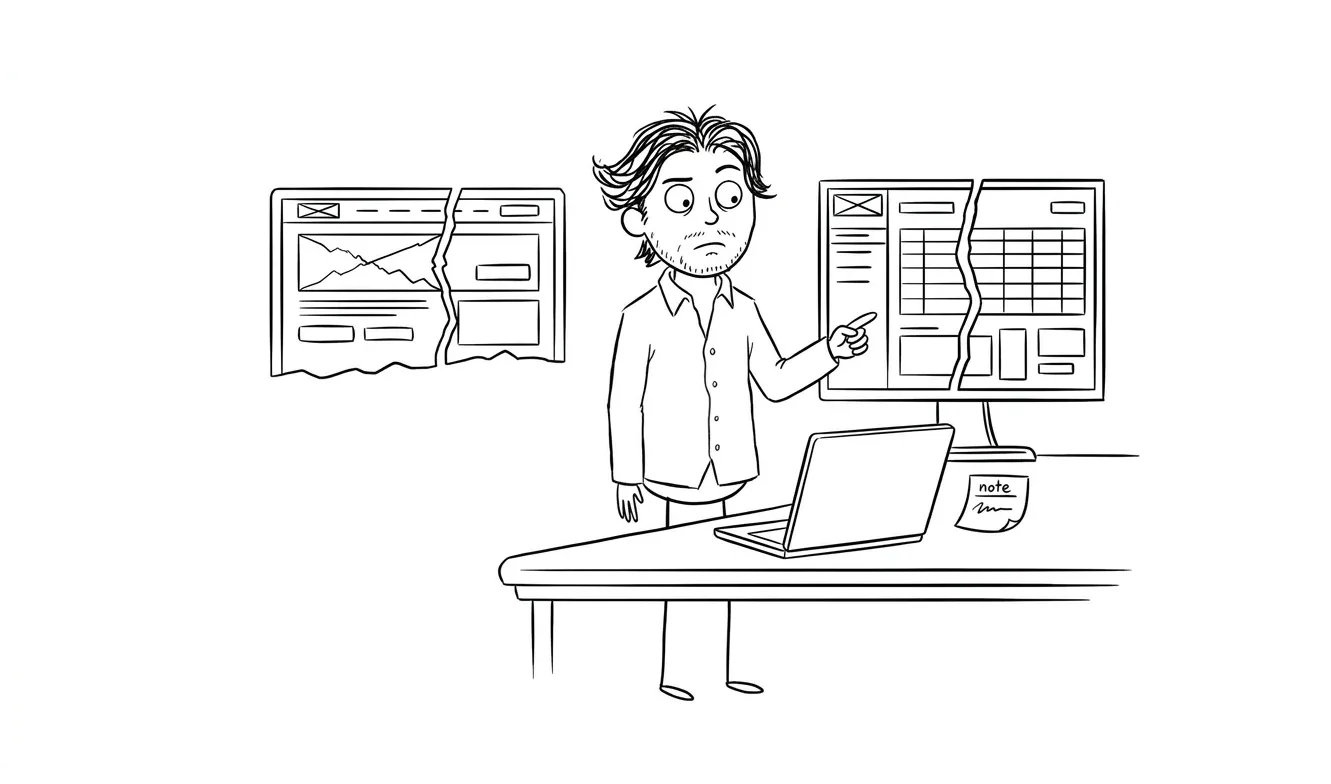
The result looks better in screenshots. The metrics don’t move. The team is frustrated because they did a lot of work and nothing changed.
This happens when you do visual work before diagnostic work. The fix is simple: audit first, then decide what scope of work is actually needed.
The Baymard Institute has documented this pattern extensively in e-commerce UX research: visual improvements that don’t address core usability issues rarely move conversion rates. The same principle applies to SaaS products and any product where users need to complete a flow to get value.
UX audit vs full redesign: a practical comparison
| UX audit | Full redesign | |
|---|---|---|
| Typical cost | $500–$5,000 | $10,000–$100,000+ |
| Timeline | Days to 2 weeks | 6 weeks to 6 months |
| What you get | Prioritized list of specific fixes | New visual system, updated flows |
| Best for | Live products with real users | Structural/brand overhaul |
| Disruption to product | None during process | Significant |
| Risk | Low | High if diagnosis was skipped |
| Good starting point for redesign? | Yes | Not without audit first |
The cost difference alone should give you pause. If you’re not sure which one you need, the audit costs you $500 and a few days. The redesign costs you weeks or months and a lot more money. Starting with the smaller one is almost always the lower-risk move.
How to use an audit to scope a redesign
One of the best uses of an audit is as a scoping tool for a redesign you already know you want.
Instead of going into a redesign with “we need to fix everything,” you go in with specific findings. This page has a 70% drop-off because users can’t find the next step. This flow confuses people because the labeling is inconsistent. This feature has a 2% adoption rate and might not need to exist.
Now your redesign has a clear brief. The designer knows what problems to solve. The developer knows what’s highest priority. You’re not just making things look better, you’re fixing specific things that are costing you.
This is also where the distinction between a UX audit and a general design review matters. A proper audit is structured, documented, and tied to a severity framework. Each issue gets a priority rating. You can hand that document to a developer or designer and they know exactly what to work on first, and why.
My UX audit service is built for exactly this workflow. It gives you a documented, prioritized diagnosis you can use to brief any designer, including me for follow-on work.
Not sure where the friction is? My Audit + Spec service is a $500 one-lens diagnostic. You get a clear picture of what’s broken and what to do about it. Tell me about your product.
What a good audit actually delivers
It’s worth being specific about outputs, because “audit” means different things depending on who you hire.
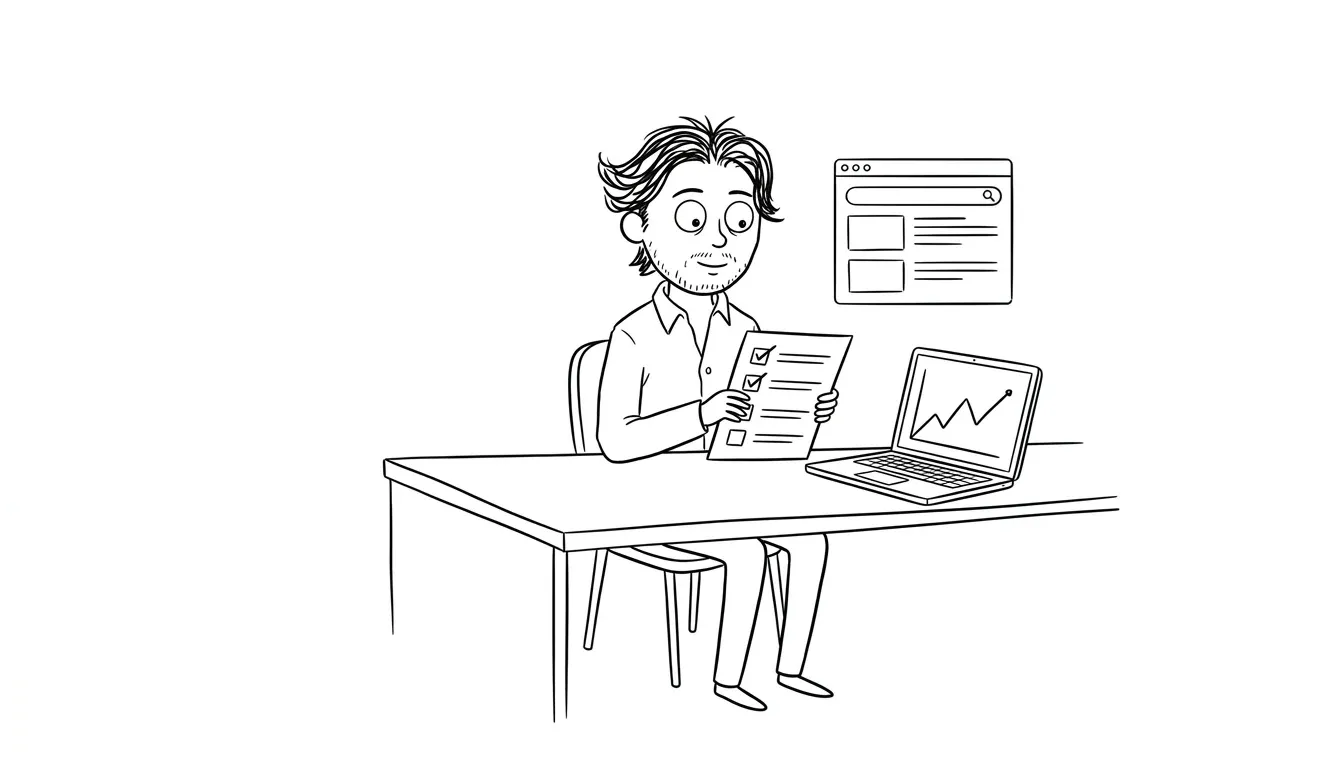
A useful audit gives you a prioritized list of issues with clear severity ratings, not just a list of complaints. It tells you which problems are costing you the most, and it includes enough context that someone else can act on the findings without a lengthy handoff call.
It should also include a recommended next step for each issue. Not just “the CTA is hard to find” but “move the CTA above the fold and make it the only action available on this screen.” Specific, actionable, and tied to a real UX principle.
What it shouldn’t do is give you a 40-page report full of observations without prioritization. That’s not a diagnosis, that’s a document dump. The value of an audit is the judgment call about what matters most and what to do first.
The Web Content Accessibility Guidelines (WCAG) provide one commonly used benchmark for auditing interface quality. A good audit draws on frameworks like this to give findings a grounded, defensible basis rather than relying purely on the auditor’s taste.
Signs you’re about to make the wrong call
A few patterns I see founders fall into.
Jumping to a redesign because it “feels like time.” Time isn’t a reason to redesign. If you’re not sure why you’re redesigning, you’re probably not ready to redesign.
Running an audit but not acting on it. The diagnosis only helps if you act on it. An audit that sits in a doc without follow-through is just a $500 list of good intentions.
Treating a redesign as a marketing play. A redesign doesn’t fix a product that doesn’t have product-market fit. If users aren’t sticking around, the problem might not be UX at all. It might be the offer, the pricing, the positioning. Worth checking before you redesign anything.
Skipping the audit because the team is confident they know what’s wrong. The people closest to the product are often the least able to see it clearly. That’s not a criticism, it’s just how familiarity works. Fresh eyes find things that internal teams miss. It’s one of the clearest things you learn from doing this kind of work.
If you’re thinking about which path makes sense for your product, this related piece on 7 signs your product needs a UX audit is worth reading alongside this one.
Frequently asked questions
What’s the difference between a UX audit and a redesign?
A UX audit is a diagnostic, it finds specific friction points in an existing product and tells you what to fix. A redesign is a rebuild of the visual system, flows, or structure. An audit takes days and costs hundreds to a few thousand dollars. A redesign takes weeks or months and costs significantly more.
Should I do a UX audit before a redesign?
Almost always yes. An audit tells you what’s actually broken, so your redesign has a specific brief instead of vague goals. Skipping the audit means you might redesign things that weren’t causing problems while missing the ones that were.
How much does a UX audit cost?
UX audits typically range from $500 to $5,000 depending on scope and depth. My Audit + Spec service is a flat $500 for a focused one-lens diagnostic, which is a practical starting point for most early-stage products.
When does a full redesign actually make sense?
When the information architecture is wrong, the brand no longer fits your market, you’re repositioning the product, or technical debt makes incremental fixes too costly. These are structural problems that an audit alone can’t solve.
Can an audit replace a redesign?
Sometimes. If the core structure of your product is sound, targeted fixes based on an audit can move metrics without a full redesign. Many products look like they need a redesign but actually need a handful of specific UX improvements.
How long does a UX audit take?
A focused audit on a specific part of a product, like a landing page, onboarding flow, or checkout, typically takes three to five business days. A broader audit covering the whole product can take one to two weeks depending on scope.
The bottom line
If your product is live and something’s not working, start with an audit. You’ll spend less, learn more, and make better decisions about what to do next. If the audit points to structural problems, then you have a clear, justified case for a redesign. If it doesn’t, you’ve saved yourself a lot of time and money.
Either way, you’ll know what you’re actually dealing with.
If you want a fast, focused diagnosis of your product, the Audit + Spec is where I’d start. Or if you already know a bigger engagement is the right move, tell me about your project and we’ll figure out the right scope together.

Got a project worth shipping? Send the brief.
Quote and kickoff date back in a day, usually faster. If it's not a good fit I'll say so.