

AI Integration Requirements Checklist for Small Businesses
A 10-point AI integration requirements checklist for small businesses: workflow docs, data readiness, success metrics, tool access, and more.
Before you hire an AI developer or start building an AI integration, you need a clear picture of what you’re actually asking for. This AI integration requirements checklist for small businesses covers the ten areas that matter most before you write a single line of code or sign a contract: your workflow documentation, data readiness, success metrics, tool access, and more. Skip this prep and you’ll waste money on something that doesn’t fit how your business actually runs.
Why most small business AI projects fail before they start
The failure mode is almost never technical. It’s that the business didn’t know what they wanted clearly enough to evaluate whether they got it.
Someone reads about AI automation, gets excited, hires a developer, and describes the problem loosely. The developer builds something reasonable given the information they had. It doesn’t fit. The team doesn’t use it. The project dies.
That cycle is avoidable. The fix isn’t finding a better developer. It’s doing the requirements work first.
Most AI integration problems aren’t engineering problems. They’re requirements problems that show up late, after money is already spent.
This checklist gives you a concrete way to think through your requirements before you talk to anyone technical. Go through it once on your own. Then use it to evaluate whether a vendor or consultant is asking the right questions.
The AI integration requirements checklist for small businesses
This covers ten areas. Work through them in order. If you hit a section where you can’t answer the questions, that’s the section to resolve before moving forward.
1. Workflow documentation
The question: Can you describe the process you want to automate or improve in writing, step by step?
Before anything else, write down the workflow. Not at a high level. Actually step by step: what triggers it, who does what, what tool is used at each step, what the output is, and where it goes next.
If you can’t write this down, you’re not ready to build. You’ll need to spend time with your team first, mapping how the work actually happens today.
Things to document:
- What starts the process (email arrives, form is submitted, task is created)
- Every manual step and who owns it
- What tools or systems are involved at each step
- What the end output looks like
- How often it runs and what the volume is
2. Data access and readiness
The question: Where does your data live, and can an AI system actually reach it?
AI integrations need data to work. That might be emails, CRM records, files, form submissions, or database rows. Before you build anything, you need to know:
- What data the integration needs to read or write
- Whether that data is in a system with an API
- Whether the data is clean enough to be useful
- Who controls access and what permissions you’ll need to grant
If your data is in a system with no API (some older software, proprietary databases, or manual spreadsheets), the integration becomes much more complex. That’s not a dealbreaker, but you need to know it upfront.
3. Success metrics
The question: How will you know if this worked?
“It saves time” isn’t a metric. You need something measurable.
Good examples:
- Time spent on this task drops from four hours per week to under 30 minutes
- Error rate in data entry drops below 2%
- Response time for a certain type of inquiry goes from 24 hours to under two hours
- Team processes 40 more records per day without adding headcount
Define your metric before you build. Otherwise you have no way to evaluate whether the integration is actually working, and no leverage to hold a developer accountable.
4. Tool and system inventory
The question: What software does this integration need to connect to?
Make a list of every tool involved in the workflow. For each one:
- Does it have a public API?
- Do you have API credentials or admin access to create them?
- Are there existing integrations in tools like Zapier, Make, or n8n?
- What’s the rate limit or data usage limit on that API?
This matters because integrations between well-supported tools (like Gmail, HubSpot, Slack, Notion, Airtable) are usually fast to build. Integrations with custom or legacy software can add weeks of scoping and cost.
5. Team ownership and maintenance
The question: Who will own this integration after it’s built?
AI integrations aren’t fire-and-forget. They need someone who:
- Monitors whether they’re running correctly
- Gets notified when something breaks
- Can update the integration when an upstream tool changes its API
- Can adjust the logic when your business process changes
If nobody on your team is technical enough to own it, that’s a real constraint. Either you build in a monitoring and maintenance plan with the developer, or you plan for ongoing support costs. Either way, you need to know this before you start.
The AI automation maintenance checklist is worth reading before you finalize scope. It covers the ten areas that need ongoing attention after you ship.
6. Security and compliance requirements
The question: Is there anything about your industry or data that creates compliance constraints?
Some businesses handle data that comes with regulatory requirements. Healthcare, finance, and legal are the obvious ones. But even outside those industries, you may have:
- Customer data that falls under GDPR or CCPA
- Contracts with clients that restrict how their data is processed
- Internal security policies about what third-party systems can access what data
If any of this applies, you need to know before you choose a vendor or platform. Some AI tools process data through third-party servers. Some won’t meet your compliance requirements. Finding out after you’ve built on top of a particular stack is expensive.
7. Volume and scaling expectations
The question: How much will this integration need to handle, and how does that change over 12 months?
Volume affects architecture decisions and cost. A process that handles 50 records per day is built differently than one handling 50,000.
Think through:
- Current volume of the workflow
- Expected growth over the next year
- Peak periods (end of month, seasonal spikes)
- What happens if the integration goes down during a peak period
This shapes whether you’re building something lightweight and simple or something that needs error handling, retry logic, queuing, and monitoring baked in from the start.
8. Budget and build-vs-buy decision
The question: Have you looked at whether an existing tool already solves this?
Before hiring anyone to build a custom integration, spend an hour checking whether off-the-shelf tools handle it. Tools like Zapier, Make, and n8n cover a huge range of common workflows without custom code.
Custom builds make sense when:
- Your workflow is genuinely complex or has unusual logic
- You need the integration to work inside your own product (not just back-office automation)
- You’ve tried off-the-shelf tools and they don’t handle your edge cases
- Volume or speed requirements exceed what automation platforms support
If a $50/month automation tool does 80% of what you need, that’s usually worth doing first. You can always upgrade later.
9. Evaluation criteria for vendors
The question: Do you know what to look for when evaluating someone to build this?
If you’re hiring someone, you need a way to compare candidates that goes beyond portfolio and price.
Things to evaluate:
- Do they ask about your workflow before quoting a price?
- Can they explain in plain English how the integration will work?
- Do they have a clear handoff plan, including documentation and testing?
- Do they offer a scoping or discovery phase before full build commitment?
- Can they point to specific tools or platforms they’ve built on before?
Red flags: anyone who quotes a price before understanding the workflow, anyone who can’t explain the architecture in non-technical terms, anyone who doesn’t mention testing or error handling.
Want a second opinion on a vendor quote or scope? My Audit + Spec service is a focused one-lens review that helps you figure out whether a proposed AI integration actually makes sense before you commit. Tell me what you’re building.
10. Fallback and error handling plan
The question: What happens when the integration breaks?
Every integration breaks eventually. An API goes down. A data format changes. A credential expires. The question isn’t whether it’ll happen, it’s whether your team has a plan for when it does.
Before you build, define:
- Who gets notified when an error occurs
- What the manual fallback process is while the integration is down
- What the acceptable downtime is for this workflow
- How quickly you need the issue resolved
If the answer to “what happens when it breaks” is “we have no idea,” you’re not ready to make this a business-critical process yet.
How this AI integration requirements checklist helps you hire better
Going through these ten areas does two things. First, it forces you to understand your own requirements well enough to explain them clearly. Second, it gives you a filter for evaluating whoever you hire.

A good AI consultant or developer will ask most of these questions themselves. If they don’t, that’s a real signal about how they work. The best ones want to understand the workflow, the data, and the constraints before they scope anything. The ones who quote you on day one without asking these questions tend to under-deliver because they’re building to the description you gave them, not to the actual problem.
If you want a structured way to check whether your AI project is ready to scope, I offer an Audit + Spec service for exactly that situation. It’s a flat $500 for one focused lens, and it’s credited 100% toward the build if you move forward within 30 days.
What a scoped AI integration looks like in practice
Once you’ve worked through this checklist, you should be able to hand someone a clear brief that includes:
- The workflow, documented step by step
- The tools involved and their API status
- The volume and frequency
- The success metric
- The owner and maintenance plan
- Any compliance constraints
- The error handling expectations
That brief turns a vague project into something a developer can actually scope accurately. It also makes the vendor comparison much easier, because you’re comparing apples to apples instead of guessing what each quote actually covers.
My AI Integration & Automation service starts with exactly this kind of scoping work. The brief you build from this checklist is the foundation for a build that ships and actually gets used.
When you’re not sure if AI is the right answer at all
Sometimes you go through this checklist and realize the workflow isn’t actually a good candidate for AI automation right now. The data is too messy, the process is too inconsistent, the volume doesn’t justify the cost.
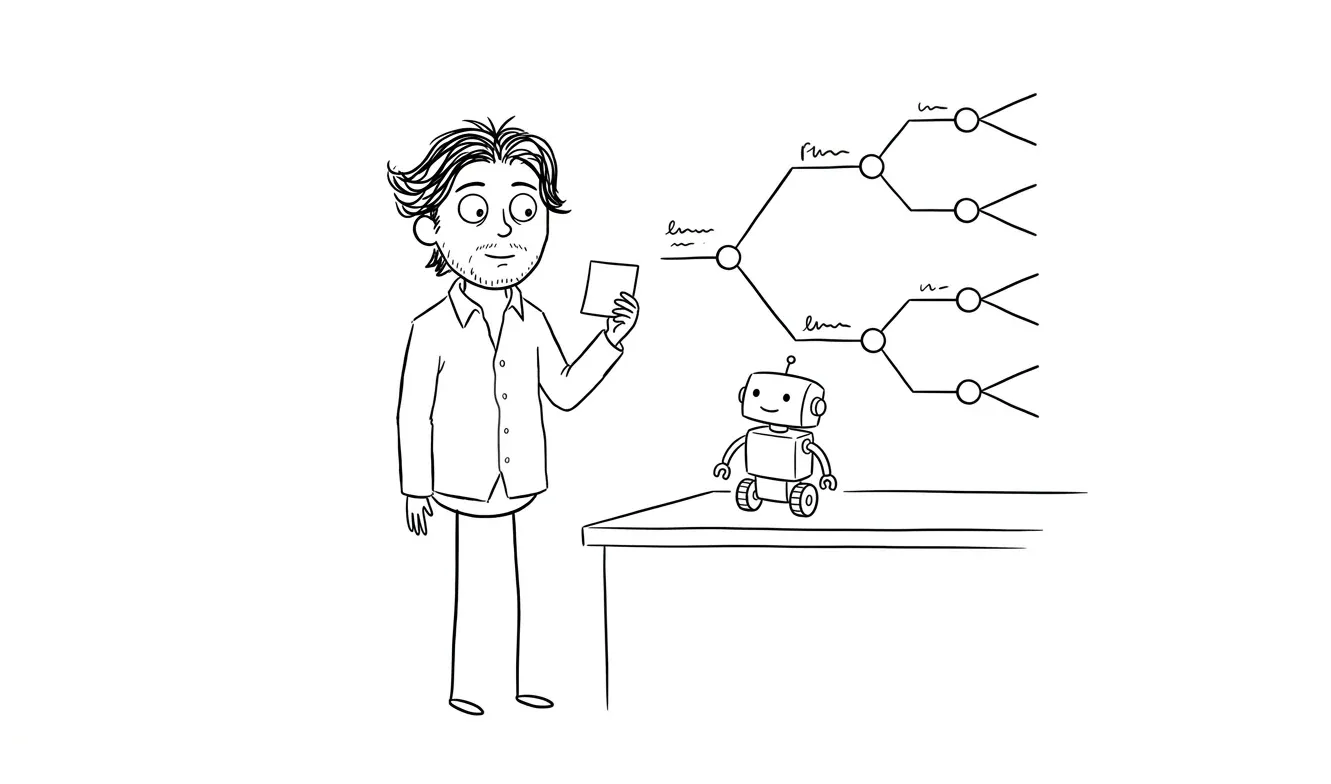
That’s a valuable output too. Knowing what not to build saves real money.
If you’re at the earlier stage of figuring out whether AI automation makes sense for your business at all, how to choose your first AI automation project walks through the selection process before you get to requirements.
Frequently asked questions
What should a small business do before hiring an AI developer?
Document the workflow you want to automate in step-by-step detail, identify every tool involved and whether it has an API, define a measurable success metric, and name who will own the integration after it’s built. Getting clear on these four things before the first conversation will dramatically improve the quality of what you get back.
How do I know if my data is ready for an AI integration?
Your data is ready if it lives in a system with an accessible API, it’s consistent enough in format that a program can process it reliably, and you have permission to connect it to third-party systems. If any of those conditions aren’t met, plan to resolve them before building.
Should I build a custom AI integration or use an off-the-shelf tool?
Start by checking whether Zapier, Make, or n8n already covers your workflow. Custom builds make sense when your logic is genuinely complex, when the integration needs to work inside your own product, or when automation platforms can’t handle your volume or edge cases. Most back-office automation doesn’t require custom code.
How much does an AI integration for a small business typically cost?
Off-the-shelf automation tools start at around $20 to $50 per month for simple workflows. Custom integrations vary widely depending on complexity, but a well-scoped project from a solo consultant tends to run $3,000 to $10,000 for most common business automation use cases. At dee.agency, the AI Integration & Automation service is a flat $3,000.
What’s the biggest mistake small businesses make with AI integration projects?
Starting the build before the requirements are clear. The second most common mistake is not planning for what happens when the integration breaks. Both problems are solved by working through a requirements checklist before any development starts.
When should I get an audit before building an AI integration?
Get an audit if you’re not sure whether the project is scoped correctly, you’ve already received a vendor quote that feels off, or you want a second opinion on whether the approach makes sense. The Audit + Spec service at dee.agency is $500 and credited toward any follow-on build.
Ready to scope your AI integration? If you’ve worked through this checklist and want help turning it into a build plan, I offer a flat-fee AI Integration & Automation service and a $500 Audit + Spec if you want to validate the approach first. Tell me about your project.

Got a project worth shipping? Send the brief.
Quote and kickoff date back in a day, usually faster. If it's not a good fit I'll say so.