

AI Automation Implementation Plan: Scope Before Build
Use an AI automation implementation plan to scope one workflow, test safely, plan rollback, and decide whether to spec before you build.
An AI automation implementation plan turns one selected workflow into a scoped, testable build, not a wishlist. The approach: pick one process, map the current steps, define the trigger and output, set a pass/fail test, and decide whether to spec it first or build directly. For most founders, a $500 Audit + Spec before the $3,000 AI Integration & Automation build is the right order of operations. This article walks you through the whole thing, from selection to rollback plan.
Why “one workflow at a time” actually works
The most common mistake I see with AI automation is scope creep before a single line of code is written. Someone identifies a real problem, then keeps adding adjacent problems until the project is too complex to start.
Picking one workflow forces clarity. You can define success, test the output, and ship something real. Then you pick the next one.
This isn’t about thinking small. It’s about building confidence in the system before you scale it. A single working automation that runs every day is worth more than a five-automation roadmap that stays in a Notion doc.
The goal of an implementation plan isn’t to document everything. It’s to define exactly what you’re building before you build it.
How to pick the right workflow for your first build
Not every repetitive task is a good automation candidate. Some are too variable. Some are too high-stakes to hand off without significant safety work. Some just aren’t worth the build cost.
Here’s a quick filter:
High-value candidates:
- Runs at least a few times per week
- Has a clear trigger (new form submission, email arrives, file uploaded, schedule hits)
- Produces a consistent output (a draft, a categorized entry, a notification, a report row)
- Currently takes 15+ minutes of human time per instance
- Mistakes are catchable before they cause damage
Poor candidates:
- Requires nuanced human judgment every time
- Involves sensitive decisions (firing someone, approving a large payment without review)
- Happens so rarely it’s faster to just do it manually
- Has no clear definition of “done”
If your candidate passes the filter, you’re ready to plan it.
The ai automation implementation plan: core template
This is the lightweight planning doc I work through before touching any tooling. You can copy this structure into a Notion page, a Google Doc, or a plain text file.
## Workflow: [Name]

### What it replaces
[Describe the current manual process in plain language. Step by step.]

### Trigger
[What starts this workflow? A form submission? A calendar event? An inbound email?]

### Input data
[What information does the automation receive at the start?]

### Steps
1. [Step 1]
2. [Step 2]
3. [Step 3]...

### Output
[What does the automation produce? Who receives it? Where does it go?]

### Pass/fail test
[How will you know if it worked correctly on any given run?]

### Error handling
[What happens if a step fails? Who gets notified?]

### Rollback plan
[How do you turn this off without breaking anything? Is there a manual fallback?]

### Owner
[Who monitors this after launch?]

### Review date
[When will you check if it's still working and still valuable?]
Fill this out before you spec tooling. If you can’t fill it out, the project isn’t ready to build.
The scoping checklist before you build anything
Run through this before committing to a build. Every “no” or “unsure” is a conversation to have before work starts.

Process definition
- I can describe the current manual process step by step
- I know exactly what triggers this process to start
- I know exactly what a completed run looks like
- The output goes to a specific place (inbox, spreadsheet, Slack, database)
Data and access
- I have access to the data source the automation needs
- I know what format the input data arrives in
- I’ve identified any API credentials or tool access I’ll need
- I know where edge cases come from and how often they appear
Success criteria
- I can describe what a “good” output looks like
- I have at least five real examples I can use to test against
- I know what an acceptable error rate is (not every automation needs to be 100%)
Risk and rollback
- I know what happens if this automation produces a wrong output
- There’s a way to pause or disable the automation quickly
- The manual fallback process still exists and someone knows how to run it
- No irreversible actions happen without a human review step
Ownership
- Someone on the team owns monitoring after launch
- That person knows what a failure looks like
If you get through this checklist cleanly, you’re ready to spec the build. If you’re stuck on three or four items, that’s what the Audit + Spec is for.
When to use the $500 Audit + Spec before the $3,000 build
The Audit + Spec is a focused single-lens review. For AI automation, that means I look at one workflow or one automation opportunity and produce a clear spec: what to build, how it should work, what tooling fits, and what the risks are.
You should use it when:
You have a candidate but aren’t sure it’s the right one. Maybe you have three possible workflows and you want a clear recommendation before spending on the build.
The process has complexity you haven’t fully mapped. If the current manual process involves edge cases, exceptions, or multiple people’s judgment, a spec pass will surface that before it causes problems in the build.
You need to present the plan internally. Sometimes you need a written spec to get buy-in from a co-founder, a board, or an operations team before the build starts.
You’re not sure what tooling fits. There are real differences between building a workflow in n8n, Make, Zapier, or custom code. The right choice depends on your existing stack, your technical capacity to maintain it, and the complexity of the logic.
The audit fee credits 100% toward the build if you book the AI Integration & Automation service within 30 days. So it’s not a sunk cost. It’s a planning step with a refund baked in.
What the ai automation implementation plan looks like in practice
Here’s a concrete example using a generic workflow: triaging inbound support emails and drafting first responses.
## Workflow: Support email triage and draft response

### What it replaces
Operator reads each new support email, decides which category it falls into
(billing, technical, general), checks a shared doc for the relevant response
template, writes a reply draft, and sends it to the support queue.

### Trigger
New email arrives in support@[domain] inbox

### Input data
Email sender, subject line, body text

### Steps
1. Email hits the inbox
2. Automation reads the body text
3. LLM classifies the email into one of three categories
4. LLM drafts a reply using category-specific context
5. Draft is posted to the support queue as an unsent draft (not auto-sent)
6. Operator reviews and sends or edits

### Output
Draft email in queue, labeled with the category, ready for human review

### Pass/fail test
On five test emails, the category is correct and the draft is usable with
minor edits at least four out of five times

### Error handling
If the LLM returns an unexpected category, the email is flagged for manual
review. Team gets a Slack notification.

### Rollback plan
Disable the automation trigger. Emails continue arriving normally. Manual
process resumes with zero disruption.

### Owner
[Operator name]

### Review date
30 days post-launch
Notice that the draft is never auto-sent. That’s intentional. You keep a human in the loop on the final action until you have enough run history to trust the output quality.
Testing and rollback guidance
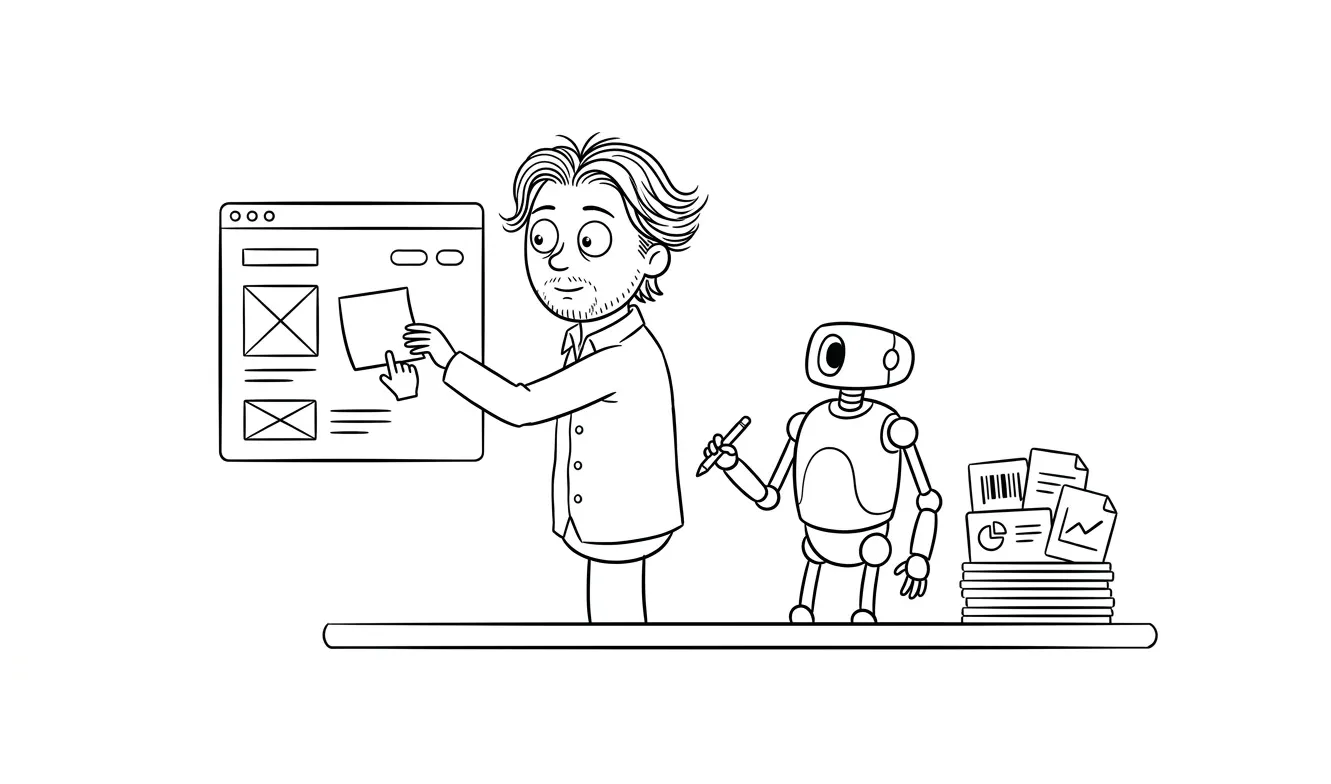
Testing an automation isn’t the same as testing software. You’re not running unit tests. You’re evaluating output quality against real examples.
Before launch:
- Collect 10-20 real examples of the input data
- Run the automation against each one manually or in a staging environment
- Score the output: does it pass the criteria you defined?
- Fix the logic or prompt until the pass rate meets your threshold
After launch:
- Monitor the first 20-30 live runs closely
- Set up a notification if the automation fails to complete
- Keep a simple log: run count, error count, manual overrides
Rollback:
- Know the single action that disables the automation (turn off the trigger, not delete the workflow)
- Keep the manual process documented and accessible while the automation is new
- Don’t delete the old process until you’ve run the automation for at least 30 days without issues
If something goes wrong in the first week, you want to pause fast and investigate, not scramble to rebuild the manual process from memory.
Maintenance expectations after you ship
Automations aren’t set-and-forget. They need attention, especially in the first 90 days.
Things that cause automations to break over time:
- The input data format changes (a form gets a new field, an API response changes shape)
- A third-party tool updates its API or deprecates an endpoint
- The business logic changes and the automation doesn’t know about it
- An LLM model is updated and the prompt behavior shifts
Monthly check (15 minutes):
- Is it still running?
- Is the error rate the same as at launch?
- Has anything changed about the underlying process?
Quarterly check (30 minutes):
- Is the automation still valuable? Has the volume changed?
- Are there new edge cases to handle?
- Is the tooling still the right fit?
For more on how to evaluate whether an AI automation project is worth building in the first place, the guide on AI automation ROI walks through the math before you commit to anything.
What the $3,000 AI Integration & Automation service covers
The AI Integration & Automation service is a flat-fee build for one scoped automation. It covers:
- Scoping the workflow (with or without a prior Audit + Spec)
- Building the integration using the right tooling for your stack
- Testing against real examples before handoff
- A documented runbook so you can maintain it yourself
- One round of revisions post-launch
It’s designed for founders and small teams who have identified a real workflow, need it built correctly, and don’t want to manage a contractor pool or an agency timeline.
If you already have a clear spec, you can come straight to the build. If you need help getting there, start with the Audit + Spec.
Frequently asked questions
What should an AI automation implementation plan include?
At minimum: the trigger, the input data, each step in the workflow, the expected output, a pass/fail test, an error handling path, and a rollback plan. A good plan fits on one page and can be handed to a developer without a follow-up call.
How do I know if my workflow is ready to automate?
It should run frequently enough to justify the build, have a clear trigger and output, and produce mistakes that are catchable before they cause damage. If you can’t describe the current manual process step by step, the workflow isn’t ready to spec yet.
Should I use Zapier, Make, n8n, or custom code?
It depends on your existing stack, the complexity of the logic, and who will maintain it. Zapier and Make are faster to set up and easier for non-technical owners. n8n gives more control and can be self-hosted. Custom code is right when the logic is complex or the integration doesn’t exist off the shelf. The Audit + Spec will give you a clear recommendation for your specific situation.
How long does it take to build one AI automation?
A well-scoped single-workflow automation typically takes one to two weeks from spec to launch, including testing. Scope creep, unclear requirements, and missing API access are the main things that extend that.
What’s the difference between the Audit + Spec and the AI Integration build?
The Audit + Spec ($500) is a planning and scoping service. It produces a clear spec document and tool recommendation. The AI Integration & Automation ($3,000) is the build. You can do them in sequence or, if you already have a clear spec, go straight to the build. The audit fee is credited toward the build if you book within 30 days.
Do I need to be technical to work through this implementation plan?
No. The template and checklist are written for operators and founders, not developers. The goal is to get your thinking clear before a developer touches anything. If you get stuck, that’s a signal to get a spec done before the build starts.
Ready to turn a workflow into a working automation? Start with a $500 Audit + Spec to get a clear plan, or come straight to the $3,000 AI Integration & Automation build if you’re already scoped. Tell me about your project.

Got a project worth shipping? Send the brief.
Quote and kickoff date back in a day, usually faster. If it's not a good fit I'll say so.