
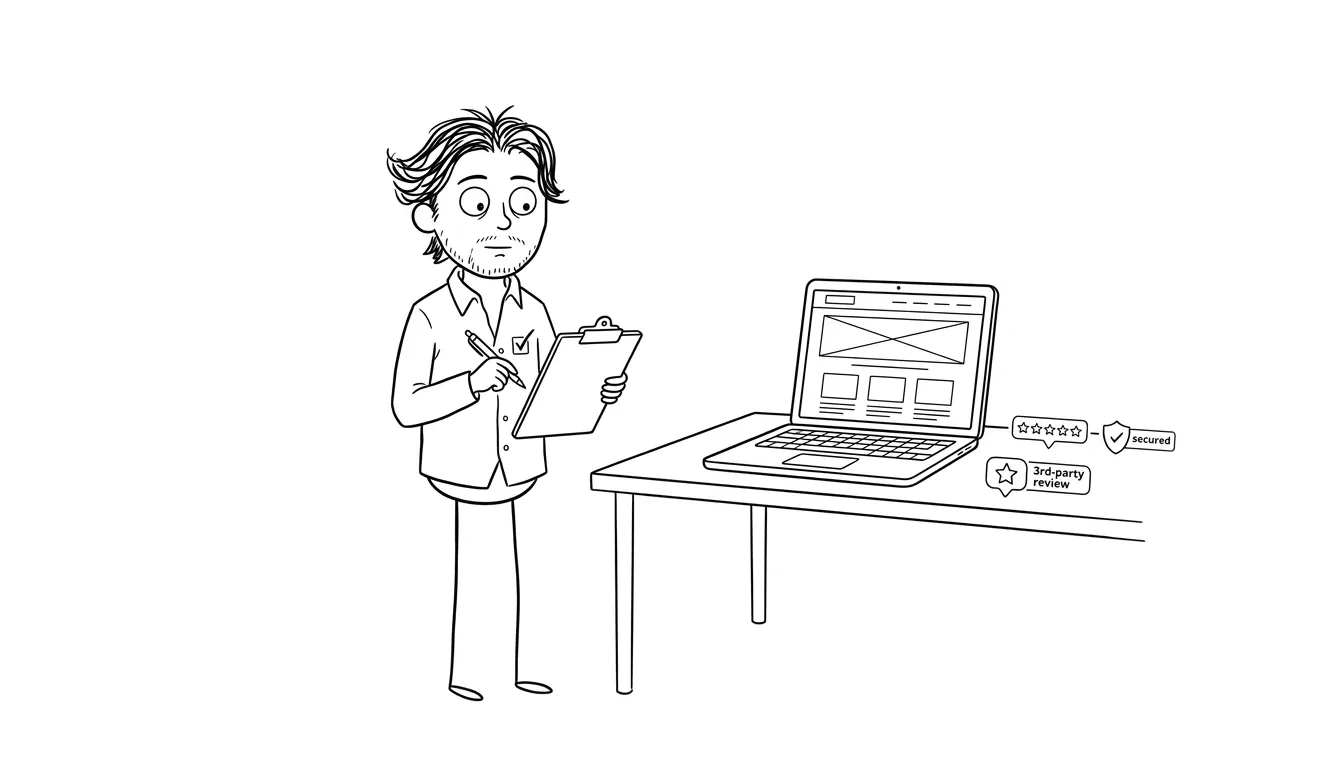
Trust Section Landing Page Checklist
A landing page trust section checklist for service businesses: testimonials, logos, credentials, guarantees, and proof to gather before design.
A practical checklist for building the trust section of a service-business landing page starts with what you already have, not what you wish you had. Before you open a design tool, audit your proof: testimonials, logos, credentials, and guarantees. If you don’t know what trust signals you can actually show, you’ll either fill the section with placeholders or skip it entirely. Both hurt conversions. This checklist helps you gather, evaluate, and organize your real proof before design starts.
Why the trust section decides whether visitors stay
Most service-business landing pages lose visitors in one of two places: the hero section or the trust section. The hero gets the most attention in most design conversations, but trust is where the decision actually gets made.
Someone lands on your page. They read your headline. If it resonates, they don’t immediately buy. They look for a reason to believe you. That’s the trust section’s job.
A trust section isn’t a design pattern. It’s your answer to the question “why should I believe this?”
The problem is that most founders and service owners come to the design phase without knowing what they actually have to show. They know they have happy clients. They might have some logos. But the content is unorganized, partially gathered, or completely missing.
Running the checklist below before you start designing forces that conversation early. It’s the same kind of structured thinking I work through in a landing page audit before any design work begins.
What belongs in a trust section landing page checklist
Not all trust signals are equal, and not all of them belong on every page. Here’s the core set to consider, and the questions you need to answer about each one before you hand anything to a designer.
Testimonials and client quotes
Testimonials are the most direct form of trust proof. But a vague “great to work with” quote doesn’t move anyone. What works is specificity.
A useful testimonial addresses a real hesitation, names a concrete outcome, or describes the experience in a way a prospective client can recognize. According to Nielsen Norman Group research on credibility and trust, users evaluate credibility quickly and rely heavily on social proof cues to make that judgment.
Run through this for each testimonial you have:
- Does it mention what the client was worried about before hiring you?
- Does it describe a specific result, change, or feeling after?
- Does it sound like a real person wrote it, not a committee?
- Is the person identifiable: name, company, role, or photo?
If you have quotes that are vague or anonymous, they’re not useless, but they’re weaker. Note which ones need upgrading.
Logos and brand associations
Client logos signal that recognizable companies trusted you. But this only works if the logos are recognizable to your target audience.
A logo from a company your visitors have never heard of doesn’t communicate much. A logo from a company they respect or aspire to work with signals something real.
Before you add a logo, confirm:
- You have permission or a reasonable basis to show it (a past client relationship, a public partnership, a press mention)
- The logo is current and recognizable
- You have a clean, high-res version
- Showing it won’t violate an NDA or create a problem
Don’t fake logos. Don’t use logos from companies you only briefly interacted with in a way that implies a deeper relationship than exists. Visitors who recognize those brands will sometimes know people there.
Credentials and certifications
If your work involves a licensed field, a recognized certification, or a formal credential, that belongs in the trust section.
This doesn’t apply to every service business. But if you have it, use it. A certification from a recognized body, a platform badge, or a formal membership in a professional organization all help.
Check:
- Is the credential current?
- Is it from an organization your audience will recognize?
- Does it address a specific concern your clients have, like security, compliance, or expertise in a particular tool or method?
Press and third-party mentions
A mention in a publication your audience reads, a podcast your peers know, or a roundup your clients trust is worth including. These are third-party validations that carry weight because someone outside your business decided to feature you.
Before you add a “As seen in” section, verify:
- The mention is real and linkable
- The publication is relevant to your audience
- You can link to the original piece if a visitor wants to verify it
- The mention is recent enough to be credible
If you don’t have press yet, that section doesn’t belong on your page. A blank “As seen in:” row with no logos is worse than nothing.
Numbers and social proof
Stats can work well when they’re real and specific. “Helped 40+ startups ship their first product” means something. “Thousands of satisfied clients” means nothing, because no one believes unverifiable round numbers.
Before you use a stat, check:
- Can you actually back this number up?
- Is it specific enough to be believable?
- Does it speak to something your prospects care about?
If you don’t have meaningful numbers yet, that’s fine. Skip this element. Placeholder stats signal dishonesty faster than you’d expect.
Guarantees and risk reducers
A guarantee flips the risk from the buyer to the seller. Even a modest one, like a money-back window, a free revision, or a free first call, can materially change whether someone decides to reach out.
Think about what you can honestly offer:
- A no-questions-asked refund within a certain window
- A free consultation or discovery call
- A fixed-price commitment with a defined scope
- A credit toward follow-on work (like the Audit + Spec, which is credited 100% toward follow-on work within 30 days)
Write down exactly what your guarantee is before design starts. Vague guarantees like “satisfaction guaranteed” don’t reassure anyone. Specific ones do.
The trust section landing page checklist itself
Work through each item and mark it as ready, needs work, or missing.
Testimonials
- You have at least two testimonials that name a specific result or experience
- Each testimonial is attributed to a real person with a name and role (photo optional but helpful)
- No quote is vague, generic, or unattributed
- You have permission to use each quote
Logos
- You have permission or a reasonable basis to display each logo
- Each logo is from a company your target audience will recognize or respect
- You have clean, current, high-res versions
- No logo implies a relationship deeper than the one that actually exists
Credentials
- You’ve listed any certifications, licenses, or memberships relevant to your service
- Each credential is current
- You can verify or link to each one if needed
Press and mentions
- Any “as seen in” logo links to or is associated with a real, verifiable mention
- The publications are relevant to your audience
- You won’t claim this section exists if you have nothing real to show
Numbers
- Any stat you use is real and specific
- You can explain how the number was calculated if asked
- No inflated or rounded numbers that you can’t back up
Guarantee or risk reducer
- You’ve defined a specific guarantee, not a vague one
- It directly addresses your client’s biggest hesitation
- You’ve written it in plain language
How to handle gaps in your trust proof
Most service businesses doing this for the first time find gaps. That’s normal. The question is what to do about them.
Missing testimonials. Go ask for them directly. A short message to recent happy clients asking for a sentence or two about their experience works. If they agree, give them a prompt: “What were you worried about before hiring me, and what changed?” That framing usually produces something specific.
Weak logos. If your logos aren’t recognizable to your target audience, a logo row might do more harm than good. Consider replacing it with a short description of the types of clients you’ve worked with, which can be honest and useful without implying relationships you don’t have.
No press. Don’t invent this. Come back to it when you have real mentions. A page without a press section is fine.
No meaningful numbers. Same answer. Don’t fabricate or inflate. If you don’t have stats worth showing, skip this element. The rest of your trust section can carry the weight.
No guarantee. Think carefully about what you can actually commit to. Even a small risk reducer, like a free 30-minute call or a clear revision policy, is better than nothing.
The goal is to go into the design phase with a clear-eyed inventory of what you actually have. Not what you plan to collect eventually or what you wish were true.
Common mistakes that break trust sections
Running the checklist is half the job. Knowing what to avoid is the other half.
Too many weak signals stacked together. Five vague testimonials and four unrecognizable logos don’t add up to strong proof. They add up to noise. Fewer, stronger signals outperform a full section of mediocre ones.
Overdesigned testimonial cards with no substance. There’s a version of this that shows up constantly: beautifully formatted testimonial blocks with star ratings and professional photos, but the actual quote says nothing specific. The design draws attention to how empty the content is. Baymard Institute’s landing page UX research shows that visitors engage with review content primarily when it contains specific, outcome-oriented language.
Stats placed near the top before trust is established. A number like “500+ clients served” placed in the hero before the visitor knows what you do or whether you’re credible reads as posturing. Stats work best after you’ve given the visitor something to believe in. Put them in the trust section, not the headline.
Mixing personal and professional proof inappropriately. Social media follower counts and LinkedIn connections are not business trust signals for a service page. Your follower count doesn’t tell a potential client whether your work delivers results.
No visible way to verify anything. A press mention with no link, a testimonial from a person with no identifiable role, a certification with no issuing body named. All of these create doubt rather than resolve it. Wherever you can add a link, a face, a company name, or a credential source, do it.
Why design can’t fix missing content
A lot of founders think the designer will handle it. They’ll find placeholder testimonials, add some stock icons, pick relevant logos. The design will fill in the gaps.
It doesn’t work that way. A trust section designed around real content looks and reads completely differently from one padded with placeholders. When you get to the design phase without your proof gathered, one of two things happens: the designer uses placeholder content and it never gets replaced, or the section gets simplified down to whatever is easiest to fill, which is often the weakest possible version.
The landing page wireframe checklist makes this point well: content decisions have to happen before design decisions. What you have to say determines what the layout needs to accommodate, not the other way around.
This is especially true for trust sections. The volume and format of your testimonials, the number and quality of your logos, whether you have a guarantee to show, whether you have press worth featuring: all of these change what the section can and should look like. A designer working blind on those questions will make assumptions that create rework later.
How the trust section fits the rest of your landing page
A trust section doesn’t work in isolation. It reinforces claims made in your hero section and converts the interest generated by your copy into confidence.
If your hero makes a bold promise, your trust section proves you can keep it. If your landing page hero section is asking for a strong commitment, your trust signals need to be proportionally strong.
This is also why the order matters. A common structure that works for service businesses:
- Hero: what you do, who it’s for, what they get
- Problem/agitation: why this matters to them right now
- Solution: how your service works
- Trust: proof that you’ve done this before
- Offer and CTA: what happens next
Put trust too early and it feels like defensive positioning. Put it too late and you’ve already lost the visitor. The section usually lands best after you’ve established the problem and your solution, so visitors have something specific to believe in.
For a fuller breakdown of what makes each section of a landing page work, the landing page conversion guide covers this well.
What to hand over to your designer
Once you’ve run the checklist, you should have a clear picture of what you’re working with. Here’s what a good handoff looks like:
- A list of approved testimonials with full attribution
- Logo files with a note on which are cleared for use
- Any credentials or certifications with links
- Press mentions with publication names and URLs
- Any stats you plan to use with a note on what they mean
- A written guarantee statement in plain language
This saves time in the design process, prevents placeholder copy from sitting in the final deliverable, and avoids the awkward moment two weeks before launch where you realize you don’t actually have three recognizable logos to fill that row.
For context on what good conversion-focused page structure looks like at a broader level, the Conversion XL guide to landing page trust signals is worth reading alongside this checklist.
Need help with your landing page? I offer a flat-fee landing page design and build service at $3,000 that covers layout, copy structure, and conversion design. Not sure where to start? A $500 focused audit identifies exactly what your page needs before any design work begins. Tell me about your project.
Frequently asked questions
What should a trust section include on a service-business landing page?
A well-built trust section typically includes specific testimonials with real attribution, recognizable client logos, relevant credentials, press mentions if they exist, and a clear guarantee or risk reducer. You don’t need all of these. Use the ones you actually have proof for.
How many testimonials do I need on a landing page?
Two to three specific, attributed testimonials are usually enough for a single-service landing page. Specificity matters more than volume. One testimonial that describes a real outcome beats five vague “great to work with” quotes.
Should I show client logos if they’re not recognizable brands?
If your logos aren’t recognizable to your target audience, a logo row may not add much trust. Consider describing the types of clients you’ve worked with instead, which can be honest and credible without relying on brand recognition.
Can I add a “as seen in” section if I only have one press mention?
One real, relevant mention is enough to justify a small press callout, as long as it links to or is associated with the actual article or feature. Don’t create a logo row with a single logo if it looks sparse. A text mention can work just as well.
What makes a guarantee effective on a landing page?
Specificity. “Satisfaction guaranteed” is too vague to reassure anyone. A guarantee like “credited 100% toward follow-on work within 30 days” or “free revision if the scope hasn’t changed” addresses a real hesitation with a real commitment.
When should I run this checklist?
Before design starts. Gathering trust proof after your page is designed creates delays and often results in placeholder content sitting in live pages longer than intended. The checklist exists to surface what you have, identify gaps, and let you address them before the design phase begins.
Ready to turn your trust proof into a page that actually converts? The landing page design and build service at dee.agency is built for exactly this. Or start with a $500 audit if you’re not sure what your current page is missing. Get in touch and we’ll figure it out together.

Got a project worth shipping? Send the brief.
Quote and kickoff date back in a day, usually faster. If it's not a good fit I'll say so.