
Why I Work Async-Only (And Why It's Faster)
Async-only work means faster projects, cleaner feedback, and better output. Here's exactly how dee.agency runs projects without a single call.
I don’t do calls. Async-only work is how I run dee.agency, and it’s not a quirk or a lifestyle preference. It’s a deliberate choice that makes my work better and your project move faster. When everything is written down, nothing gets lost in someone’s memory. Decisions are documented. Feedback is specific. And I can spend my time actually building instead of scheduling, waiting, and recapping.
Why async-only work makes projects go faster
Most people assume calls speed things up. In my experience, they do the opposite.
Here’s what a typical call-heavy project looks like. You schedule a kickoff call. Someone is five minutes late. You spend 10 minutes on small talk and getting screensharing to work. The actual conversation is 40 minutes. Then you need a follow-up call to clarify what was decided in the first one. Two weeks later, you can’t remember if you agreed on three sections or four, because nobody wrote it down clearly.
Now multiply that across a six-week project.
Async-only work breaks that cycle. When I ask you a question in writing, you think about it properly before answering. When you give me feedback, you have to articulate it. “Make it pop more” isn’t feedback anyone can act on. “The header font feels too light compared to the body text” is. Written communication forces clarity on both sides.
I’ve run enough async projects to trust the pattern. The feedback is clearer, the decisions are easier to find later, and the client time goes into actual review instead of calendar theater.
I’ve also found that async work naturally raises the quality of questions I ask. When I know you’re going to read something rather than hear it, I write better questions. More specific, more focused. That carries through the whole project.
What “async-only” actually means in practice
It doesn’t mean slow. It doesn’t mean I disappear for days at a time.
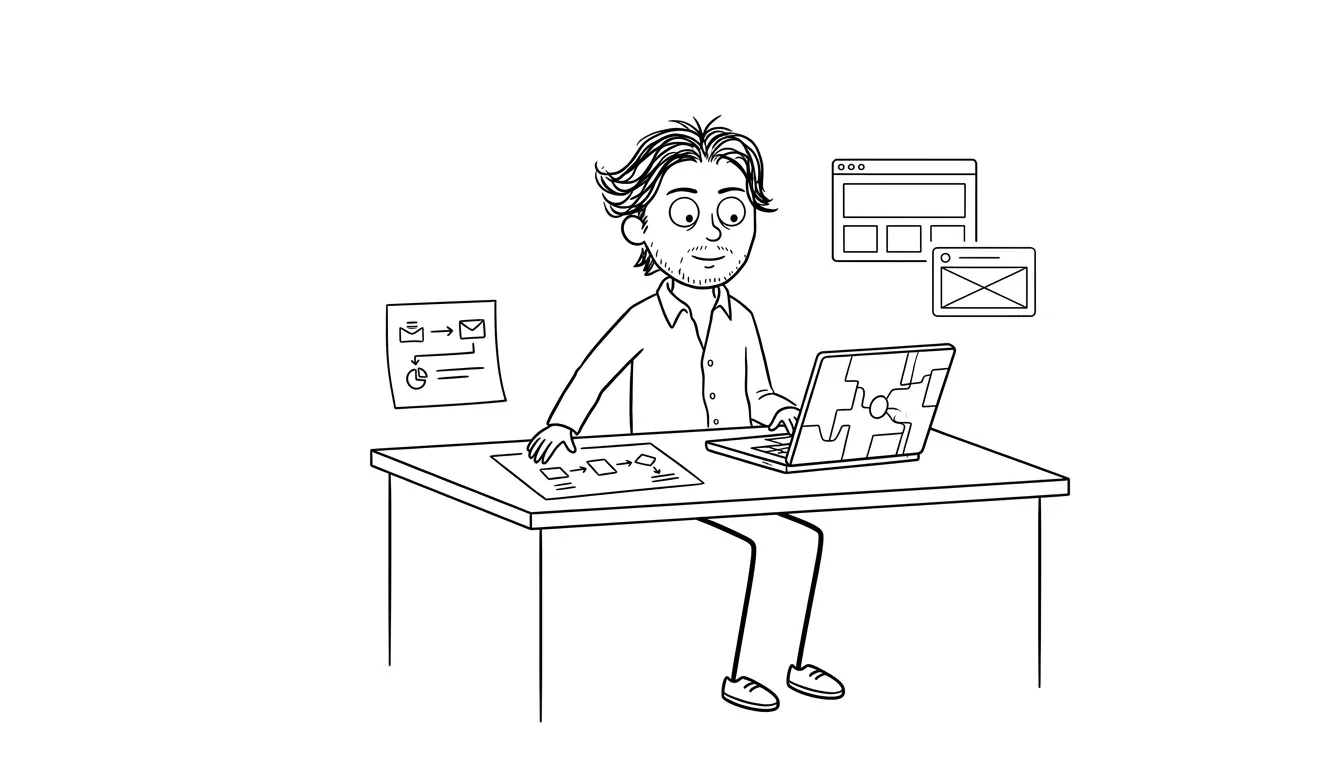
When you start a project with me, I send you a structured intake form. It covers your goals, your audience, your competitors, what you like and don’t like, and whatever other context I need. This replaces a discovery call. You fill it out when it suits you. I read it when I’m ready to work. No calendars involved.
From there, I use Notion for project docs and Loom for async video walkthroughs. When I finish a design or build something, I record a short Loom walking you through the decisions I made and what I want your feedback on. You watch it when you have 10 minutes, leave timestamped comments, and I respond in writing or with another Loom.
Most rounds of feedback happen within 24 hours on my end. Sometimes faster.
For my landing page service, the whole project typically wraps in about two weeks. For an MVP build, it’s six to eight weeks. Neither of those timelines would be shorter with calls. They’d probably be longer.
What the tools actually look like
Here’s a concrete picture of the stack I use on most projects:
- Intake form, A structured Google Form or Notion page you fill out at the start. Usually takes 20 to 30 minutes. Replaces a 60-minute discovery call and gives me something I can reference throughout the project.
- Notion workspace, Shared project hub. Scope, decisions, links, open questions, and deliverables all live here. You can check in anytime and see exactly where things stand.
- Loom, For walkthroughs. I record short videos showing work in progress, explaining design decisions, and asking targeted questions. You can comment at specific timestamps, which makes feedback much more precise than a live call.
- Linear or GitHub, For technical work, issues and pull requests are the communication layer. Every change is documented in context.
- Email or a dedicated Slack channel, For quick messages and file sharing.
That’s it. Nothing exotic. The tools are normal. The discipline is what makes it work.
The real cost of meetings that nobody talks about
There’s a version of this that sounds anti-social or difficult. It’s not. It’s financial.
Every one-hour call has a real cost beyond the hour itself. There’s the time before the call, getting your thoughts together, maybe making notes. There’s the cognitive switch cost of stopping what you’re doing. There’s the time after, writing up what was decided, or just hoping you remember. For a solo operator, that’s easily two to three hours of productivity lost per call.
At my rates, that’s not trivial. And it’s not trivial for you either.
If you’re a founder, your time is probably your scarcest resource. A 45-minute discovery call where we chat about your vision is a worse use of your time than 15 minutes filling out a form that captures the same information more completely. The form also gives me something to reference for the whole project. The call gives me notes I took while also trying to talk.
The actual cost of a one-hour meeting isn’t one hour. It’s the hour, the prep, the recap, and the context-switching, which realistically adds up to two to three hours of lost productive time for everyone involved.
Think about what that adds up to across a six-week engagement with a call-heavy agency. Two status calls a week. Kickoff, mid-point review, final presentation. You’re easily looking at 15 to 20 hours of your time just in meetings. That’s before you factor in the prep and follow-up for each one.
Async-only work compresses all of that down. The client time goes into reading, reviewing, and deciding — not sitting through status theater. The rest of that time, they’re running their business.
Async-only work and the quality of the output
This is the part I feel most strongly about.
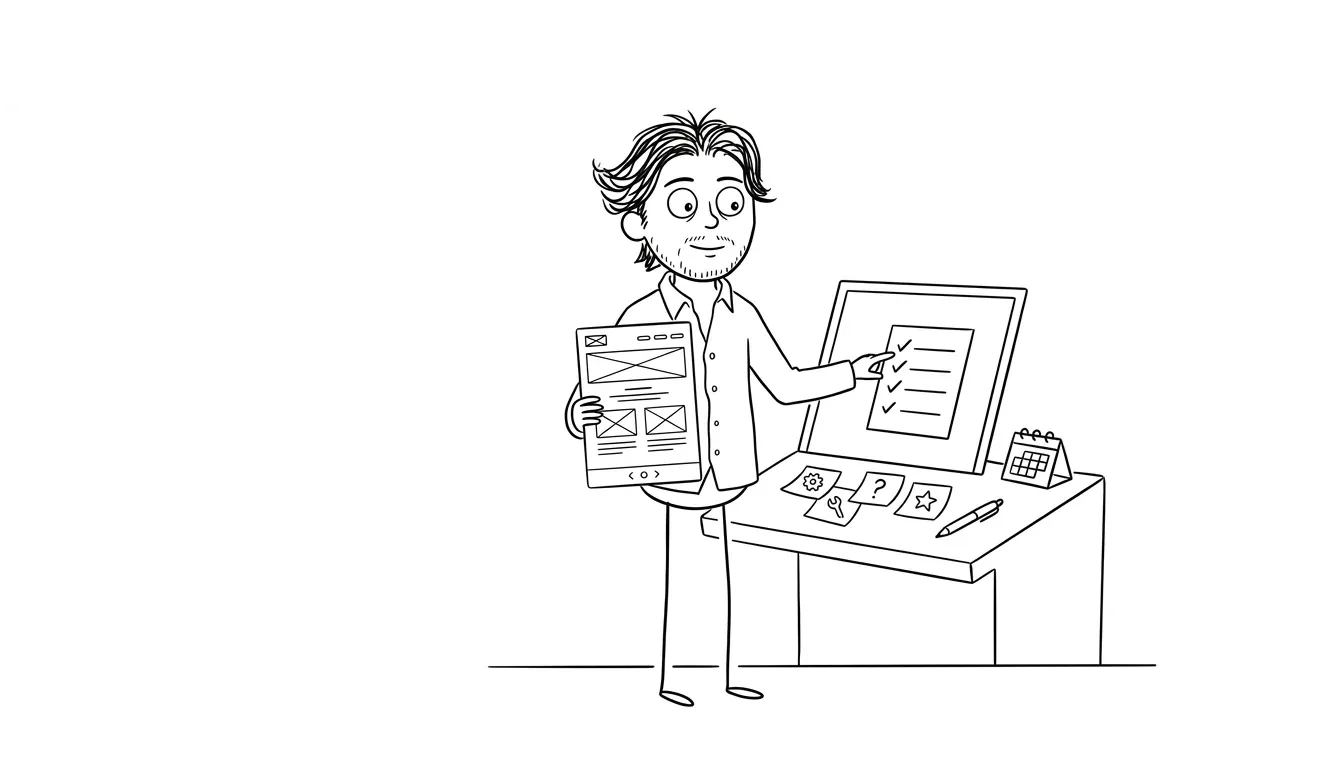
Design and development work requires deep focus. The kind where you’re three hours into a problem and you’ve finally figured out how the navigation should behave, or why the conversion flow isn’t working. Interruptions don’t just pause that work. They reset it.
I do my best work when I can go deep without worrying about a call popping up at 2pm. My clients get better results because of that. A UX audit I do in a clear four-hour block will find more problems than one I do in scattered 30-minute windows between meetings.
This isn’t just how I prefer to work. It’s what the research on cognitive performance consistently supports. Cal Newport’s work on deep work, for example, makes a compelling case that knowledge workers produce their best output in uninterrupted blocks, not in between Zoom calls. Deep Work is worth reading if you want the full argument.
The async model protects that for both of us. You’re not blocked waiting for me to finish a call. I’m not context-switching mid-build.
What this looks like on a real project
Here’s an example. On a recent landing page project, the client sent me an intake form on a Monday morning. By Monday afternoon I had read it, mapped out the structure, and had questions. I sent a Loom with my initial thinking and three specific questions about positioning.
The client watched it that evening and left timestamped comments. By Tuesday morning I had everything I needed to start. I worked through Tuesday without interruption and had a first design draft ready by Tuesday afternoon. I recorded a 12-minute walkthrough Loom.
The client reviewed it Wednesday, left detailed notes, and I had final revisions done by Thursday. We were in build mode by end of that week.
Two weeks total. The client spent maybe 90 minutes on it across the whole engagement. No calls. No scheduling. No recap emails.
That’s what async-only work actually looks like when it’s running well.
”But what if I have a quick question?”
You send it to me. I answer it. Usually the same day.
Slack, email, whatever communication channel we agree on. Quick questions get quick answers. The difference is I answer them when I’m between focused work sessions, not by jumping on a 30-minute call that was supposed to be “just five minutes.”
Most questions that feel like they need a call don’t. What they need is a clear written answer. If a question is genuinely complex, I’ll record a short Loom explaining my thinking. That’s often more useful than a call anyway, because you can pause it, rewatch it, and share it with anyone else on your team.
There’s also something worth saying about the nature of “quick questions.” Most of the time, when someone wants to jump on a call for a quick question, the question itself takes two minutes. The call takes 20. You have to get on, catch up, ask the thing, wait for the answer, wrap up. With async, you send the question and get back to what you were doing. I answer when I surface from focused work. Total time cost for both of us: five minutes.
The edge cases where you really need synchronous communication are rarer than you think. And when they come up, we can handle them without making it the default mode.
What this means for the kinds of clients I work well with
I’m going to be direct about this.
Async-only work isn’t for everyone. If you need to think out loud with someone for 45 minutes before you can make a decision, that’s a legitimate working style. I’m probably not the right fit.
If you want weekly status calls, a project manager you can ping at any time, or someone to be in your team Slack as a presence, what you need is a larger agency or an in-house hire. My services page is clear about what I offer and what I don’t.
But if you have a real project, a clear goal, and the ability to give feedback in writing, async-only work is genuinely better for you than the call-heavy alternative. You get faster turnaround. You get a cleaner paper trail. You get someone who’s fully focused on your work instead of partly focused on managing relationship overhead.
The founders I work with best are the ones who are busy themselves. They don’t want to sit on calls. They want to review a Loom at 8pm after the kids are in bed, leave a few comments, and wake up to progress. That’s exactly what I built this studio to deliver.
A rough profile of clients who do well with this model
Not scientific, but this is the kind of founder the model is built for:
- Founders who communicate clearly in writing and don’t need a lot of hand-holding
- Technical co-founders who are used to async code review and GitHub workflows
- Solo operators who are time-constrained and want to minimize process overhead
- People who have been burned by slow, meeting-heavy agencies and want a change
- Clients who are spread across time zones and can’t sync easily anyway
If that sounds like you, the async model is going to feel like a relief, not a compromise.
How I handle async-only work across different services
The async model looks slightly different depending on which service you’re using.
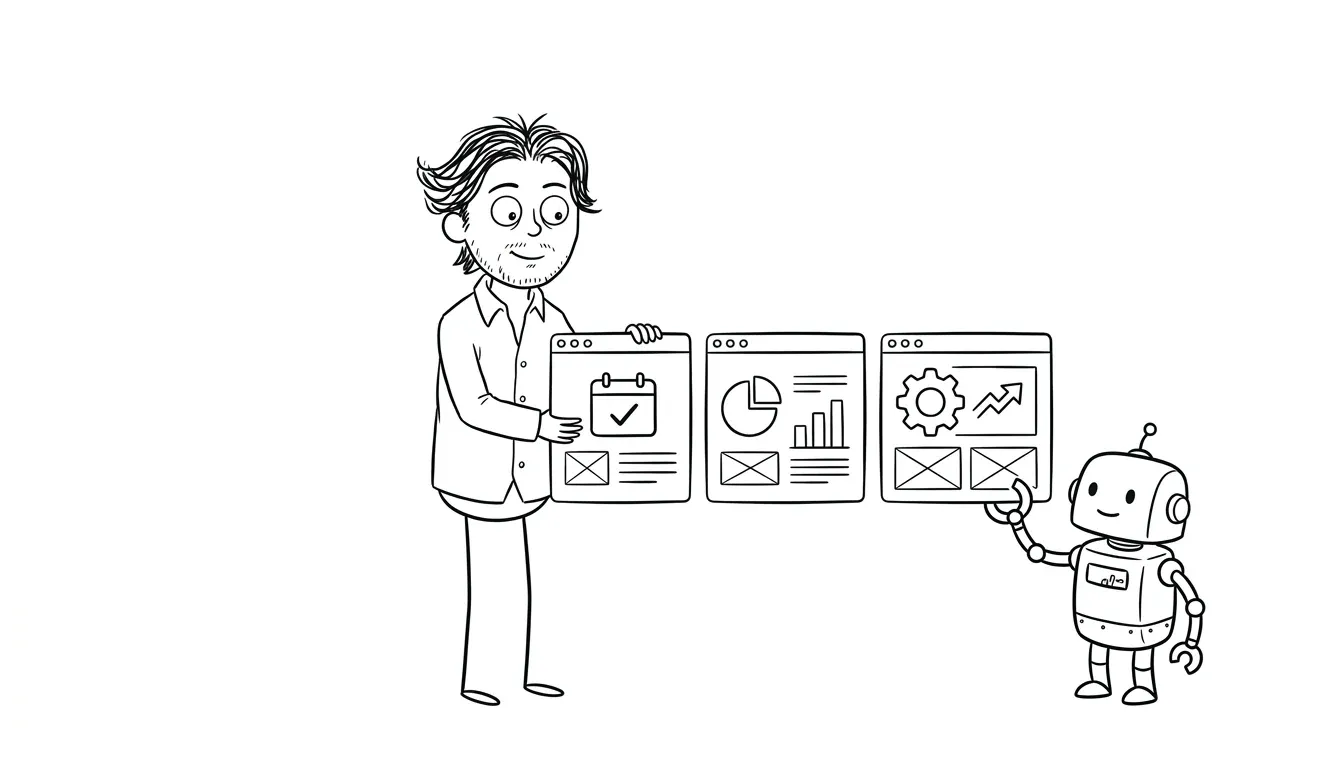
For the UX audit, you share access to your product, fill in some context, and I spend a focused block going through it. I deliver a written report plus a Loom walkthrough. You ask questions in writing. Simple.
For the landing page service, there’s the intake form, then a design presentation via Loom, then one or two rounds of written feedback, then build. The whole thing is documented and moves quickly.
For the MVP build, I use a shared Notion workspace. Every decision, every scope question, every design choice is logged there. You can see exactly what’s being built and why. No black box. No “we talked about this in week two but I can’t remember the details.”
For AI integration work, async actually solves a specific pain point. AI systems involve a lot of decisions about triggers, data flows, and edge cases. When those decisions are written down as they’re made, the implementation is cleaner and the documentation is basically done by the time the work is finished. It’s much harder to reconstruct those decisions after the fact, especially in a call-based process where nothing was written down.
The honest trade-off
There is one real downside to async-only work, and I’ll tell you what it is.
If you need hand-holding through the process, or if you process information much better through conversation than in writing, async will feel impersonal. Some people find the written medium harder to express themselves in. That’s real.
What I’d say to that is: give the structured intake form a try. Most people discover they’re more articulate in writing than they expected, especially when the questions are well-designed. And I write back in plain language, not corporate speak, so the exchange is usually pretty comfortable.
There’s also a concern some clients have about accountability. Without calls, how do you know I’m actually working? The answer is the Notion workspace and the regular Loom updates. You can see what’s been done, when decisions were made, and what’s coming next. It’s actually more transparent than a weekly status call where a project manager gives you a verbal update and you have to take their word for it.
But yes, if you need a lot of synchronous back-and-forth to feel confident in a project, we’re probably not the right match. I’d rather tell you that upfront than two weeks into a project.
Curious how async projects actually run? I walk through the full process on my about page if you want a clearer picture before reaching out. And if you’re ready to talk project details, get in touch here.
Frequently asked questions
What does async-only work mean when hiring a designer or developer?
Async-only means all communication happens through written messages, recorded video (Loom), and shared documents rather than live calls or meetings. You review work, give feedback, and ask questions on your own schedule. Most async projects still move faster than call-heavy ones because there’s less overhead and more focused work time.
How do I give feedback if I can’t jump on a call?
Written comments and Loom replies cover almost everything. When I share work, I record a walkthrough explaining the decisions I made and what I want your input on. You leave comments or record a short video back. It’s faster than scheduling a call and the feedback is more specific.
What if I have an urgent question during the project?
Send it in writing on whatever channel we’re using. I check messages regularly during working hours and answer the same day in most cases. If the question is complex, I’ll respond with a Loom. Genuine urgency doesn’t require a meeting, it requires a fast written answer.
Is async-only work slower than working with someone who does calls?
No. In my experience it’s faster. There’s no scheduling lag, no recap time, and no calendar dependencies. Feedback cycles that would take a week on a call-based schedule often happen in 24 to 48 hours async. My landing page projects typically finish in two weeks, and no calls are involved.
Do you ever make exceptions for calls?
No, and that’s intentional. The value of async-only work comes from consistency. Making exceptions creates the same coordination overhead I designed this process to avoid. If your project genuinely requires regular calls, I’m not the right fit, and I’d rather be honest about that now.
Who is async-only work best suited for?
Founders and operators who are busy, can articulate feedback in writing, and want results without process overhead. If you can fill out a form thoughtfully and review a 10-minute Loom video, you’re the right kind of client for this model. You can learn more about how I work on the about page or get in touch if you want to discuss your project.
Ready to try it?
If you’ve gotten this far, you probably get it. Async-only work is faster, cleaner, and produces better output. And it respects both our time.
If you have a project in mind, tell me about it on the contact page. You’ll get a response in writing, we’ll figure out if it’s a fit, and if it is, we start with an intake form. No calls required.
Browse all services at dee.agency to find the right starting point.

Got a project worth shipping? Send the brief.
Quote and kickoff date back in a day, usually faster. If it's not a good fit I'll say so.