

AI Visibility Schema Checklist for Service Businesses
A structured schema markup checklist for service businesses: entity, service pages, FAQ, and content schema to improve AI answer engine visibility.
Schema markup is one of the most underused tools for AI visibility. An AI visibility schema checklist helps service businesses give answer engines like ChatGPT, Perplexity, and Gemini the structured data they need to identify, understand, and cite you. The core items: implement LocalBusiness or ProfessionalService schema on every service page, add FAQPage markup for your Q&A sections, and make sure your entity name, location, and service descriptions are consistent across schema and visible page copy. Most service businesses skip this entirely. The ones who do it right give AI systems fewer reasons to misunderstand or ignore the page.
Why schema matters for AI answer engines
Search engines have been reading structured data for years. AI answer engines do the same thing, just for a different purpose.
When ChatGPT, Perplexity, or Gemini tries to answer a question like “who’s a good bookkeeper in this city” or “what does a UX audit cost,” those systems pull from pages they’ve indexed and retrieved. They’re trying to figure out what your business does, who it serves, where it operates, and whether you’re a credible source.
Schema markup is how you communicate that directly and unambiguously. Without it, the AI has to infer your entity type, service offerings, and location from your prose. With it, you’re handing over a structured brief that a machine can parse in milliseconds.
Schema markup doesn’t guarantee citations. But it significantly reduces ambiguity, and reducing ambiguity is how you get included instead of skipped.
This checklist covers the schema types that matter most for service businesses. It’s not exhaustive, but it’s prioritized. Work through it in order and you’ll cover the highest-impact items first.
The AI visibility schema checklist: core entity schema
This is where every service business should start. If your entity isn’t clearly defined in structured data, nothing else matters much.
1. Choose the right schema type
For most service businesses, you’ll use one of these:
LocalBusiness(if you serve a geographic area)ProfessionalService(a subtype ofLocalBusiness, good for accountants, consultants, designers, lawyers)Organization(for businesses without a local service area)
If you have a physical location or serve clients in a specific city or region, LocalBusiness or a subtype is almost always the right call. If you’re fully remote and serve anyone anywhere, Organization works.
Don’t pick both. Pick the one that fits your actual model.
2. Required entity fields
Whatever type you choose, these fields should be present:
name(your exact business name, consistent with your Google Business Profile and other listings)url(your canonical homepage URL)description(a clear, one-to-two sentence description of what you do and who you serve)telephone(if applicable)emailaddress(ifLocalBusiness)areaServed(the geographic area you serve, even if remote-friendly)sameAs(links to your profiles: LinkedIn, Google Business, Yelp, Crunchbase, etc.)
The sameAs property is particularly valuable for AI visibility. It’s how answer engines connect your schema to the rest of your entity footprint on the web. The more consistent those properties are across platforms, the more confident an AI system is in citing you.
3. Check your @context and @type
Your JSON-LD block needs to start correctly:
{
 "@context": "https://schema.org",
 "@type": "ProfessionalService",
 "name": "Your Business Name",...
}
Make sure @context points to https://schema.org and @type matches your chosen entity type exactly. Typos here break parsing silently.
The AI visibility schema checklist: service pages
Each service you offer should have its own page with its own schema. This is where most service businesses fall short.
4. Add Service schema to each service page
Google’s Service schema documentation lets you describe an individual service in structured form. Key properties:
serviceType(what the service is, e.g., “UX Audit,” “Bookkeeping,” “Logo Design”)provider(a reference back to your main organization/business entity)areaServeddescriptionoffers(price or price range, if you publish it)
If you publish your prices, include an Offer object inside your Service schema with price and priceCurrency. For flat-fee services this is straightforward. For variable pricing, use priceRange inside your LocalBusiness schema instead.
Publishing prices in schema isn’t mandatory, but it helps AI systems give accurate answers to questions like “what does X service cost?” That’s a question people ask answer engines constantly.
5. Connect Service schema back to your entity
Each Service block should reference your main entity via the provider property. This creates a machine-readable link between your services and your organization, which reinforces that these services belong to a specific, identifiable business.
{
 "@context": "https://schema.org",
 "@type": "Service",
 "name": "UX Audit",
 "serviceType": "UX Audit",
 "provider": {
 "@type": "ProfessionalService",
 "@id": "https://yourdomain.com/#organization"
 },
 "description": "A focused one-lens review of your product's user experience...",
 "areaServed": "United States",
 "offers": {
 "@type": "Offer",
 "price": "500",
 "priceCurrency": "USD"
 }
}
Use @id to anchor your main entity. You can then reference it by ID on other pages, which keeps your structured data consistent and connected.
6. Use hasOfferCatalog when you have multiple services
If your business offers several distinct services, grouping them with hasOfferCatalog on your main entity gives AI systems a cleaner picture of your full offering. Instead of parsing multiple disconnected Service blocks, they get a structured catalog that clearly belongs to one business.
{
 "@context": "https://schema.org",
 "@type": "ProfessionalService",
 "name": "Your Business Name",
 "@id": "https://yourdomain.com/#organization",
 "hasOfferCatalog": {
 "@type": "OfferCatalog",
 "name": "Services",
 "itemListElement": [
 {
 "@type": "Offer",
 "itemOffered": {
 "@type": "Service",
 "name": "UX Audit",
 "url": "https://yourdomain.com/audit/"
 }
 },
 {
 "@type": "Offer",
 "itemOffered": {
 "@type": "Service",
 "name": "Landing Page Design",
 "url": "https://yourdomain.com/landing-page/"
 }
 }
 ]
 }
}
This is optional, but it’s a relatively small addition that makes your entity schema meaningfully more complete.
The AI visibility schema checklist: FAQ and content schema
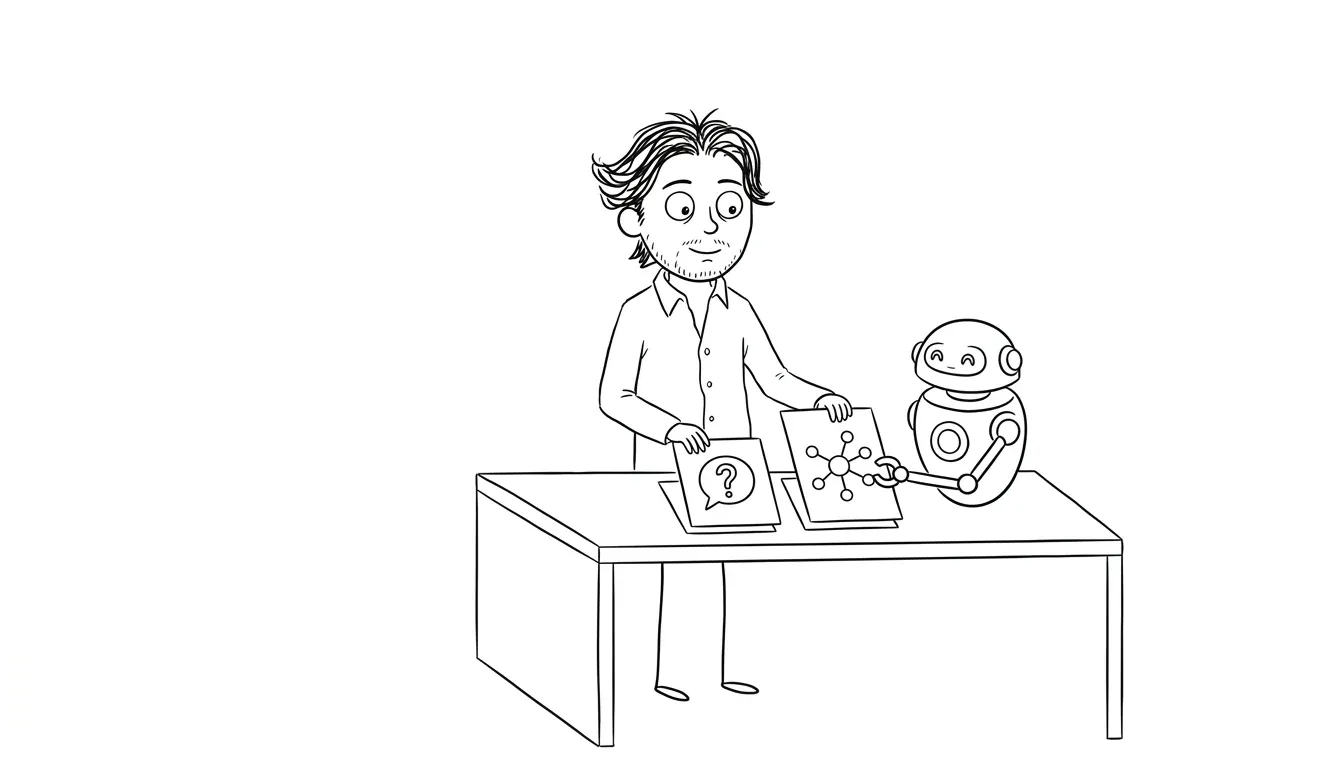
FAQ schema is one of the highest-ROI schema types for AI answer engines. These systems are built to surface answers to questions. If your page has a question-and-answer structure and you mark it up with FAQPage schema, you’re making it easy for them to do exactly that.
7. Add FAQPage schema wherever you have Q&A content
Any page with genuine questions and answers qualifies. This is common on:
- Service pages (“What’s included?” “How long does it take?” “Who is this for?”)
- Pricing pages
- About pages
- Blog posts structured around questions
The format is straightforward:
{
 "@context": "https://schema.org",
 "@type": "FAQPage",
 "mainEntity": [
 {
 "@type": "Question",
 "name": "What's included in the UX audit?",
 "acceptedAnswer": {
 "@type": "Answer",
 "text": "The audit covers one focused lens..."
 }
 }
 ]
}
Keep your acceptedAnswer text consistent with what’s visible on the page. Discrepancies between schema and visible copy can undermine trust signals.
If you want a full breakdown of how to structure FAQs specifically for AI answer visibility, the AI visibility FAQ checklist for service pages covers this in detail.
8. Add Article or BlogPosting schema to every blog post
For content pages, use Article or BlogPosting schema. Key fields:
headlinedescriptionauthor(with@type: Personand anameandurl)publisher(reference to your main entity)datePublisheddateModified
The author markup matters. AI answer engines are increasingly looking for signals about who wrote content and whether that person or entity is credible. Connecting authorship to a named individual with a URL helps.
9. Add a Person entity for your author profile
If you’re a solo service business, you’re both the organization and the expert behind the content. Adding a standalone Person schema block on your about page, and referencing it as the author on every article, creates a complete entity graph. It connects your name, credentials, and URL to your content.
{
 "@context": "https://schema.org",
 "@type": "Person",
 "name": "Your Name",
 "@id": "https://yourdomain.com/#person",
 "url": "https://yourdomain.com/about/",
 "jobTitle": "UX Designer",
 "worksFor": {
 "@type": "ProfessionalService",
 "@id": "https://yourdomain.com/#organization"
 },
 "sameAs": [
 "https://www. linkedin.com/in/yourprofile/",
 "https://twitter.com/yourhandle"
 ]
}
This matters more than it used to. As AI answer engines pay closer attention to authorship and expertise signals, having a named, linkable person attached to your content is a signal worth establishing now.
The AI visibility schema checklist: reviews and credibility
10. Add Review or AggregateRating markup if you have reviews
If you have testimonials or reviews on your site, mark them up. AggregateRating lets you express an overall rating. Individual Review objects can include the reviewer’s name and the review text.
Real reviews with proper markup are a credibility signal for both search engines and AI systems. They add a human layer to your entity definition.
One caveat: only mark up genuine reviews. Don’t manufacture ratings data in schema that doesn’t reflect real reviews on the page. That’s against Google’s guidelines and it’ll backfire.
11. Add BreadcrumbList schema to improve page hierarchy signals
BreadcrumbList isn’t glamorous, but it helps AI systems understand your site structure. If a page lives at /services/ux-audit/, a breadcrumb schema makes that hierarchy explicit. This contributes to how confidently a system can describe your content organization.
Common schema mistakes that hurt AI visibility
Getting schema right isn’t just about adding the right types. It’s also about avoiding the mistakes that quietly break things.
Inconsistent name fields
Your business name in schema should match exactly what appears in your Google Business Profile, your LinkedIn company page, and your main site header. Even minor variations (“Dee Agency” vs “dee.agency” vs “Dee Agency LLC”) introduce entity ambiguity. AI systems resolve entities probabilistically. Consistency helps. Inconsistency introduces uncertainty.
Schema that contradicts visible content
If your schema says your service costs $500 and your visible page says “starting at $800,” you’ve created a conflict. AI systems can pick up on inconsistencies between structured data and page content. Always keep them in sync.
Missing @id anchors
Omitting @id on your main entity means you can’t reference it cleanly from other schema blocks. It’s a small addition that makes your whole schema graph more connected and machine-readable.
Schema injected only via tag managers
Tag manager-injected schema can be unreliable for crawler access. If crawlers fetch your page without executing JavaScript, they may not see the schema at all. Wherever possible, render JSON-LD schema in your page <head> server-side.
This is especially relevant if you’re running an AI visibility fix alongside other technical changes. The schema markup guide for AI visibility goes deeper on technical implementation.
Stale dateModified values
If you update a service page or blog post but forget to update dateModified in your schema, you’re signaling to crawlers that nothing changed. AI answer engines use recency as a signal for some queries. Keep your dates accurate every time you make meaningful content changes.
Using ItemList instead of FAQPage for Q&A content
Some CMS plugins default to ItemList for FAQ-style content. That’s not the right type for Q&A. Use FAQPage with proper Question and Answer objects. The difference matters for how answer engines interpret and surface the content.
How to validate your schema
After implementing, validate before considering anything done.
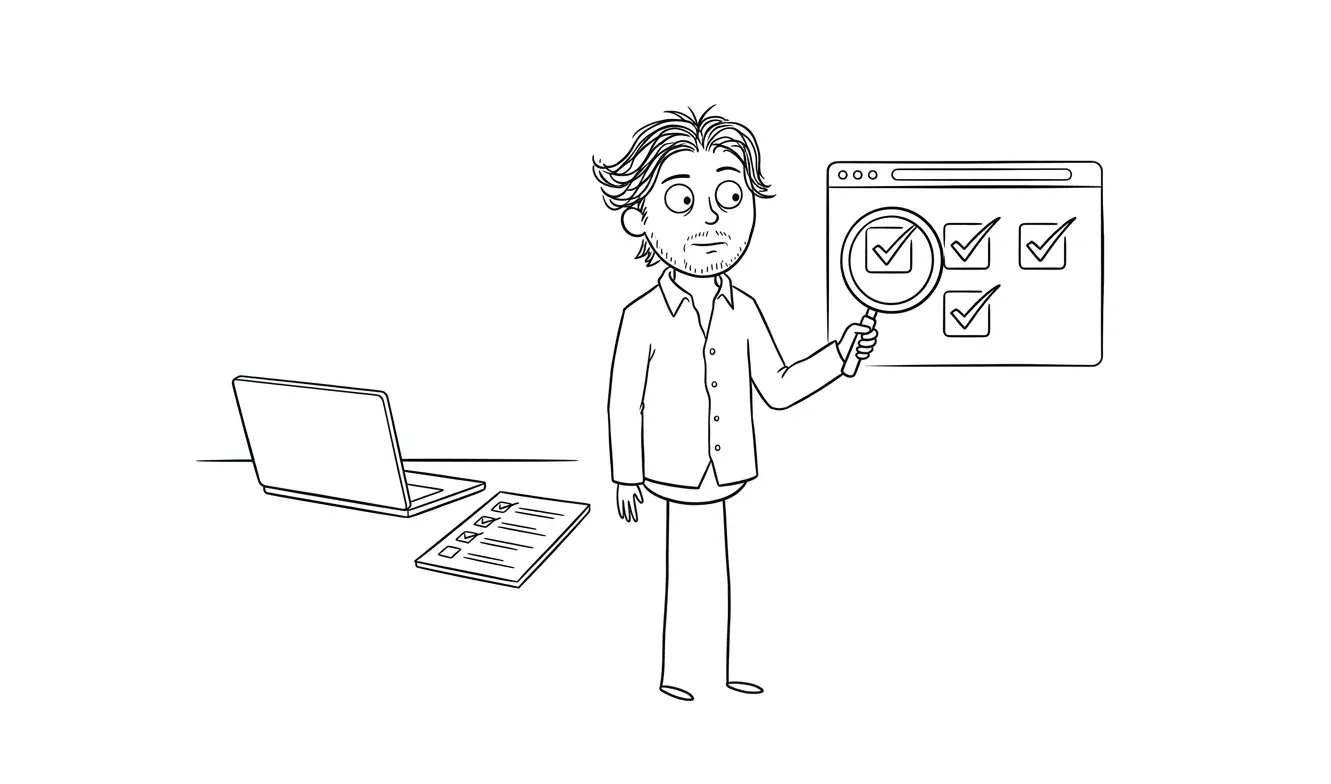
Google’s Rich Results Test checks for errors and warnings in your JSON-LD. Run every page type through it: homepage, service pages, blog posts.
Schema.org’s validator gives you a broader view of your structured data, including properties that the Rich Results Test doesn’t flag.
Check for:
- Missing required fields (these show as errors)
- Recommended fields that are absent (warnings, but worth addressing)
- Type mismatches
- Properties that don’t apply to your chosen
@type
Fix errors first. Then address warnings. Then move on.
Validation is not optional. Broken schema can be worse than no schema, because it signals machine-readable noise rather than machine-readable clarity.
Schema as part of a broader AI visibility strategy
Schema alone won’t get you cited in AI answers. It’s one layer of a larger system.
The other layers: clear entity definition across your site, crawlable pages (robots.txt and llms.txt set correctly), service page copy that’s direct and structured, and a consistent presence across the platforms AI systems use to cross-reference entities.
A useful way to think about it: schema handles the machine-readable layer. Your page copy handles the human-readable layer. Your off-site presence handles the credibility layer. All three need to be consistent and aligned before any single layer carries much weight.
If you’re prioritizing, do entity schema first. Then service page schema. Then FAQ markup on pages where you already have Q&A content. Then article schema on your blog. That sequence covers the highest-value items with the least effort, and each step builds on the one before it.
If schema is new to you, the AI visibility service page checklist is a good companion to this one. It covers the on-page signals that schema reinforces, including headline clarity, service descriptions, and how to structure your copy for AI retrieval.
The AI visibility and GEO fix service at dee.agency addresses all of these layers together, including schema implementation, llms.txt, entity consistency, and service page structure.
If you’re not sure where your current AI visibility gaps are, the Audit + Spec service is a $500 focused diagnosis. It covers one lens at a time and is credited fully toward follow-on work if you book within 30 days.
Frequently asked questions
Does schema markup guarantee that AI answer engines will cite my business?
No. Schema markup reduces ambiguity and makes it easier for AI systems to understand and categorize your business, but it doesn’t guarantee citations. Think of it as removing barriers rather than creating certainty.
What schema type should a service business use?
Most service businesses should use LocalBusiness or a subtype like ProfessionalService. If your business has no fixed location and serves clients anywhere, Organization is the right fallback. Pick one and be consistent.
Should I add schema to every page or just my homepage?
Every relevant page. Your homepage should have entity schema. Each service page should have Service schema. Blog posts should have Article or BlogPosting schema. FAQ sections should have FAQPage schema. The more complete your coverage, the clearer your entity and content structure are to AI systems.
How do I check if my schema is working?
Use Google’s Rich Results Test and the Schema.org validator. Run your homepage, at least one service page, and one blog post through both tools. Fix errors before addressing warnings.
How long does it take for schema changes to be picked up?
There’s no fixed timeline. Google typically recrawls pages within days to a few weeks depending on your crawl budget and site activity. AI answer engines that use their own retrieval pipelines operate on their own schedules.
Is FAQPage schema worth adding if I don’t have a dedicated FAQ section?
Yes, if your page has questions and answers in the body content. You don’t need a formal FAQ section. Any page where you answer questions directly can use FAQPage markup. It’s one of the highest-value schema types for AI answer engine visibility.
Want help with AI visibility? The dee.agency AI Visibility / GEO Fix service covers schema, llms.txt, entity clarity, and service page structure in one flat-fee engagement. Start with a diagnosis or get in touch to talk through your situation.

Got a project worth shipping? Send the brief.
Quote and kickoff date back in a day, usually faster. If it's not a good fit I'll say so.