
Focused Audit for AI Automation: What to Check First
Learn what a focused AI automation audit covers, when you need one, and what it produces. One workflow, one spec, before you build anything.
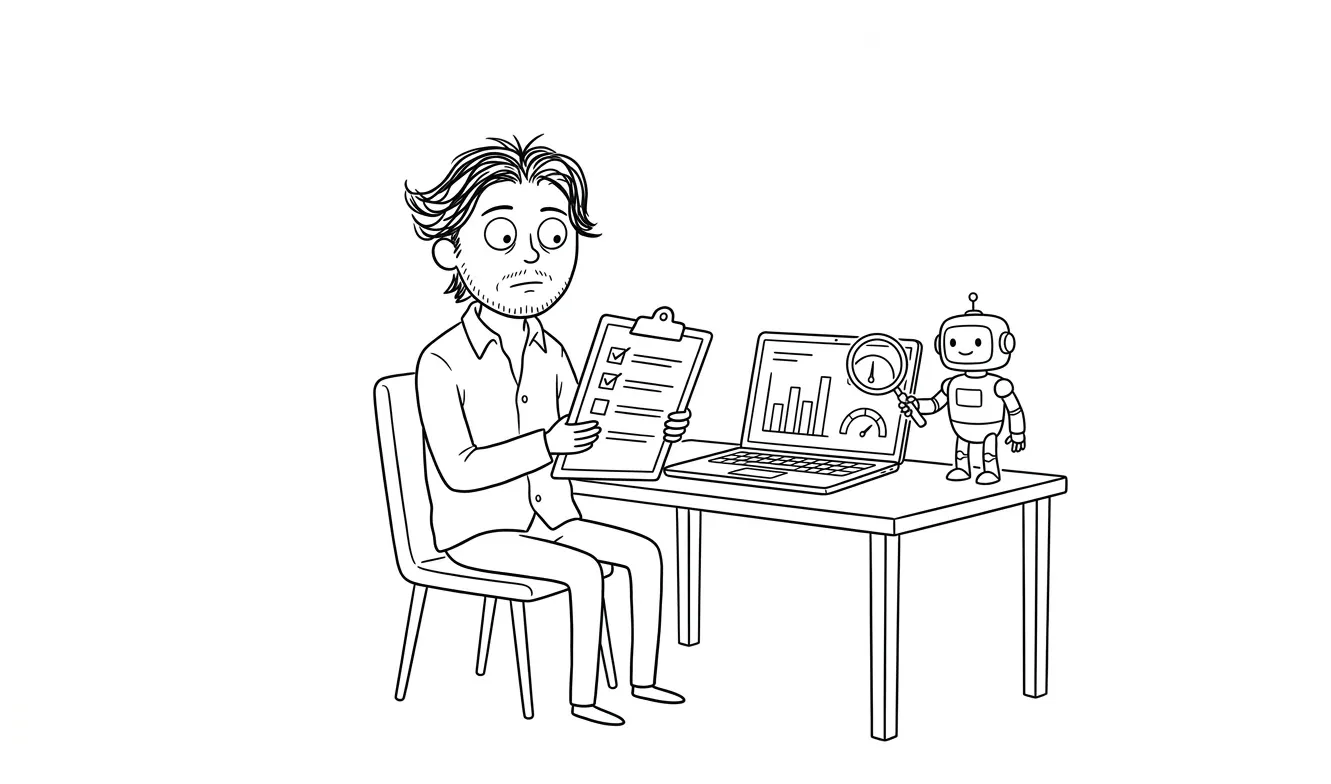
A focused audit for AI automation means inspecting a single workflow before you write a line of code or pay for an integration. You look at the inputs, outputs, systems involved, edge cases, failure modes, and whether the process is even worth automating. Skip this step and you’ll spend real money building something fragile, or building the wrong thing entirely. At dee.agency, the Audit + Spec is exactly that: one focused diagnostic lens on one problem, for $500, credited toward any follow-on work.
Why auditing a workflow before building an AI automation matters
Most founders get excited about automation at the wrong moment. They see a tedious process, someone demos a tool that handles it, and the next week they’re scoping a full integration. That’s backwards.
The process you think needs automation often isn’t the process that’s actually causing the bottleneck. And even when you’ve identified the right one, the difference between a workflow that’s ready to automate and one that isn’t can be the difference between a tool that runs reliably and one that breaks every other week.
An audit surfaces that before you’ve committed to anything.
Running a workflow through an audit first costs a fraction of what it costs to undo a bad integration three months in.
This isn’t about slowing down. It’s about spending your automation budget where it’ll actually work.
What a focused audit for AI automation actually covers
A good AI automation audit isn’t a general review. It’s scoped to one workflow and goes deep. Here’s what it should cover.
The inputs
Where does the process start? What triggers it? Is that trigger reliable, or does it depend on something inconsistent, like a person remembering to upload a file or send an email in a particular format?
AI tools are only as good as what you feed them. If your inputs are inconsistent or poorly structured, any automation built on top of them will be brittle. The audit looks at whether inputs can be standardized before you build anything.
This is one of the core principles behind prompt engineering and structured inputs: garbage in, garbage out applies just as much to automated pipelines as it does to one-off prompts.
The outputs
What does a successful run produce? A document, a response, a database entry, a sent message? Are those outputs going somewhere specific? Does something downstream depend on them?
Output clarity matters because it defines what the automation is actually supposed to do. A lot of projects drift because nobody defined “done” clearly at the start.
The systems and permissions involved
What tools are in the loop? Email, CRM, Slack, a spreadsheet, a custom database? Does the automation need credentials to access any of them? Who owns those credentials, and are there any compliance or access restrictions to think about?
This is where a lot of integrations get stuck post-launch. You can design a perfect flow and still have it blocked at the API level because a permission wasn’t granted or a tool doesn’t have the right tier of account.
Edge cases and exceptions
Every workflow has edge cases. The invoice that comes in a weird format. The customer request that doesn’t fit the standard categories. The file that’s too large, or in the wrong language, or missing a field.
An audit asks: what happens when something outside the normal case shows up? Can the automation handle it gracefully, or does it need a human in the loop? These exceptions often account for a significant share of actual volume. If you haven’t mapped them, you haven’t finished scoping.
Failure modes
What happens when the automation breaks? Does the process just stop silently? Does someone get notified? Is there a fallback?
Reliable automations are designed with failure in mind. That means logging, alerts, and a clear path for a human to pick up when something goes wrong. The audit identifies whether your current workflow even has that infrastructure, and what needs to be built to make failure recoverable.
ROI and actual time savings
This one’s blunt: is it worth building?
Some workflows take two minutes a day. Automating them might save 45 minutes a week and cost $3,000 to build and another $200/month in tools. That math doesn’t always work out.
A focused audit looks at the actual time cost of the manual process, the realistic time savings, the maintenance burden of running an automation, and whether the savings justify the investment. Sometimes the answer is no, and that’s a valuable finding.
For a more structured way to think through this, the article on AI automation ROI walks through the numbers side of this calculation.
Whether the process should be simplified first
This is the most underrated finding an audit can produce.
Sometimes the workflow is complicated not because the underlying task is complicated, but because it evolved messily over time. Multiple handoffs, redundant steps, data that gets copied from one place to another for no reason. Automating that workflow doesn’t fix those problems. It just makes them faster and harder to see.
A good audit will flag when the right move is to simplify the process before, or instead of, automating it. Cleaning up the workflow first often reduces the automation scope significantly, which means lower build cost and a more reliable result.
When should you run a focused audit for AI automation?
Not every automation project needs a formal audit. Here’s a rough guide.
You probably need an audit if:
- You’re not sure whether the workflow is actually the bottleneck
- The process involves multiple systems or handoffs between people
- There are known exceptions or edge cases you haven’t fully mapped
- A previous automation attempt failed or was abandoned
- You’re evaluating a significant time or cost investment (say, $2,000 or more to build)
- The workflow touches customer-facing outputs, financial data, or anything where errors are costly
You can probably skip the audit if:
- The workflow is simple, linear, and fully within one tool
- You’ve already mapped inputs, outputs, and edge cases clearly
- You’re building something small and reversible with a low-cost tool like Zapier or Make
- You’ve done this type of integration before and know the shape of it
The honest version: most workflows that justify meaningful automation also justify a proper look before building. The audit isn’t overhead. It’s the scoping work that makes the build go faster.
What a focused audit for AI automation produces
At the end of the audit, you should have a clear spec. Not a general recommendation to “automate your workflow.” A concrete output that includes:

- A description of the workflow as it actually runs today, not as you think it runs
- A list of inputs, outputs, and systems with their current state
- Identified edge cases and how they should be handled
- Failure mode analysis and recovery path
- An honest assessment of ROI and whether it’s worth building
- A prioritized recommendation: build, simplify first, or skip
- If building, a scope for the integration: what to build, what tools to use, what to test
That’s a document you can act on. You can take it to a developer, or bring it to me to build as an AI integration. Either way, you’re not starting from a vague brief.
How to prepare for a workflow audit
If you’re planning to run an audit, the more you can document ahead of time, the faster and deeper the findings will be. You don’t need a perfect picture, but a rough sketch helps.
Before the audit, it’s worth writing down:
- A plain-language description of the workflow: what happens, in what order, and who’s involved at each step
- The tools the process touches, even loosely
- Any exceptions you already know about, even if you don’t have a handle on how common they are
- The last time the process caused a visible problem, and what that looked like
You don’t need this to be polished. A bullet list in a Google Doc is fine. The point is to have something concrete to react to rather than reconstructing the process entirely from memory during the session itself.
This preparation also tends to surface things you didn’t realize needed to be figured out. The act of writing “and then someone emails the client” prompts the question: which someone? Always the same person? What if they’re out? That kind of question is exactly what the audit is designed to answer, and identifying it early saves time.
One lens at a time
One thing worth saying clearly: an audit works best when it’s focused. If you try to audit your whole business’s automation potential in one pass, you end up with a general landscape review that’s hard to act on.
The Audit + Spec at dee.agency is intentionally scoped to one lens at a time. One workflow, one problem, one clear output. That focus is what makes the findings actionable rather than theoretical.
If you’ve got three workflows you’re considering, we’d audit the highest-priority one first. That result usually tells you something useful about the others too.
Common things a workflow audit finds
Without inventing specific examples, here are the patterns that come up repeatedly when a workflow gets properly examined before automation:
The trigger is unreliable. The process starts when someone manually initiates it, and there’s no consistent signal to hook automation to. The fix isn’t building automation yet. It’s creating a reliable trigger first.
The data is unstructured. The inputs are free-form text, inconsistently formatted emails, or spreadsheets with varying column names. AI can work with unstructured data, but it adds complexity and failure risk. Structuring inputs first makes the automation simpler and more reliable.
One step is 80% of the value. The workflow has five steps, but automating step three alone would save most of the time. A scoped automation is cheaper to build, easier to maintain, and ready sooner.
Nobody owns the failure path. The current process has a human reviewing outputs, but nobody has thought about what the human does when the automated version produces something wrong. That decision needs to be made before build, not after.
The ROI is marginal. The workflow takes an hour a week. Automating it costs $3,000 to build and requires ongoing maintenance. The honest answer is that the investment doesn’t pay off unless the team is planning to scale the volume significantly.
These findings aren’t failures. They’re exactly what you want to know before building.
What makes a good automation candidate
An audit will tell you definitively, but some workflows are clearly better candidates than others. Knowing the general shape of a good candidate helps you decide which workflow to audit first.
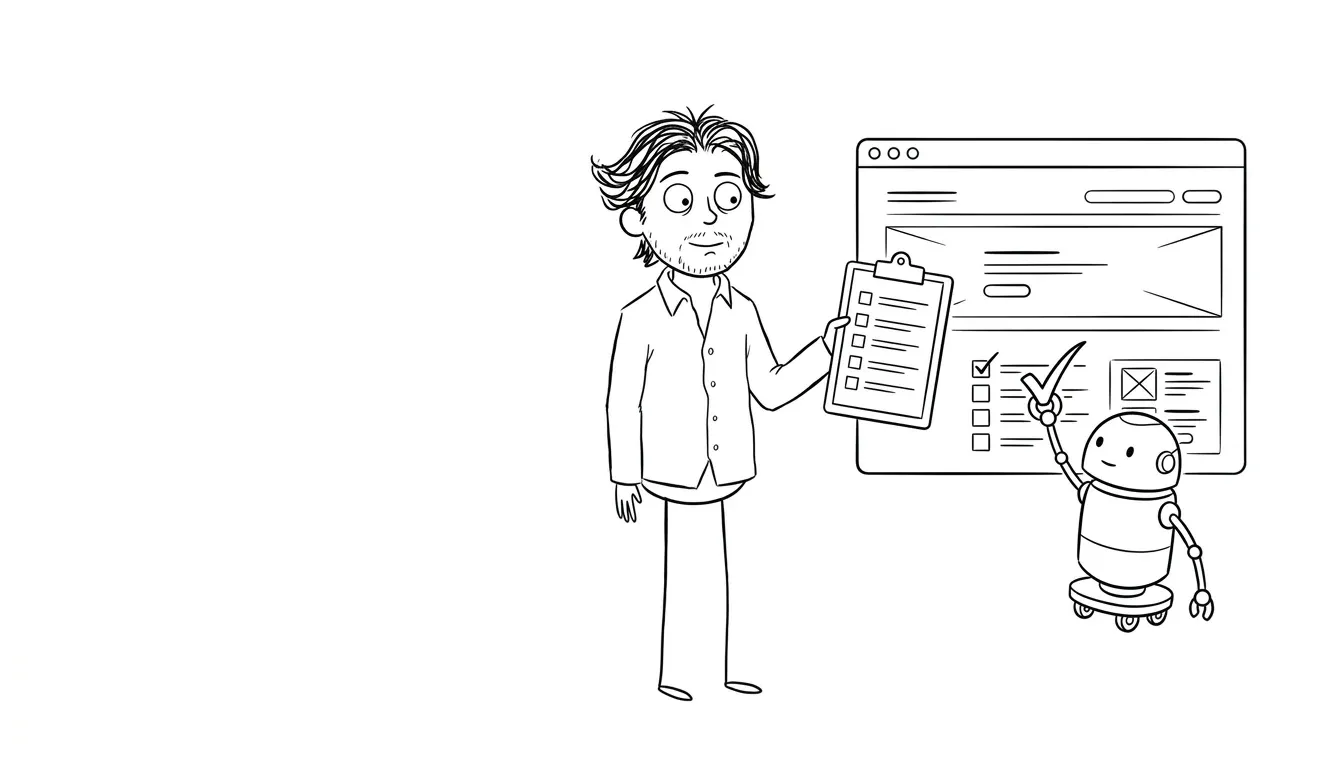
The strongest automation candidates tend to share a few characteristics. The task is repetitive and follows a consistent pattern. The inputs are, or can be made to be, structured. The definition of a correct output is clear enough that you could write it down. Volume is high enough that time savings compound meaningfully. And the cost of an error is recoverable, or there’s a human checkpoint before anything goes out.
Contrast that with workflows where the inputs are inherently unpredictable, where judgment calls happen constantly, or where the output quality is subjective. Those aren’t always bad automation candidates, but they require more design work and more robust fallback handling.
MIT Sloan Management Review has covered the general framework for evaluating automation readiness in more depth. The short version: structure and repeatability are what make a workflow automatable. An audit confirms whether those qualities actually exist in yours.
For more on picking the right starting point, the article on how to choose your first AI automation project is worth reading before you get to the audit stage. It’ll help you narrow down which workflow to audit first.
How this fits into the dee.agency AI workflow
If you’re planning to build an AI integration, the path I’d recommend is:
- Scope the right workflow with a focused audit. One workflow, clear spec, $500.
- If the audit says build, take the spec into the AI Integration & Automation service, which covers implementation for $3,000.
- The $500 audit fee is credited in full toward any follow-on work booked within 30 days.
You’re not paying for the audit separately if you go ahead and build. You’re buying clarity before committing to the full scope.
The n8n documentation on workflow design is a good reference for what a properly structured automation actually looks like once you’re ready to build. An audit gets you to the point where those patterns are applicable, rather than aspirational.
Not sure which workflow to automate first? Start with a focused Audit + Spec: one workflow, clear recommendation, $500 credited toward build. Tell me what you’re working on.
Frequently asked questions
What is a focused audit for AI automation?
A focused audit for AI automation is a structured review of a single workflow before you build any integration. It covers inputs, outputs, systems, edge cases, failure modes, and ROI to determine whether and how to automate. The output is a concrete spec you can act on. At dee.agency, this is the Audit + Spec service, priced at $500.
How is an AI automation audit different from a UX audit?
A UX audit looks at friction in a product interface, typically onboarding, navigation, and conversion. An AI automation audit looks at a business workflow: what the process does, what systems it touches, where it breaks, and whether automation makes sense. Different lens, different output. See the services overview for how each fits together.
When should I audit a workflow before building an AI integration?
Audit first when the workflow involves multiple systems, has known exceptions, has failed in a previous automation attempt, or represents a meaningful build investment. For simple, single-tool, low-stakes workflows you’ve fully mapped, you can usually skip it. If you’re not sure, that uncertainty is itself a reason to audit.
What does an AI workflow audit actually produce?
A good audit produces a written spec: a description of the current workflow, mapped inputs and outputs, identified edge cases, failure mode analysis, an ROI assessment, and a concrete recommendation. If the recommendation is to build, the spec defines what to build and what to test.
How long does a focused workflow audit take?
It depends on workflow complexity, but a properly scoped single-workflow audit shouldn’t drag on. The goal is a fast, actionable finding, not an extended consulting engagement. The Audit + Spec at dee.agency is designed to turn around quickly so you can make a decision and move.
Does the audit cost apply toward the build?
Yes. At dee.agency, the $500 Audit + Spec fee is credited 100% toward any follow-on work booked within 30 days. If the audit says to build and you go ahead with the AI Integration service, you’re not paying for the audit separately.
Ready to audit your workflow before you build?
If you’ve got a workflow in mind and you’re trying to figure out whether it’s worth automating, start with a focused audit. One workflow, one clear spec, a concrete recommendation.
The Audit + Spec is $500, credited toward build if you move forward. The AI Integration service is where I build it if the audit says go.
Tell me about your workflow and we’ll figure out whether it’s ready to automate.

Got a project worth shipping? Send the brief.
Quote and kickoff date back in a day, usually faster. If it's not a good fit I'll say so.