

Landing Page Analytics Checklist for Service Businesses
A 7-area landing page analytics checklist for service businesses: tracking setup, conversion events, UTMs, session recording, and pre-launch QA.
Before your landing page goes live, your analytics setup deserves the same attention as your design and copy. A landing page analytics checklist for service businesses covers seven areas: tracking installation, goal and conversion event setup, form and CTA tracking, UTM parameter conventions, session recording, speed and Core Web Vitals baselines, and a pre-launch QA pass. Miss any one of them and you’re flying blind from day one.
Why analytics setup matters before you launch
Most service businesses spend weeks getting the design right, then push the page live without verifying a single tracking event fires correctly. Then they wonder why the “Contact” button shows zero clicks in their dashboard after a month of traffic.
The problem is that fixing analytics after launch means your early data is already corrupted. You can’t go back and reconstruct what happened before you had proper tracking. That first week of traffic, those first conversions, that initial source breakdown, all of it is gone.
Setting up your analytics before launch takes a few hours. Losing clean data from your launch window is permanent.
The landing page analytics checklist for service businesses: seven areas to cover
This checklist covers the minimum viable tracking setup for a service business landing page. You don’t need a data warehouse. You need clean, reliable signals that tell you who visited, where they came from, and what they did.
1. Tracking script installation
Check that your base tracking code is installed correctly before anything else.
- Google Analytics 4 (GA4) base script is installed on the page
- Google Tag Manager (GTM) container fires on page load if you’re routing events through it
- No duplicate GA4 measurement IDs on the same page (causes inflated sessions)
- Script is in the
<head>tag, not at the bottom of<body>(reduces missed page views) - If using a third-party tool like Plausible or Fathom as a privacy-friendly alternative, confirm the script loads and your domain is verified
- Tracking is blocked in your internal staging environment so you don’t pollute production data with your own visits
- You’ve verified the GA4 DebugView shows activity when you manually visit the page in debug mode
The GTM vs. direct install question doesn’t matter much for a single landing page. GTM adds flexibility for future tags. A direct GA4 install is simpler and slightly faster. Either works as long as it actually fires.
2. Conversion events and goal configuration
This is where most setups fall apart. A page view is not a conversion. You need to track the specific actions that signal interest or intent.
- Form submission event is configured (not just a thank-you page view, which breaks if anyone refreshes it)
- “Thank you” or confirmation page has its own URL so you can use destination goals as a fallback
- Phone number clicks are tracked as events if you include a phone number
- Email link clicks are tracked as events
- Calendar/booking link clicks (Calendly, Cal.com, etc.) are tracked as outbound link click events
- Any PDF or case study downloads are tracked
- All conversion events are marked as “key events” in GA4 (the new term for goals) so they appear in conversion reports
- You’ve tested each event manually and confirmed it appears in GA4 DebugView before launch
For a service business, a “conversion” is usually one of four things: a form submission, a booking link click, a direct call tap, or an email click. Track all of them. You’ll figure out which ones actually correlate with closed business later. For now, capture the data.
The most common analytics failure on service pages: tracking the thank-you page URL as the conversion instead of the actual form submit event. If someone submits and hits refresh, you record two conversions from one lead.
3. Form tracking
Forms deserve their own checklist item because they’re the primary conversion path for most service businesses and they break in ways that are hard to notice.
- Form submission fires a dataLayer event (for example,
form_submit) that GTM or GA4 can pick up - If you’re using an iframe-embedded form (Typeform, JotForm, HubSpot), confirm that cross-origin event tracking is set up. Iframe forms don’t automatically trigger events in the parent page’s GA4 instance.
- Partial form completion events are tracked if your form has multiple fields (helps identify where people drop off)
- Error states are tracked. If the form throws a validation error, that’s useful signal.
- Form confirmation message (inline or redirect) actually works when tested from a real browser, not just your dev environment
The landing page form checklist covers what to ask in the form itself. This analytics layer is what tells you whether people are actually filling it out.
4. UTM parameter conventions
UTM parameters are how you tell GA4 where your traffic came from. Without them, paid ads, email campaigns, and social posts all show up as “direct” or “referral” with no context.
- Establish a consistent UTM naming convention before launch, not after. Inconsistent casing (
Emailvsemail) creates duplicate channel entries in reports. - All paid ad campaigns use
utm_source,utm_medium, andutm_campaignat minimum - All email campaigns include UTMs (newsletter, cold outreach, follow-up sequences)
- Social posts that link directly to the landing page include UTMs
- Any third-party listings, partner referrals, or directory links use UTMs
- You have a shared UTM spreadsheet or naming doc so anyone adding links later uses the same conventions
- You’ve tested that UTM parameters appear correctly in GA4 Traffic Acquisition reports by visiting the page with a UTM URL before launch
A simple convention: lowercase everything, use hyphens not spaces, and never use generic values like campaign1. Use names you’ll recognize in six months.
5. Session recording and heatmap setup
GA4 tells you numbers. Session recording tools tell you what people actually did on the page. Both are necessary.
- A session recording tool is installed: Microsoft Clarity is free and works well for most service businesses. Hotjar and FullStory are alternatives.
- Heatmap tracking is enabled to see where people click, tap, and scroll
- Session recording is sampling at a rate your plan supports (Clarity records everything on the free plan)
- You’ve confirmed recordings appear in the dashboard after a test visit
- Sensitive form fields (email, phone, name) are masked in recordings to stay GDPR/CCPA compliant. Most tools do this by default but verify it.
- Scroll depth tracking is enabled to see how far down the page people actually read
This data is most useful in the first two to four weeks post-launch. You’ll see patterns quickly: where people stop scrolling, what they click that isn’t a link, and which sections they re-read. That’s hard to get from event data alone.
6. Page speed and Core Web Vitals baseline
Analytics measures behavior. Speed metrics measure whether your page gives users a chance to behave at all. A slow page produces misleading analytics because a large portion of visitors leave before the page fully renders.
- Run PageSpeed Insights on the live staging URL before launch and record your baseline scores
- Core Web Vitals (LCP, CLS, INP) are in a passing range on mobile. Google’s current thresholds are LCP under 2.5s, CLS under 0.1, INP under 200ms.
- Google Search Console is set up and verified so you receive real-user Core Web Vitals data after launch
- Images are compressed and served in WebP format
- Any video embeds (Loom, YouTube) use lazy loading or facade loaders rather than full embeds that block page render
- Third-party scripts (chat widgets, social pixels, heatmap tools) are loaded asynchronously so they don’t block the main thread
The landing page speed checklist goes deeper on the technical side. The analytics angle here is simpler: slow pages produce bad data because your bounce rate will be artificially high and your session data will be incomplete.
7. Pre-launch QA pass
Run this as your final check before flipping the page to live.
- Open the page in an incognito window (no personal cookies, no login state) and complete every conversion action
- Confirm each action appears as an event in GA4 DebugView within 30 seconds
- Confirm session recording captures the incognito session
- Check the page on a real mobile device, not just browser DevTools mobile emulation
- Temporarily add
?utm_source=test&utm_medium=email&utm_campaign=launch-testto the URL and confirm it shows up in GA4 Traffic Acquisition - Confirm your internal IP address or office network is filtered out in GA4 so your own visits don’t inflate metrics
- Bookmark the GA4 real-time view so you can watch traffic on launch day
This QA pass takes about 20 minutes if your setup is already done. It will catch the one broken event that would have ruined your first month of data.
What to track in the first 30 days after launch
Once the page is live and your tracking is clean, focus on these signals:
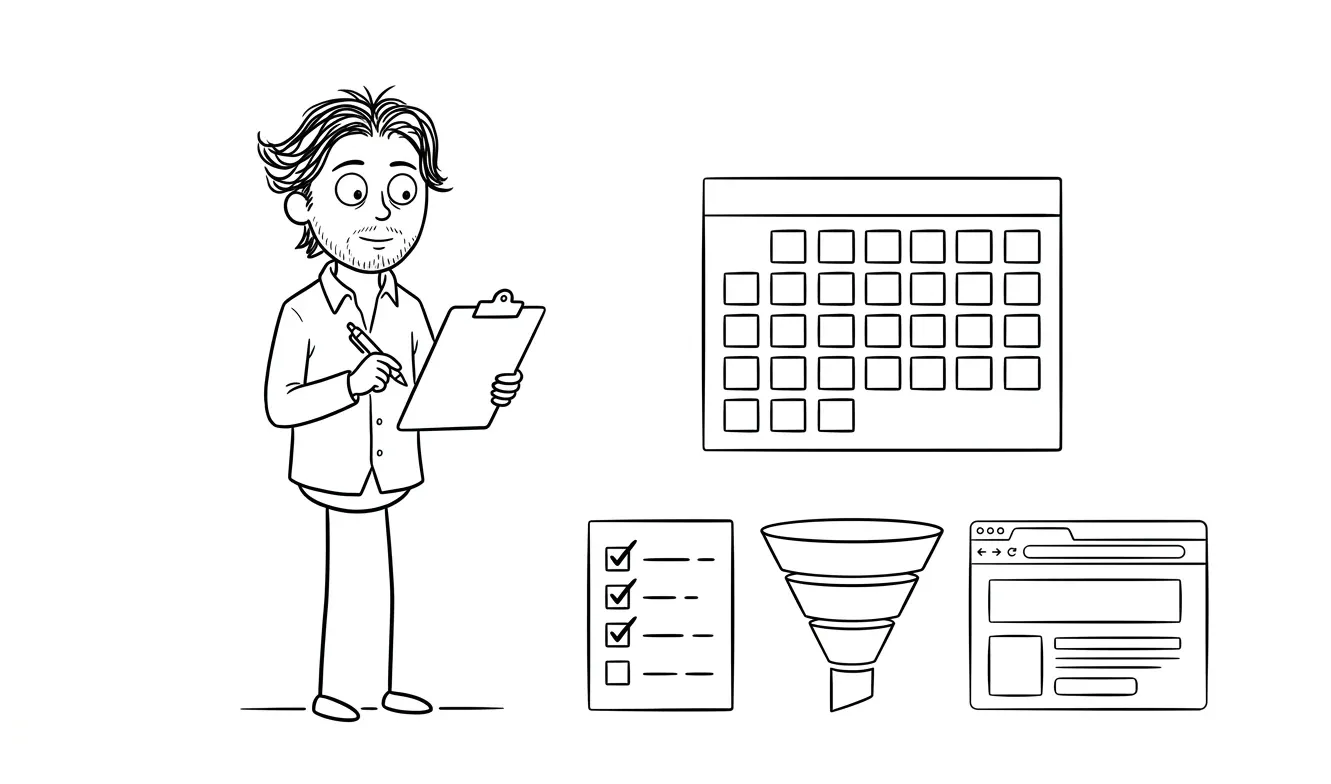
- Traffic source breakdown. Where are visitors actually coming from? Organic, paid, social, direct? This tells you whether your promotion plan is working.
- Scroll depth. How far do people read? If most visitors drop off above the fold, that’s a design or headline problem, not a traffic problem.
- CTA click rate. Of everyone who visits, what percentage clicks your primary CTA? A low click rate with reasonable scroll depth points to a copy or trust issue.
- Form completion rate. Of people who start filling out your form, how many submit it? A big drop-off in the middle usually means the form is too long or a field is confusing.
- Session recordings. Watch 10-20 recordings in the first week. You’ll see things numbers won’t show you.
A clean analytics setup in the first 30 days is worth more than months of data collected with broken tracking. You can’t fix what you didn’t measure.
Using this landing page analytics checklist for service businesses before a paid campaign
If your landing page is tied to a paid campaign or a product launch with a real budget behind it, getting the analytics and the page itself right matters more than doing it fast. A broken form event or a missing UTM convention on your first 500 paid visitors is a real loss.
Running through this checklist before you start spending on traffic takes a few hours. Skipping it means your campaign data is unreliable from the start, and you can’t make good optimization decisions on bad numbers. Paid traffic is an especially unforgiving context for broken tracking because every visit costs money and you can’t reconstruct what happened after the fact.
The Audit + Spec service at dee.agency is a $500 focused diagnostic that looks at one area at a time. If you want a pre-launch review of your analytics setup, conversion structure, or page mechanics before you push it live, that’s exactly what it’s built for. The $500 is credited toward any follow-on work, including the full Landing Page Design & Build at $3,000, if you book within 30 days.
If you want a full conversion review, the landing page conversion audit checklist covers the broader UX and copy side.
Want the page and the analytics done right? Dee Agency’s Landing Page Design & Build includes the full setup at $3,000 flat. Share your project details.
Frequently asked questions
What analytics should I set up before launching a service page?

At minimum: GA4 with a verified tracking script, conversion events for every CTA action (form submissions, booking link clicks, phone taps), UTM parameters for all paid and email traffic, and a session recording tool like Microsoft Clarity. This baseline takes a few hours to set up correctly and gives you clean data from day one.
Do I need Google Tag Manager for a landing page?
Not necessarily. For a single landing page with a handful of events, a direct GA4 install is simpler and slightly faster. GTM becomes more useful when you’re managing multiple tags, running A/B tests, or need a non-technical team member to update tracking without touching code.
How do I track Calendly or Cal.com booking clicks on my landing page?
Both tools can be embedded or linked. If you’re linking to them, set up an outbound link click event in GA4 or GTM that fires when the booking URL is clicked. If you’re using the inline embed, Calendly has a native integration that can push event data to GA4 via postMessage. Check their current documentation for the specific setup steps.
What’s the most common analytics mistake on service business landing pages?
Tracking the thank-you page URL as a conversion goal instead of the actual form submission event. If a visitor submits the form and refreshes the confirmation page, you count two conversions from one lead. Track the form submission event itself, not the destination URL.
How do I know if my UTM parameters are working?
After setting up UTMs, visit your page using a URL with ? utm_source=test&utm_medium=test&utm_campaign=test appended. Open GA4’s real-time report and look under Traffic Sources. If your test values appear there, the UTMs are working. If you only see “direct,” the parameters aren’t being picked up and you’ll need to check your GA4 configuration.
Should I install a session recording tool before launch?
Yes. The first two to four weeks after launch are the most valuable window for session recording because that’s when you’re seeing fresh, unbiased user behavior. Installing a tool like Microsoft Clarity takes about five minutes and it’s free. Waiting until after launch means missing your most valuable discovery window.
Get your landing page built with tracking included
A landing page that converts and a tracking setup that actually tells you it’s converting are two sides of the same problem. Dee Agency’s Landing Page Design & Build is a flat $3,000 and covers design, build, and the conversion structure you need to measure results.
If you want a focused review of an existing page or setup before committing to a full build, start with the $500 Audit + Spec.

Got a project worth shipping? Send the brief.
Quote and kickoff date back in a day, usually faster. If it's not a good fit I'll say so.