
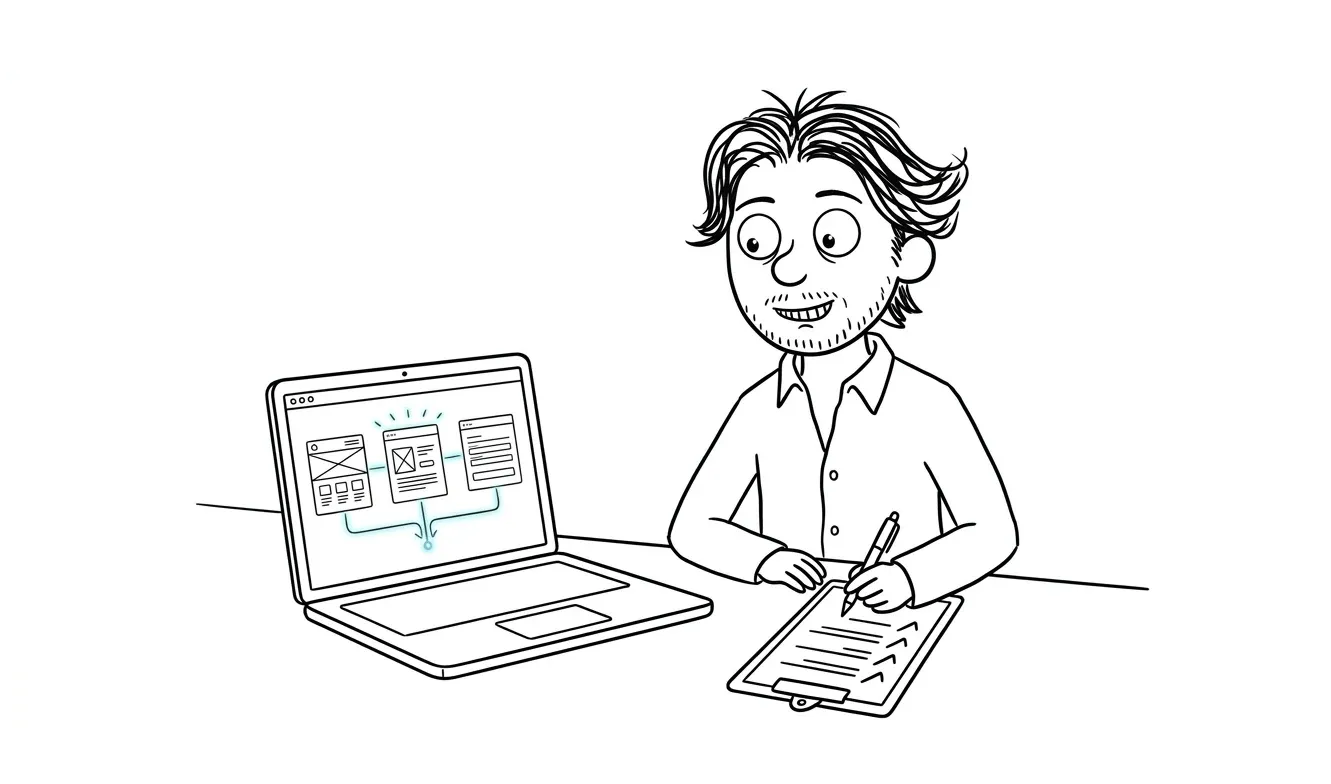
AI visibility internal linking checklist
A 6-area AI visibility internal linking checklist: entity anchoring, topic clusters, anchor text, crawl access, and schema.
An AI visibility internal linking checklist for service businesses helps answer engines like ChatGPT, Perplexity, and Gemini trace relationships between your pages, confirm your entity, and surface your services in generated answers. The checklist covers six areas: entity anchoring, service page connections, topic cluster structure, anchor text consistency, crawl accessibility, and supporting signals like schema and llms.txt. No internal linking strategy guarantees AI citations, but clear site structure reduces the friction that stops answer engines from understanding what you do and who you serve.
Why internal linking matters for AI visibility
Traditional SEO has known for years that internal links pass authority and help crawlers index pages. AI visibility works on a related but different logic.
Answer engines don’t just crawl pages in isolation. They build a picture of what your business is, what it does, and who it serves by following the connections between pages. A service page that sits in isolation, linked from nowhere except the nav, looks thin in that picture. A service page that’s referenced from relevant blog posts, an about page, a case study, and a related checklist looks like the real thing.
Internal links don’t just help crawlers find pages. They help AI systems understand the relationships between your entity, your services, and your expertise.
That distinction matters. You’re not just making pages crawlable. You’re building a structured argument that you exist, you specialize, and you’re credible in a specific domain.
If you haven’t already checked the basics of how AI systems read your entity signals, start with the AI visibility entity checklist for service businesses before working through the linking structure below.
What this checklist covers
This checklist focuses specifically on internal linking as part of a broader AI visibility strategy. It’s organized into six areas you can work through one at a time.
Each section includes the check, why it matters for answer engines, and what to fix if something’s off.
The AI visibility internal linking checklist for service businesses
1. Entity anchoring links
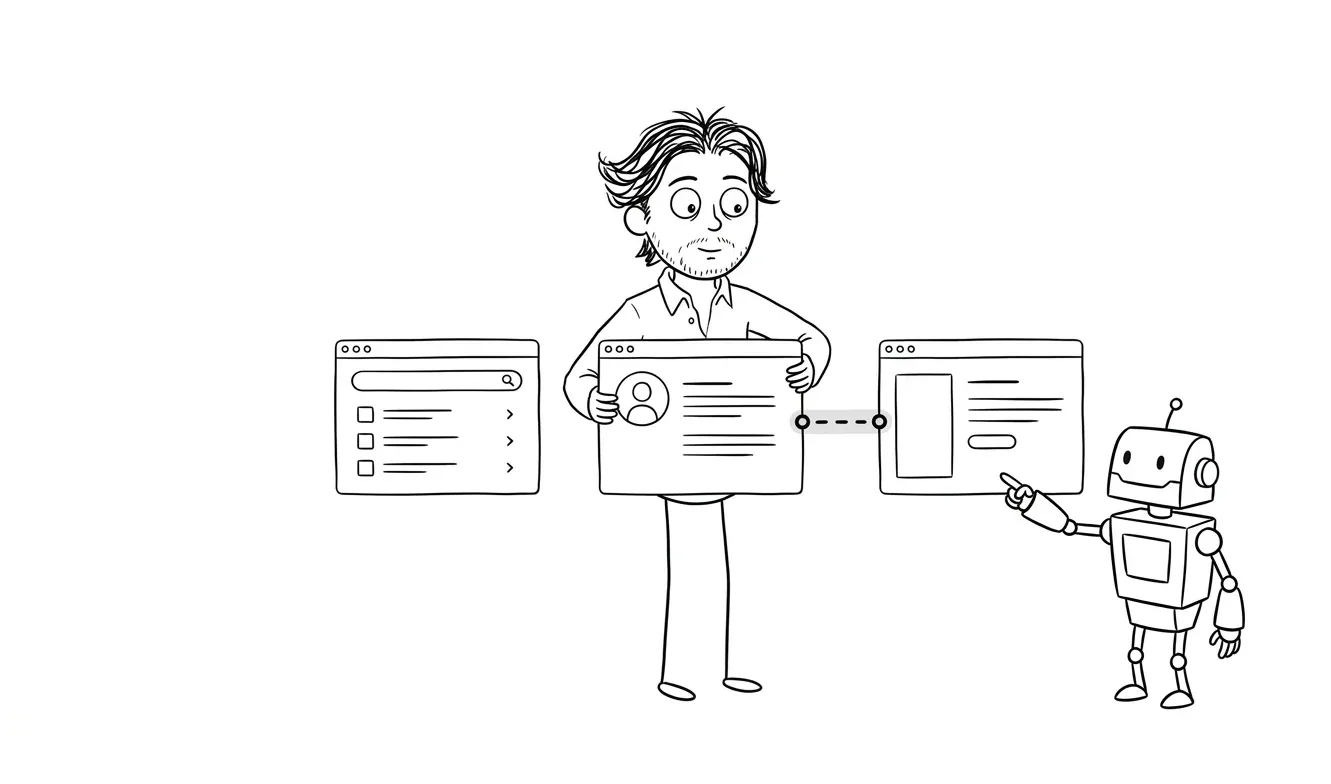
These are links that connect your core identity (name, business name, location, specialty) to your most important pages.
Check 1.1: Your homepage links to every service page directly. Homepage is often the highest-authority page on the site. If a service page isn’t reachable from it, that service gets less weight in the overall site graph.
Check 1.2: Your about page links to each service you offer. Answer engines read about pages to confirm who you are and what you do. An about page that talks about your work but never links to the actual service pages is a missed connection.
Check 1.3: Your homepage and about page use your exact business name and specialty in anchor text or surrounding copy at least once. Consistency of naming across pages reinforces your entity. If your homepage says “Dee Agency” but your about page says “dee.agency” and your blog says “this studio,” you’ve created three competing signals.
Check 1.4: Your contact page is reachable within two clicks from every service page. This one applies to both user experience and crawl logic. Service pages that dead-end with no path forward look incomplete.
2. Service page connections
Each service page should have bidirectional relationships with related content on your site.
Check 2.1: Every service page links to at least two related blog posts or articles. This signals topical authority. A page about AI automation that links to articles about AI workflow documentation, automation ROI, and implementation planning looks like a real resource. A page that links nowhere looks like a brochure.
Check 2.2: Every relevant blog post links back to the most relevant service page. The connection should go both ways. If you write about AI search visibility, that post should link to your AI visibility service page. If you write about landing page conversion, link to your landing page service. The anchor text doesn’t need to be identical each time, but the destination should be consistent.
Check 2.3: No service page is only reachable through the main navigation. Nav links are often devalued in site graph analysis because they appear on every page. A service page that has zero contextual in-text links pointing to it is effectively orphaned from a linking perspective. It should appear in body copy of at least two or three other pages.
Check 2.4: Service pages don’t link to each other unless the services are genuinely related. Forcing connections between unrelated services dilutes the signal. If your AI automation service and your landing page service share no meaningful overlap for your audience, don’t link them together just to add links.
3. Topic cluster structure
Topic clusters are groups of content that all relate to a central theme, with a main “pillar” page that everything else links back to.
Check 3.1: You have a clear pillar page for each service area.
For AI visibility, the pillar is your /geo service page or a comprehensive guide. For MVP, it’s your /mvp page. For audits, /audit. Each supporting article should link back to the relevant pillar.
Check 3.2: Supporting articles in a cluster link to each other where relevant. A cluster isn’t just a hub-and-spoke structure. Articles within the same topic area should link to each other when there’s a genuine relationship. A checklist on AI automation scope can link to an article on AI automation ROI. A guide on landing page wireframes can link to one on hero section structure.
Check 3.3: Your pillar pages link down into their supporting content. This is often the most neglected direction. Pillar pages link to supporting articles to show the full depth of your coverage on a topic. If your AI visibility service page never mentions your schema markup guide or your llms.txt checklist, you’re leaving that contextual depth unconnected.
Check 3.4: Topic clusters don’t bleed into each other without reason. Linking an AI visibility article to a landing page article is fine if there’s a real content connection. Doing it just to add internal links isn’t. Each link should make sense to a reader, not just to a crawler.
4. Anchor text consistency
The words you use as link text tell answer engines something about the destination.
Check 4.1: You’re not using generic anchor text like “click here,” “read more,” or “this page.” Descriptive anchors like “AI visibility audit checklist” or “landing page conversion checklist” carry semantic meaning. Generic anchors carry almost none.
Check 4.2: Your service pages are consistently described in anchor text across the site. If one article links to your AI visibility service as “GEO fix,” another calls it “answer engine optimization service,” and a third calls it “AI search visibility help,” you have inconsistent signals. Vary the phrasing naturally, but keep the core description aligned. The Google Search Central documentation on internal linking covers the basics of how anchor text informs understanding.
Check 4.3: You’re not over-optimizing anchor text either. Exact-match keyword anchors on every internal link can look unnatural. Mix it up: “generative engine optimization service,” “AI visibility help,” or “GEO approach.” Variation reads more naturally and avoids the appearance of manipulation.
Check 4.4: High-value pages get anchor text that describes what they actually contain. Your FAQ checklist should be linked as something like “AI visibility FAQ section checklist,” not as “a related resource.” The specificity matters.
5. Crawl accessibility
None of the above matters if answer engines can’t reach and index your pages.
Check 5.1: No important internal pages are blocked in robots.txt. Service pages, blog posts, and any page you want cited should be fully accessible to known answer-engine crawlers. Check Google Search Central’s robots.txt documentation to confirm you’re not accidentally blocking pages.
Check 5.2: Your sitemap is current and includes all service and article pages. A sitemap doesn’t guarantee indexing or citation, but it does give crawlers a reliable map of what you’ve published. An outdated sitemap with missing pages is a common issue.
Check 5.3: No important pages return a non-200 HTTP status. Redirected or broken internal links interrupt the link graph. Pages that 404 or redirect lose the linking benefit from the pages pointing to them.
Check 5.4: JavaScript-heavy pages degrade gracefully or are server-rendered. Some answer-engine crawlers don’t execute JavaScript. If your service pages are only populated after client-side rendering, the content may not be readable at crawl time. Static or server-rendered HTML is the safer choice for visibility.
6. Supporting signals: schema and llms.txt
Internal linking works best when it’s reinforced by structured data and explicit guidance files.
Check 6.1: Your service pages have appropriate schema markup. Schema markup helps answer engines classify your pages as services, your business as an entity, and your content as credible. A Service schema with name, description, provider, and areaServed signals gives AI systems cleaner data to work with than prose alone. See the dee.agency schema markup guide for specifics.
Check 6.2: Your llms.txt file lists your core service pages and their descriptions. llms.txt is a simple plain-text file that gives AI systems explicit guidance on what your site contains and what they should prioritize. It’s not a guaranteed citation driver, but it reduces ambiguity. The dee.agency llms.txt guide explains what to include.
Check 6.3: Schema on your homepage identifies your organization and links to service pages as offerings.
The Organization schema on your homepage can reference your services using hasOfferCatalog. This creates a structured relationship between your entity and your services that mirrors what your internal links are doing in HTML.
Check 6.4: Your FAQ pages or FAQ sections are marked up with FAQPage schema.
FAQs are a common source for AI-generated answers. If you have FAQ sections on service pages, marking them up increases the chance their content is read and structured correctly by answer engines.
How to prioritize these checks
Not all of these need to happen at once. Here’s a practical order:
- Fix any broken internal links and 404 pages first. A broken link graph undermines everything else.
- Make sure every service page is reachable from at least three contextual in-text links.
- Standardize anchor text for your core service pages across all articles.
- Add a pillar-to-supporting-content link structure for your highest-traffic topic cluster.
- Add or update schema on your service pages and homepage.
- Check and update your llms.txt to reflect your current services and articles.
- Audit robots.txt and your sitemap for completeness.
The whole checklist can be worked through in a focused half-day session if your site isn’t too large. If you’re finding it’s turning into a bigger project, a focused audit might be a more efficient way to get a clear diagnostic before you start fixing things at random.
Need a structured look at your AI visibility setup? The Audit + Spec service covers one focused lens at $500, and the fee is credited toward follow-on work if you continue within 30 days. Start with a diagnostic.
Common mistakes service businesses make
A few patterns come up regularly when reviewing internal link structures for service businesses.
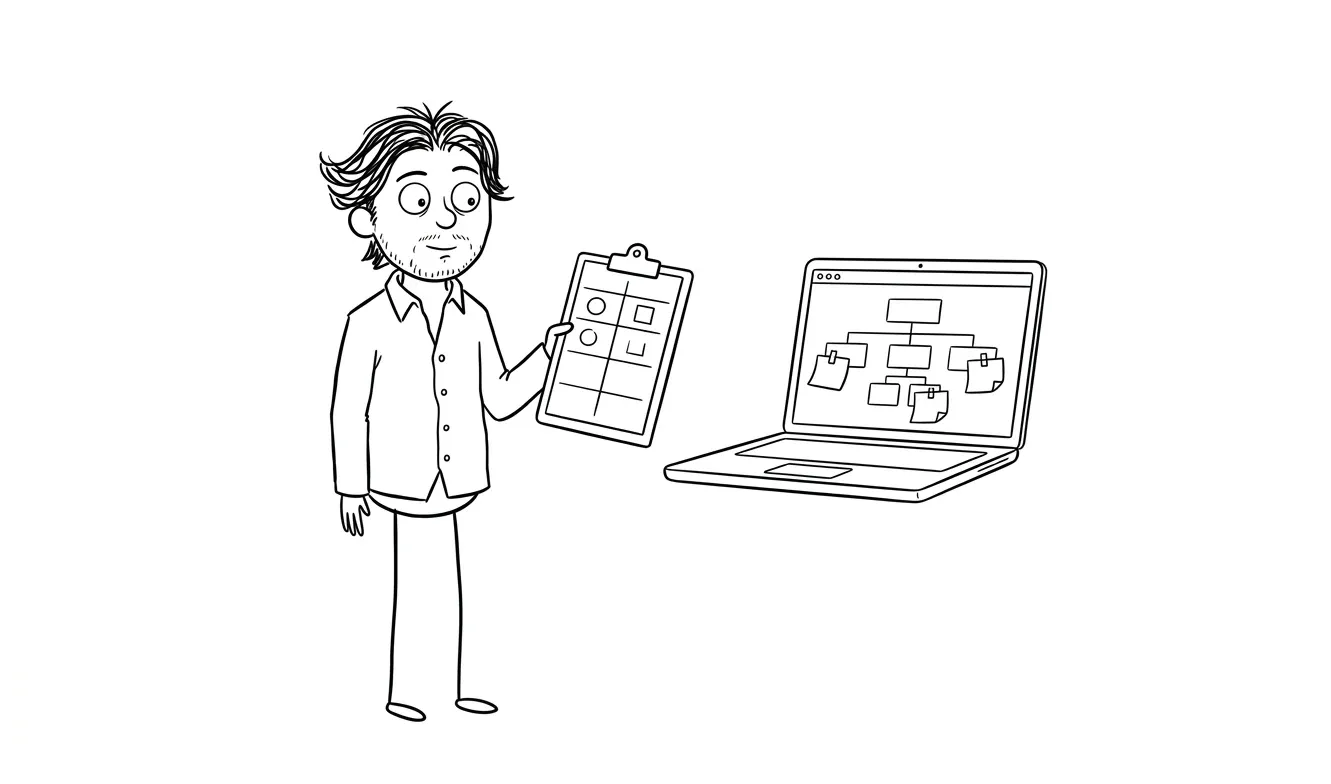
Service pages that exist in isolation are the most common. The page exists, it’s in the nav, but nothing else on the site links to it in context. From a site graph perspective, it barely registers.
Inconsistent entity naming is the second one. The business name, the service names, and the specialization are described differently across every page. Answer engines have to guess at what the canonical description is.
Topic clusters that point inward but not outward are also common. Articles link back to the service page (good) but never to each other (wasted opportunity). The cluster ends up looking thin.
And finally, blocking schema or rendering issues. A service page with perfect linking structure but a robots.txt blocking its CSS, or a page that renders blank without JavaScript, still won’t be read correctly.
Frequently asked questions
Does internal linking directly affect whether ChatGPT or Perplexity cites my business?
Not directly. Internal linking improves site structure and helps answer engines understand relationships between your pages and entity. That context can contribute to visibility, but there’s no direct causal link between internal linking and a specific AI citation. It’s one signal among many.
How many internal links should a service page have pointing to it?
There’s no fixed number, but three to five contextual in-text links from relevant pages is a reasonable baseline. The key word is contextual: links in body copy from relevant articles carry more weight than nav links that appear on every page.
What’s the difference between internal linking for SEO and for AI visibility?
For traditional SEO, internal links primarily help with indexing and PageRank distribution. For AI visibility, the function extends to semantic clarity: links help answer engines understand what your pages are about, how they relate to each other, and what your business entity represents. Anchor text consistency and topic cluster structure matter more in the AI visibility context.
Should I link between service pages if they’re in the same business?
Only if there’s a genuine reason a reader would want to go from one to the other. Forcing links between unrelated services can dilute the topical focus of each page. If services share a natural relationship (like an audit service that often precedes a larger project), linking them makes sense.
What should I include in llms.txt to support my internal link structure?
Your llms.txt should list your core service pages with brief, accurate descriptions, your most important articles or guides, and your contact or inquiry page. It gives AI systems an explicit index to work from, complementing what your internal links communicate structurally. The llms.txt checklist for AI visibility has a full breakdown.
Is a focused audit worth doing before fixing internal links?
If your site is small and you can see the structure clearly, you can work through this checklist yourself. If you’re not sure what’s actually blocking your visibility or where the biggest gaps are, a focused diagnostic makes more sense before you start making changes. The Audit + Spec service at dee.agency is designed for exactly that.
Get your AI visibility structure reviewed
If you’ve worked through this checklist and want a second set of eyes, or if the structure feels too tangled to diagnose on your own, the Audit + Spec service covers one focused lens at $500. The fee is credited toward any follow-on work booked within 30 days. For a bigger picture look at what’s affecting your answer-engine visibility, the AI Visibility / GEO Fix service covers the full stack for $3,000. Get in touch to start.

Got a project worth shipping? Send the brief.
Quote and kickoff date back in a day, usually faster. If it's not a good fit I'll say so.