

Website Redesign Readiness Checklist
Use this website redesign readiness checklist to assess goals, evidence, content, risks, scope, and whether a focused fix should come first.
A website redesign readiness checklist helps you decide whether a rebuild is justified, what it must change, and what should stay untouched. Before hiring a designer or choosing a platform, define the business decision, collect evidence of the current problem, inventory content and technical dependencies, assign owners, and write acceptance criteria. If the evidence points to one narrow problem, a focused audit or targeted page build may be a better first move than redesigning the entire site.
A redesign is a means, not a diagnosis. New visuals cannot resolve an unclear offer, missing proof, conflicting prices, weak ownership, or an undefined conversion path by themselves. Use this checklist to turn “the website feels old” into a defensible scope—or to discover that a smaller intervention is enough.
When is a website actually ready for a redesign?
A website is ready for redesign when the business can name the outcome it needs, show credible evidence of the current friction, identify the pages and systems affected, provide accurate source content, and assign people to make decisions. Readiness does not mean every detail is settled. It means the project has enough boundaries to estimate, design, build, review, and launch without repeatedly reopening its purpose.
Start with three questions:
- What decision or behavior should the new site support?
- What evidence shows the current site is blocking it?
- Why does the solution require a site-wide change rather than a focused fix?
If those answers are vague, pause before commissioning screens. The comparison between a UX audit and a full redesign can help separate diagnosis from implementation.
Website redesign readiness checklist: 10 decisions
1. Define one primary business outcome
Choose the main outcome the redesign should support. It might be helping qualified buyers understand a changed service mix, replacing an obsolete content structure, improving access to essential product information, or consolidating several inconsistent sites.
Avoid combining every ambition into one goal. “Modernize the brand, improve SEO, increase conversion, fix accessibility, migrate the CMS, add three services, and reduce support” describes several projects. A clear primary outcome lets the team judge tradeoffs when those goals conflict.
Write down:
- The primary audience
- The decision that audience needs to make
- The action the site should support
- The business owner of that outcome
- The evidence that will indicate the redesign works as specified
- Important outcomes that are deliberately secondary
Acceptance criteria should describe observable implementation quality, not promise revenue or conversion results. For example, “every core service has one canonical page with current price, scope, process, and CTA” is reviewable. “The redesign doubles leads” is not a design specification.
2. Collect evidence before choosing the solution
Use available evidence to describe the problem. Depending on the site, useful inputs may include:
- Analytics for important entry, service, and conversion pages
- Search queries and landing pages from Search Console
- Recorded support or sales questions
- Form errors and incomplete submissions
- User feedback supplied by the business
- Broken links, crawl errors, and redirect chains
- Content that contradicts current offers or pricing
- Responsive, accessibility, or performance observations
- Internal disagreements about the audience or next step
Separate observation from interpretation. “The pricing page names a retired offer” is an observation. “Visitors do not trust the company” is an interpretation that needs evidence.
Do not wait for perfect data, but document evidence limits. A project based mainly on stakeholder interviews should say so. That prevents assumptions from being disguised as user research.
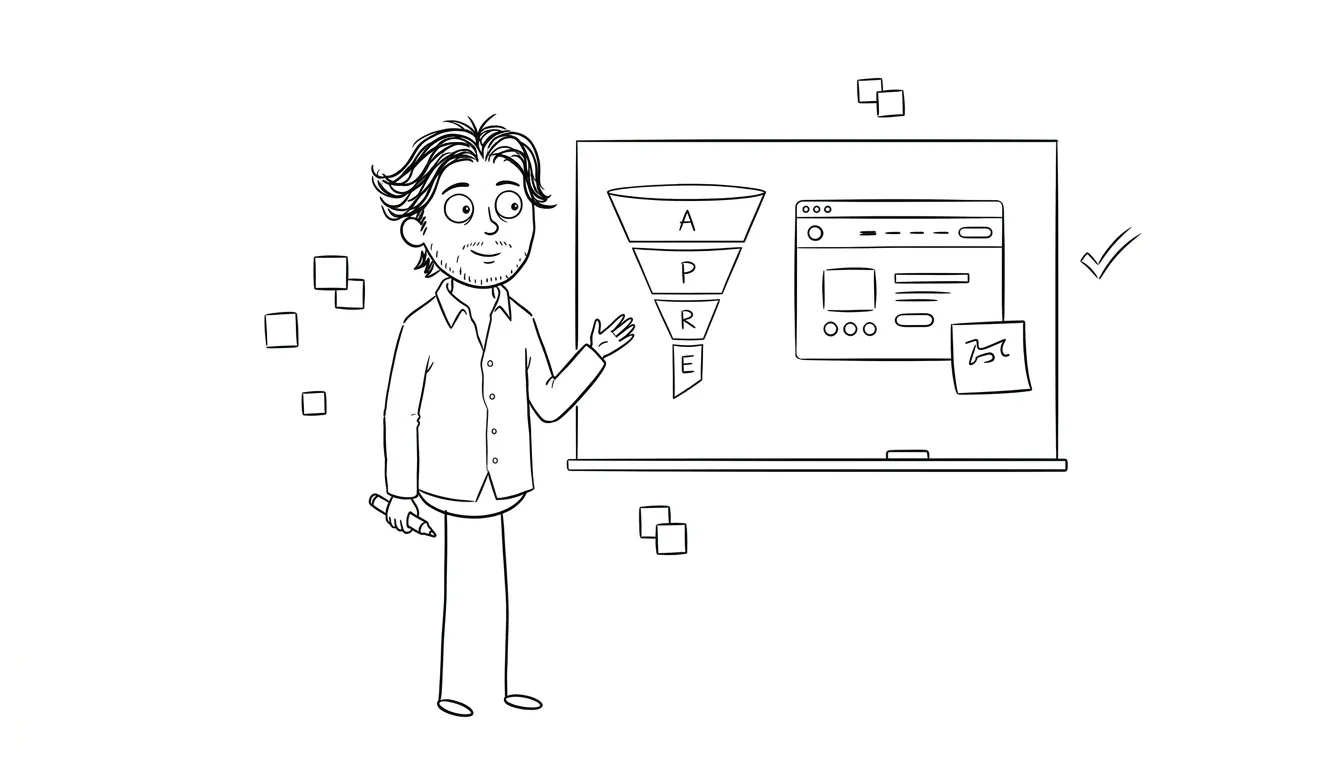
3. Decide whether the problem is site-wide
A full redesign is appropriate when the underlying structure, content model, visual system, technology, or business positioning must change across many pages. It is harder to justify when one conversion path is doing most of the work.
Ask whether the evidence points to:
- One page: The campaign promise, offer, proof, CTA, or form is unclear.
- One journey: Navigation and content across a small set of pages fail to support a specific task.
- One system: The CMS, templates, or integrations prevent required updates.
- The whole site: The architecture and content no longer represent the business.
If a single campaign or service page is the real scope, Dee Agency’s Landing Page Design & Build is a $3,000 implementation path. If the problem is unclear, the $500 Audit + Spec examines one focused lens rather than auditing the entire business. Its fee is credited 100% toward follow-on work booked within 30 days.
The goal is not to make the project smaller at all costs. It is to match the intervention to the evidence.
4. Inventory content and establish a source of truth
A redesign often exposes content problems late because teams treat copy as material that can be poured into finished layouts. Reverse that sequence. Inventory the content before committing to templates.
For every important page, record:
- Current URL and page purpose
- Intended audience and search intent
- Owner and reviewer
- Current offer, price, proof, and CTA
- Whether the page should be kept, revised, merged, redirected, or removed
- Required images, documents, forms, or structured data
- Dependencies on other pages or systems
Mark contradictions explicitly. If different pages use different service names, prices, geographic claims, or process descriptions, choose the canonical version before design begins. A beautiful new template will otherwise reproduce the conflict more consistently.
Also distinguish reusable source content from presentation. A service definition, FAQ answer, or case-study fact should have a trusted source. This makes future updates safer and reduces drift between pages, metadata, schema, and sales materials.
5. Verify proof, claims, and approvals
List every claim that needs evidence or approval. This includes testimonials, client logos, awards, certifications, performance statements, timelines, guarantees, pricing, and regulated or legal language.
For each item, identify:
- The original source
- Permission to publish it
- The person responsible for accuracy
- Any required date or context
- Where the claim may appear
- When it should be reviewed again
Do not fill proof sections with invented examples while waiting for real material. If evidence is unavailable, change the design so it works honestly without it. Empty logo strips and synthetic testimonials are content failures, not placeholders worth polishing.
Pricing deserves the same discipline. A price shown in visible copy should agree with forms, FAQs, metadata, structured data, and any linked booking flow.
6. Map technology and migration constraints
Document the systems the site touches before selecting a new stack. The visible pages may depend on forms, scheduling, email, analytics, CRM fields, consent tools, payment links, search, localization, asset storage, or deployment workflows.
Create a dependency list with:
- System and account owner
- Access method
- Data sent or received
- Required fields and validation
- Failure and fallback behavior
- Privacy or retention considerations requiring qualified review
- Test environment or safe test procedure
- Launch and rollback owner
For a migration, export a crawl or URL list and map every important old URL to its destination. Preserve valuable paths where practical. Where URLs must change, plan direct redirects rather than chains. Google Search Central’s site move guidance explains the search-specific steps, including URL mapping, redirects, canonicals, and sitemap updates.
Technology should serve the approved content and operating model. Choosing a CMS first can force the project around a tool’s assumptions before the requirements are known.
7. Set accessibility and performance requirements
Define quality requirements before components are designed. Accessibility and performance are much harder to recover when they are postponed until launch QA.
At minimum, include requirements for:
- Semantic heading and landmark structure
- Keyboard operation and visible focus
- Labels, instructions, errors, and status messages
- Text alternatives for meaningful images
- Sufficient contrast and readable text
- Reduced-motion behavior where relevant
- Responsive reading and interaction order
- Image sizing and delivery
- Font loading and third-party scripts
- Measurable performance budgets for key templates
Use established references rather than vague promises. The W3C’s Web Content Accessibility Guidelines define accessibility criteria, while web.dev’s Core Web Vitals guidance explains user-centered performance metrics.
A checklist is not a certification or legal opinion. Name who will review the work, which standard or target applies, and how issues will be recorded and resolved.
8. Assign ownership and a decision process
A redesign stalls when many people can comment but nobody owns decisions. Define roles before work starts:
- Business outcome owner
- Content owner
- Design and implementation owner
- Technical/integration owner
- Legal or compliance reviewer when required
- Final approver
- Launch owner
- Post-launch support owner
Specify how feedback will be collected, reconciled, and approved. One consolidated review is easier to act on than disconnected comments from several channels. Set deadlines for decisions that block the next phase.
Also define what happens when reviewers disagree. The primary outcome, evidence, and approved scope should guide the decision—not personal preference or the loudest late comment.
9. Write scope boundaries and acceptance criteria
A redesign scope should identify both what will change and what will not. Include:
- Pages and templates
- Content creation and migration responsibility
- Responsive behavior
- Components and states
- Forms and integrations
- Analytics and consent requirements
- Metadata, canonical URLs, redirects, and sitemap behavior
- Accessibility and performance review
- Browser and device coverage
- Deployment, rollback, and support period
- Explicit exclusions
Then write acceptance criteria for critical flows. A contact form, for example, needs more than a styled default state. Define validation, success, error, duplicate submission, spam handling, notification, data destination, and recovery behavior.
Use the audit prioritization matrix when evidence reveals more work than the initial project can absorb. Prioritization keeps necessary scope decisions visible instead of quietly dropping them or expanding the redesign by accumulation.
10. Prepare launch, rollback, and measurement
Launch readiness should be part of the project definition, not a final-day task. Create a launch plan that covers:
- Content freeze and final approvals
- Backups or reproducible deployment
- DNS and hosting ownership where relevant
- Redirect deployment
- Canonical tags and sitemap generation
- Robots directives
- Forms, integrations, analytics, and consent
- Error monitoring
- Smoke tests for critical pages and actions
- Rollback criteria and authority
- Post-launch review schedule
Measure whether the implementation satisfies the original decision. Review key journeys, content accuracy, crawl behavior, forms, and technical health. Business outcomes may take longer and can be influenced by traffic, offer, seasonality, sales follow-up, and other factors outside the redesign.
What should you have before requesting proposals?
A useful redesign brief does not need finished wireframes. It should give a potential partner enough information to challenge the scope and estimate responsibly.
Prepare:
- A one-paragraph problem statement
- Primary audience and outcome
- Evidence summary
- Current sitemap or page inventory
- Desired page and template scope
- Content ownership and readiness
- Required systems and integrations
- Known migration constraints
- Quality and acceptance requirements
- Decision-makers and approval process
- Target constraints without presenting arbitrary dates as facts
- Budget range or approved investment boundary
Ask proposals to state assumptions, exclusions, dependencies, deliverables, review rounds, and launch responsibility. Comparisons become more meaningful when vendors are responding to the same problem rather than inventing different projects under one label.
Red flags that mean you should pause
Pause the redesign if any of these are true:
- The only rationale is that the site looks dated.
- The current offer or audience is still being redefined.
- Nobody owns final content decisions.
- Proof and claims cannot be verified.
- The project has no URL or redirect inventory.
- Integrations are mentioned but not documented.
- Success means “make it better” without observable criteria.
- A fixed launch date exists without owners, dependencies, or rollback planning.
- Every stakeholder has approval power and no one resolves conflict.
- The evidence points to one page, but the scope assumes a full-site rebuild.
These do not prove a redesign is wrong. They show that diagnosis or project definition should happen first.
Choose the smallest defensible intervention
A ready redesign has a clear reason, reliable source content, known dependencies, named owners, bounded scope, and a launch plan. More importantly, it has evidence that the whole-site intervention matches the problem.
If the decision is still unclear, Dee Agency’s $500 Audit + Spec can examine one focused lens and produce a bounded recommendation and specification. The fee is credited 100% toward follow-on work booked within 30 days. If one conversion page is the actual need, the $3,000 Landing Page Design & Build may be the more direct scope.
Review the full Dee Agency service menu, then share the specific website problem and decision you need to make. Start with the smallest piece of work that the evidence can defend.

Got a project worth shipping? Send the brief.
Quote and kickoff date back in a day, usually faster. If it's not a good fit I'll say so.